
Viewport merging, corner dragging.
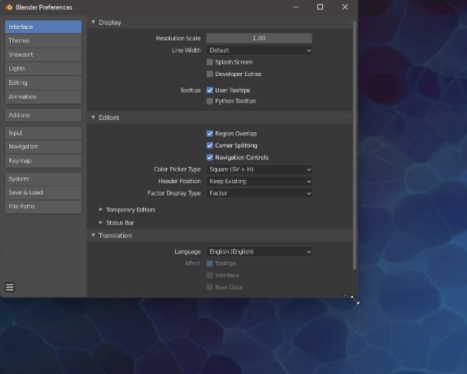
It seems strange that to drag the corners of a viewport the cursor becomes a crosshair rather than the typical double diagonal arrow that you see in windows. The current viewport adjustment crosshair is just a little thicker than the crosshair for editing inside the viewport and for noobs is utterly confusing.
Would you consider changing the corner crosshair to a double diagonal arrow Like the standard ' windows' one?
2 Comments
Double arrows indicate resizing, which is universal across both the Windows and Mac operating systems. Blender’s window split feature is unique and only occurs on the corners of windows, so you technically can’t resize a Blender window by dragging a corner anyway (with floating windows being exempt from this). Using a double-arrow would mislead people into thinking they are just resizing the window.
Well um... The typical arrows indicate that you can resize windows and areas, I don't think it is that confusing to use a different cursor for splitting. Though maybe the crosshair isn't the best either.