
Apply ALL Modifiers
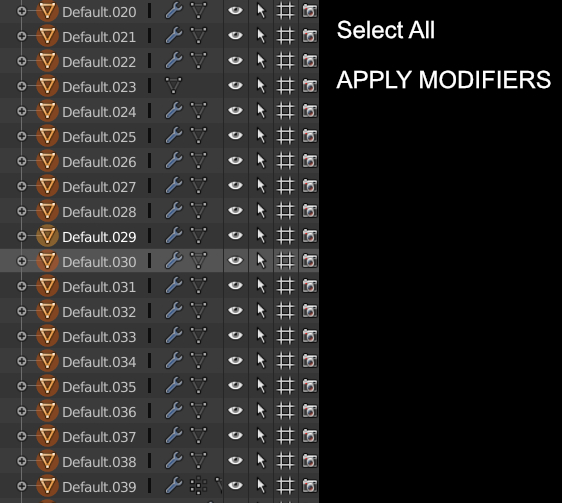
Hi, I was wondering if we can have something simple as . Selecting all the objects with modifiers then applying all the modifiers .
Something like : Select All - > Apply Modifiers -> Done ( you can call it Bake, or Freeze )
If Blender can already do that please point me to that direction . :)
9 Comments
Alt+c -> Mesh from …
@Pawel Piotrowski: In blender 2.8 it's in the W key / convert to...
This window's content should be renamed I think.
@Pawel Piotrowski: Wow, i had no idea that would convert a mesh to a mesh and never would have thought to try it based on the description. This is useful!
This works! My blender version is 2.79.1, upbge
It's possible with the "modifier tools" addon coming with blender (not yet in 2.8). just select all objects you want to apply the modifiers to and click apply all above the modifier stack.
First result on Google, as of 4.0.2 you can: select all objects > right click > convert to > mesh. All object modifiers will be applied.
modifier tools addon! la wiki es vieja pero también está en 2.81 archive.blender.org/wiki/index.php/Extensions:2.6/Py/Scripts/3D_interaction/modifier_tools/
The top voted answer is the way to go. Never knew that workflow before either but it's really good to know!
Though I feel that the functionality could also be integrated into my "multi object selection" proposal, as well. Simply select all and hit apply.