
Node editor, paste nodes at mouse cursor
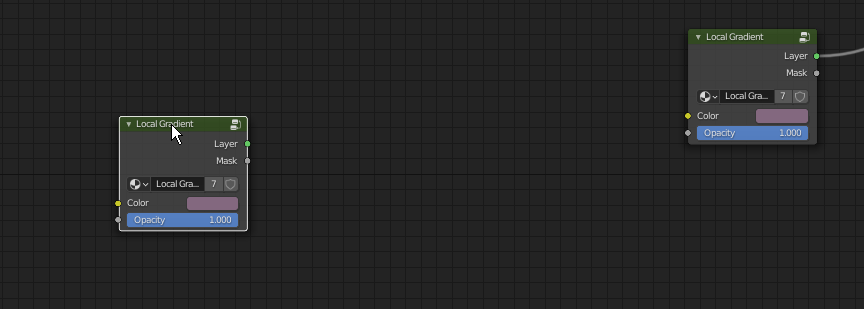
When copy and pasting between different node setups. The pasted node appears at the coordinates it was pasted from. But it'd be much more convenient to have it be pasted where your mouse cursor is sitting. From one node setup to another, it might be offset a lot, or be placed on top of already existing nodes.
Alternatively if having it keep it coordinates is somehow useful to someone, you could lend the way photoshop does it, and press ctrl+shift+v to paste in place
3 Comments
developer.blender.org/D10787 :-))
* @J. Fran Matheu * Sweet!
* @J. Fran Matheu * A saint right here.