
Ability to adjust the range of Value Node
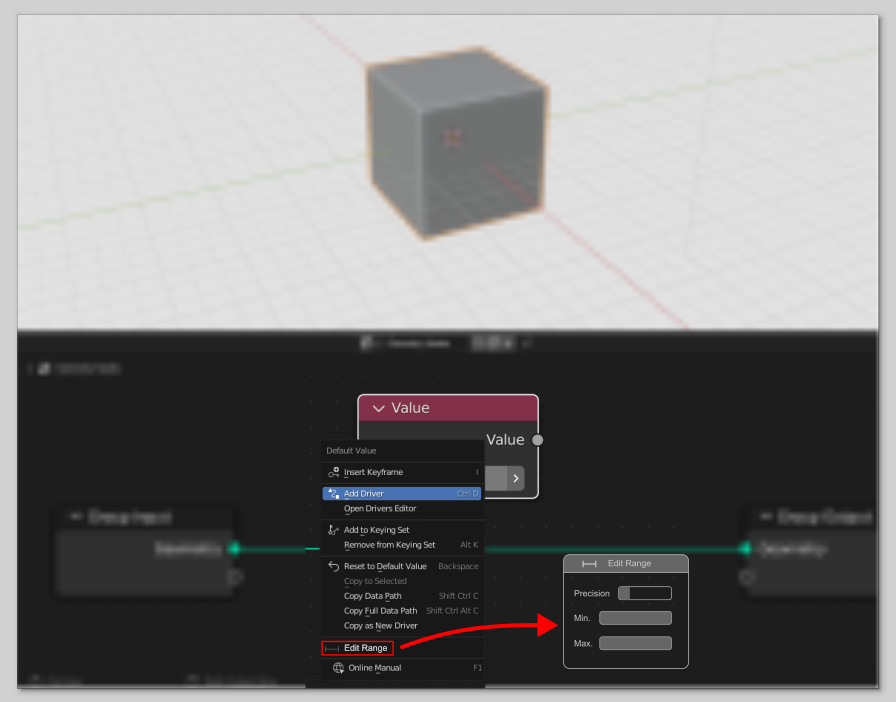
there should be a function to adjust the minimum and maximum range of value slider so we can fine tune our inputs.
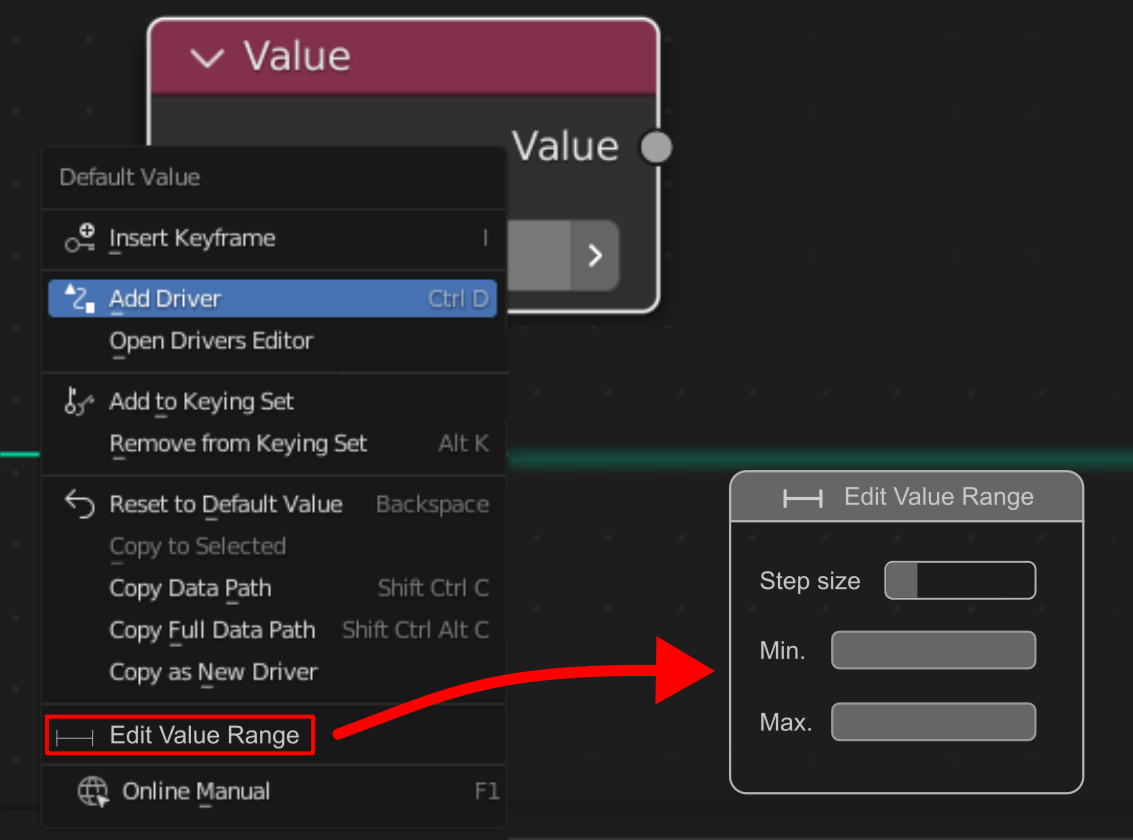
The step size will be like how much the value should increase from moving mouse like if it is set to 1 then values should be like 1 2 3 4 5 etc. if it is 0.1 then values should be 1.1, 1.2, 1.3 and so on.
It will be helpful when we share our nodes to others as currently it is very hard to adjust the value conveniently even after holding Ctrl and Shift key. i use rhino also and here there is a dedicated slider where we can do so.
4 Comments
I could use that rn. would be really nice for testing purposes. But maybe this should be in N panel properties of the node ?
Instead of using a value slider as the input, drag the parameter to the group input. Then you can clamp the range (and, set a default.)
I agree, IMO if you need to tweak the value often enough that you need a slider, then you should connect it to the group input and change the value inside the modifier panel which gives you the range limitation
I disagree, this would be very useful for testing, very often I have to pass the value through a multiply node just so I can test if my setup does what I want in the proper ranges.
Once it does what it's meant to do, then yes, you should put it in the group input.