
Vector/Motion Blur modes - Trails
Hey all!
This is an old idea that hasn't gotten much traction. In NPR, you often want to customize your motion blur. When you're using Blender, the blur is centered on a blur point - it cannot lead or trail, regardless of what the setting says - it looks the same.
So, what I propose is the following: The Vector Blur node and motion blur be able to switch between these modes, but with Vector Blur, retain the tick box to use the curve. The curve allows the blur to still be angled and spun where it needs to, but, the node, in that mode, should focus all the generation samples in the specified direction.
In summary - trail modes - all with curve support.
Currently - this is the achievable behavior with the vector blur node:
- Center (Default behavior at present, regardless of mode)
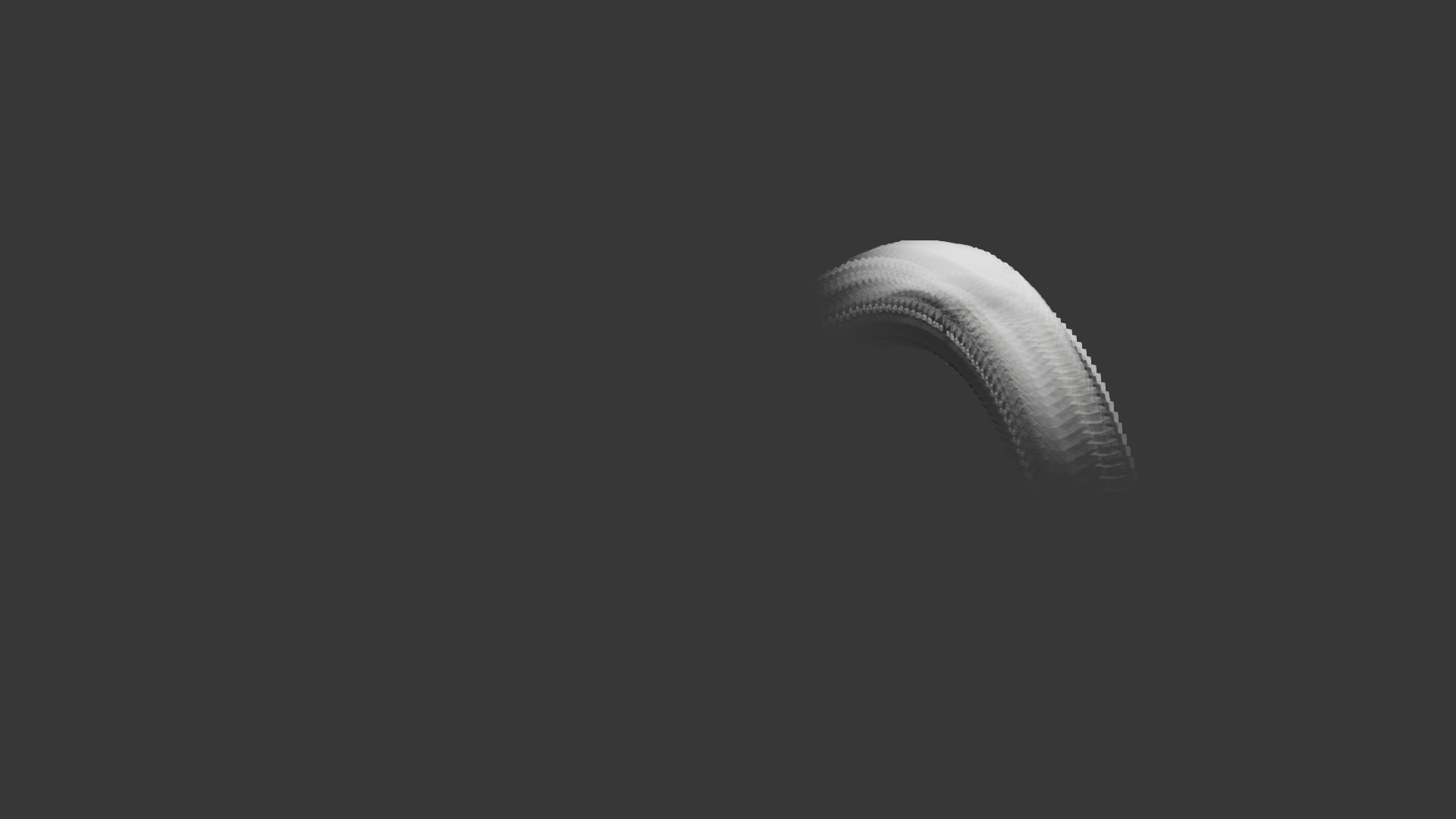
- Trail only (NPR motion technique)
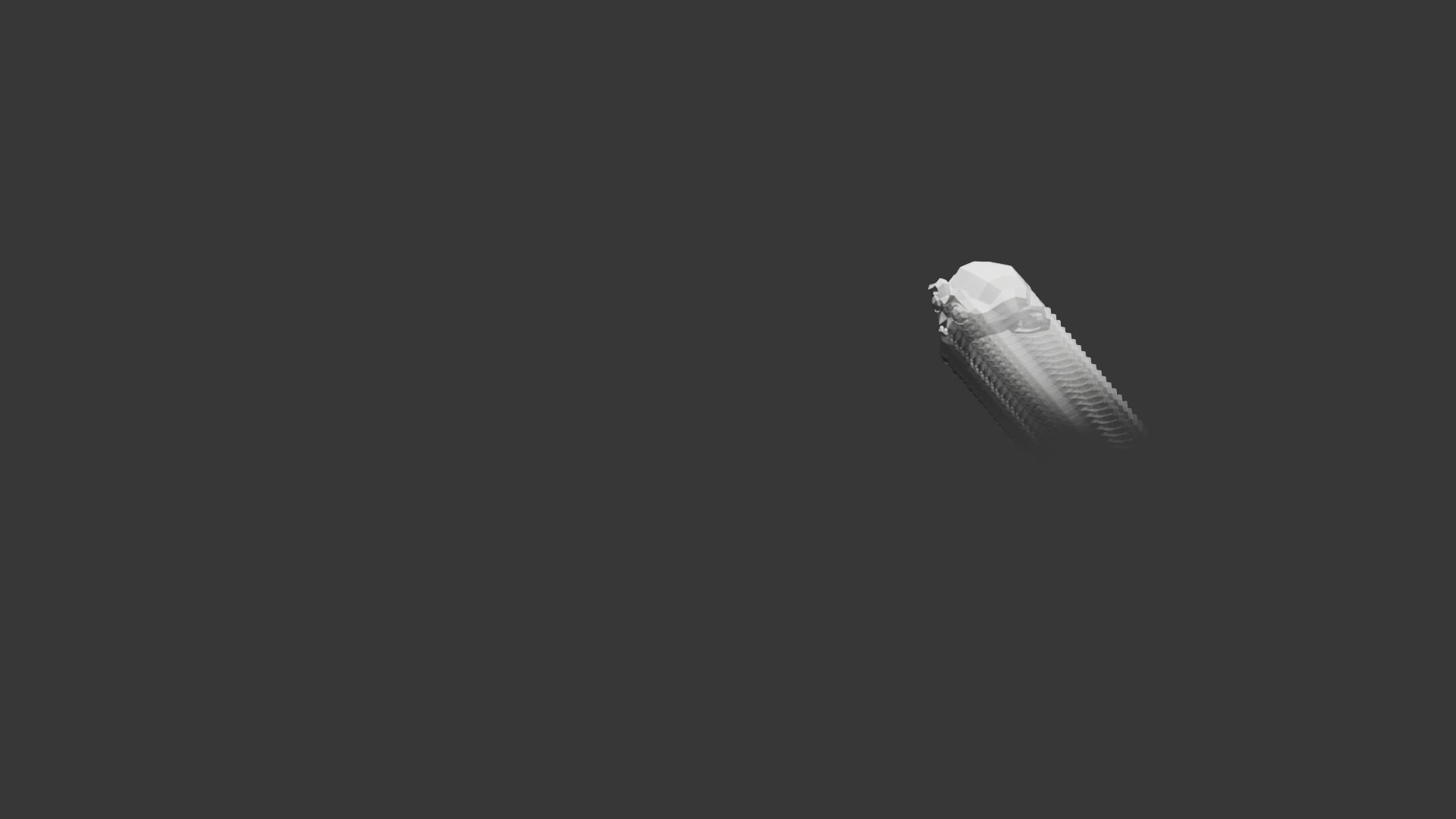
- Lead only (like a time reversal effect)
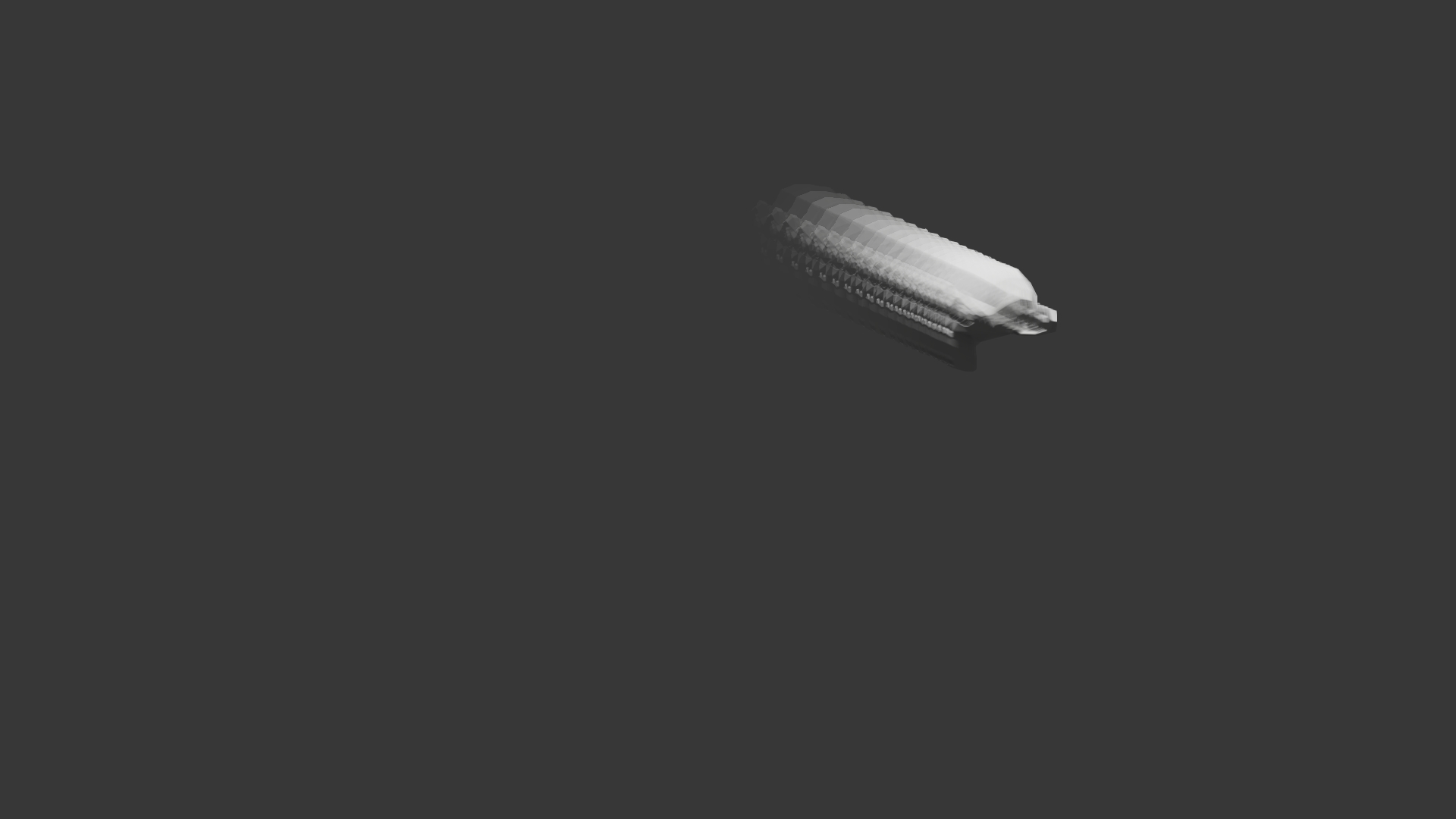
Right now, no curve. The math draws a double back on itself from a 0 input, resulting in only a straight line from point A to point B and back... I think that maybe there may be a mathematical way to reduce it's intensity, but the problem is that because of the way it reads the speed/position, the reduction also changes the aimed coordinates, not just the speed.
Case in point:
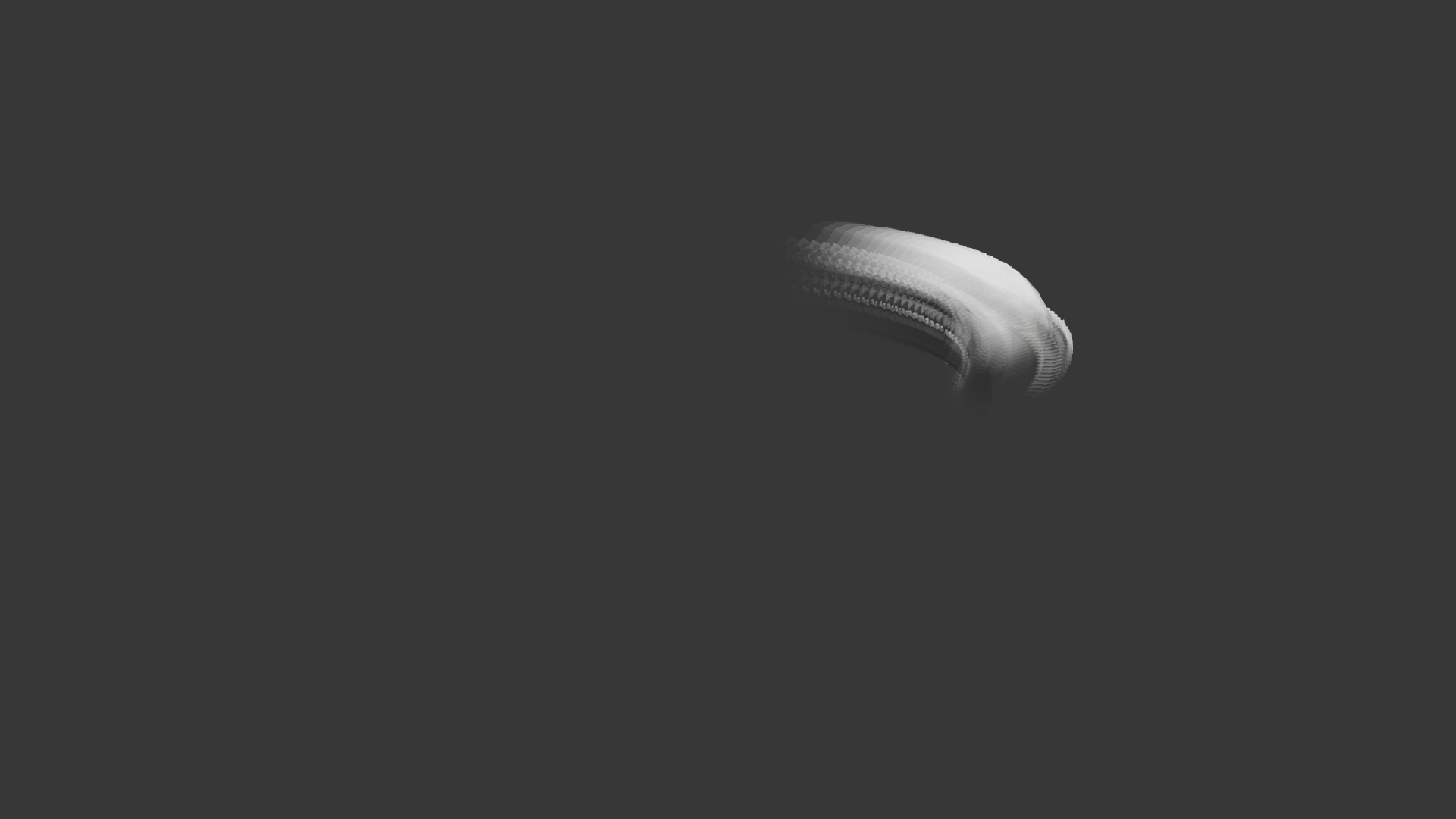
That means that, at least with my limited math skills, this is one that has to be solved under the hood and I can't take it any further.
ChatGPT's advice was useless, hehe. It keps hammering on Vector Math (Separate XYZ). I tried to split the vectors as well and reduce them that way, but we still have Z being taken into account, so the math isn't mathing, hehehe. Again, my math skills aren't up to this, hehe.
0 Comments