
Add reset hotkey to the bevel operator.
When doing a bevel on the mesh and changing the settings next time it remembers them but there is no easy way to do a reset back to the default. The only two ways i found are.
1 . to open the redo panel and right click menu to reset each value one by one( this adds more clicks) -backspace doesn't work in this menu.
- save and reopon the file.
my suggestion is to add another hotkey along side the others when the operator is invoked like 'R' for example to reset it to the default.
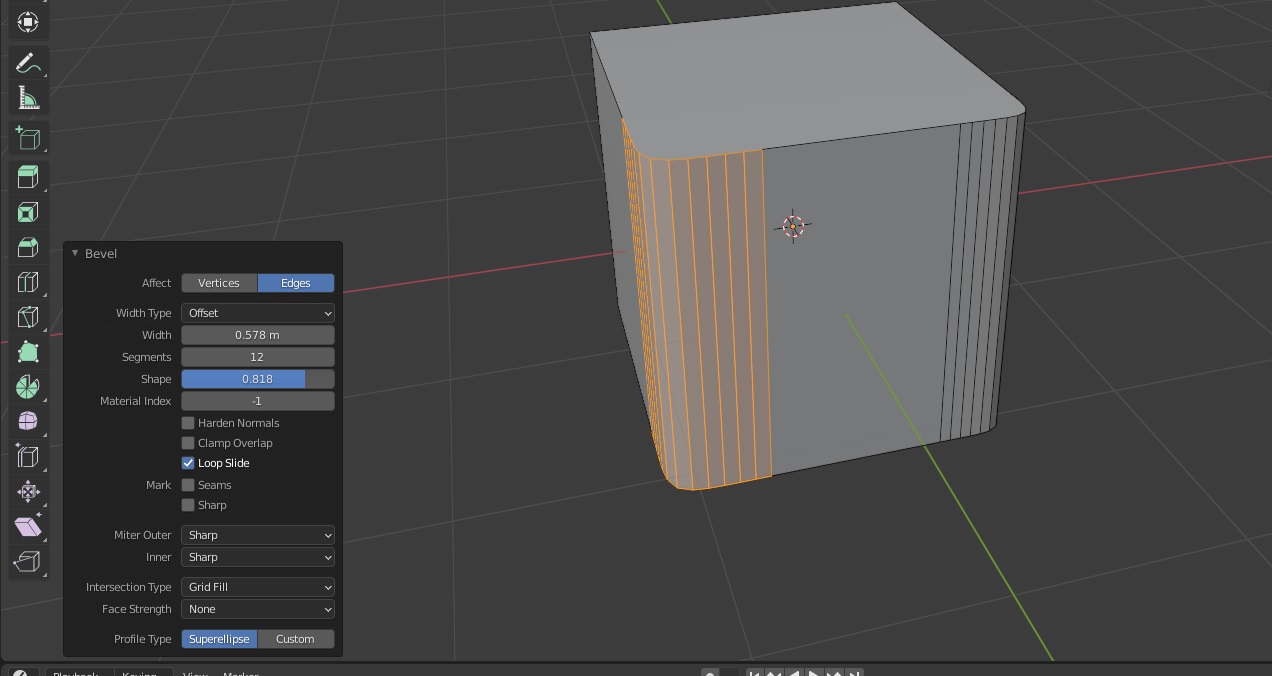
Maybe other tools could use the same hotkey too.
2 Comments
You can predefine values in keymaps so it will use this predefined values each time you start operator by this hotkey.

Some might say you can't use backspace there because it's in the 3d viewport and backspace is already taken. To that I say we need an operator editor that is its own thing that can be placed anywhere in the UI like the other editors and can have its own keyboard shortcuts.