
Bridge Edge Loops as a 'Loft' Modifier
Blender currently has a bridge edge loops setting that can let you bridge between multiple 'sections' at a time and blend their surfaces together to form a continuous shape. This is a destructive process however.
I think it would be really cool to have a modifier that would let you bridge multiple edge loops non-destructively.
This way you could form a mesh from various 'sections' and then edit them after the fact to change the final shape as desired. As well as allow you to tweak settings such as the number of cuts made, the interpolation mode, etc...
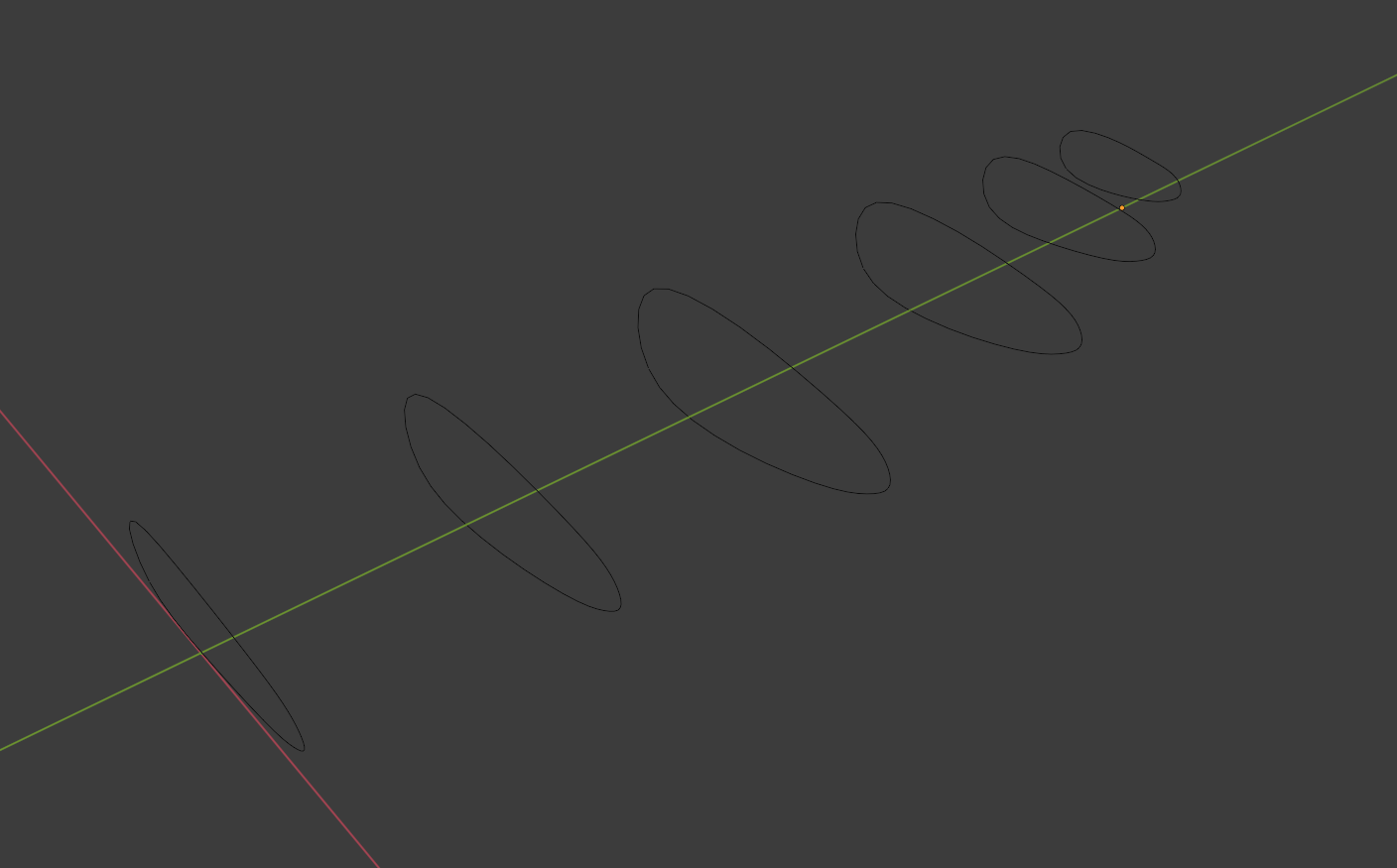
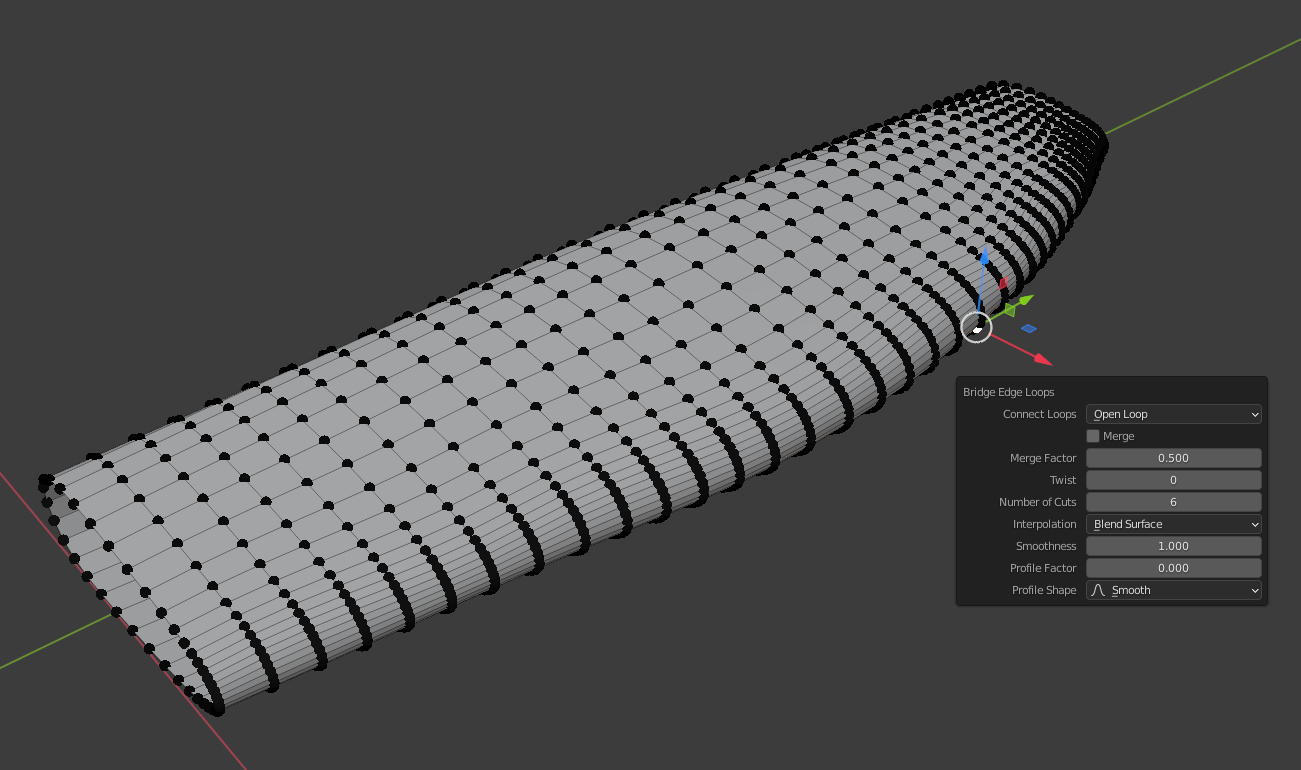
I would propose that the way this is done is by creating an object made up of the sections that will be bridged, which the 'Loft' modifier could be applied to. Please suggest any alternative methods however :)
2 Comments
This is awesome and would be extremely useful! I'm not sure where we sit on modifier updates right now since Blender 3 will fundamentally change how modifiers work (reportedly), but I hope this is considered.
It used to exist, I think. Then during a few months there were much tutorials about the 'B-mesh' add-on, but it is surprising that this function that is commonly found in most 3D softwares seems to be missing in Blender.