
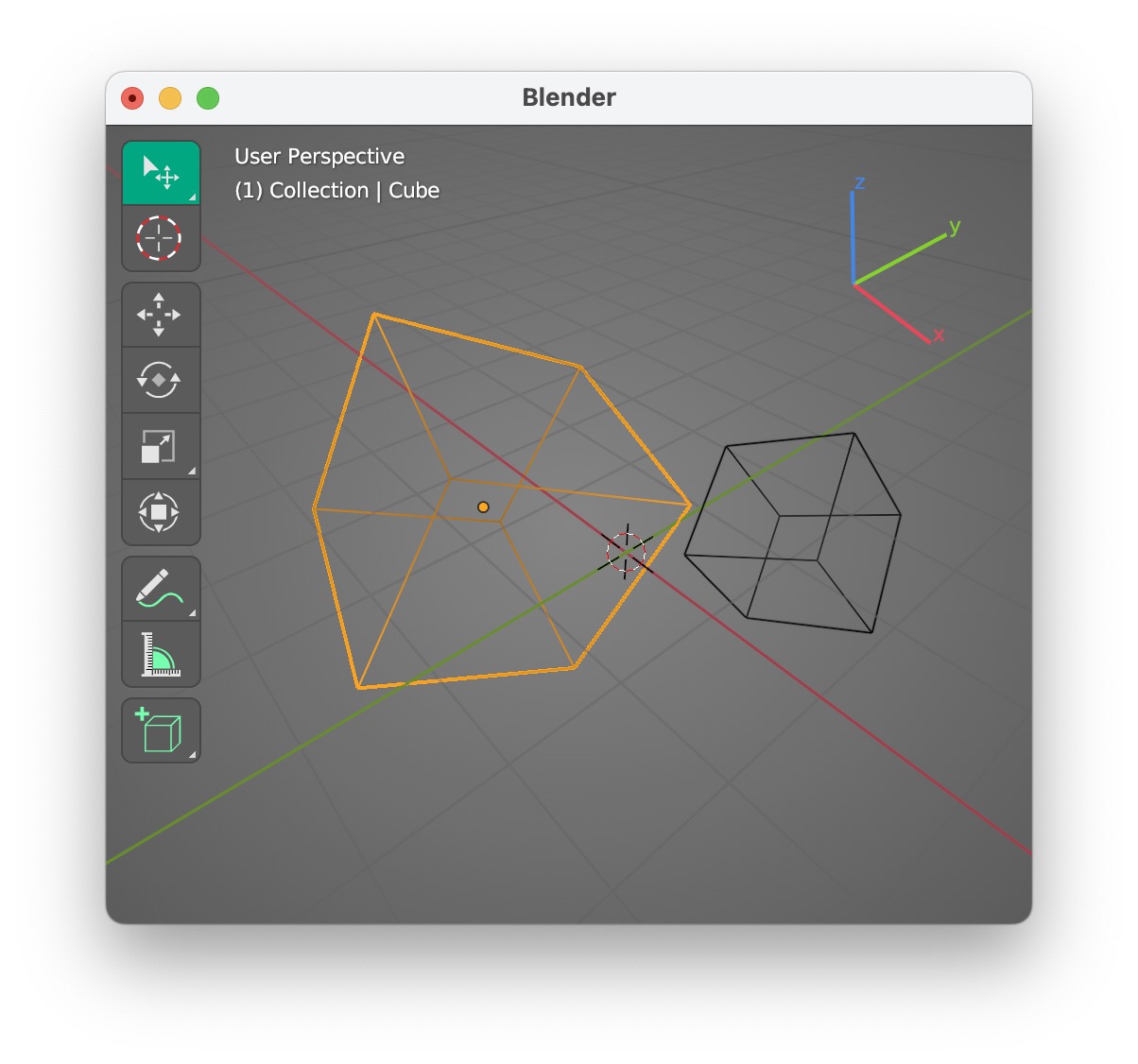
Select tool Gizmo
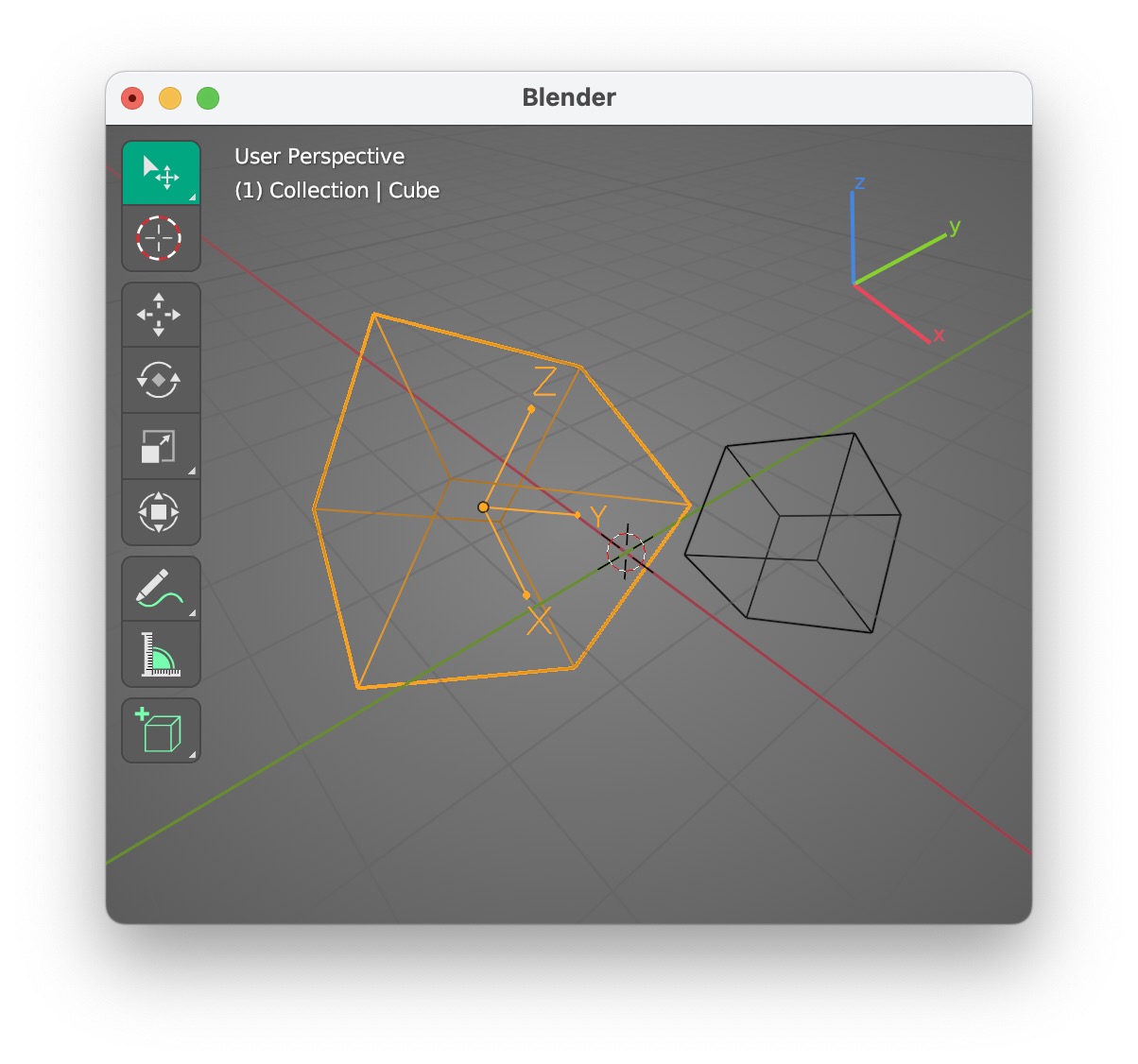
This is especially useful when you perform transform along a specific axis.
The axes are providing visual feedback on your selection local/normal/global axes .
Now the selected object has nothing visual to indicate the axes. there is an option to make local axes visible, but this is done individually on each object, not on the selected object.
Or it can be an option to view axis of selected object in Select Tool
2 Comments
What about overlay gizmos?
You can set them to be always on.
This is an option but not the right one, the fact that the move or rotate gizmo is visible in the selected tool is confusing.
For transformation (move, rotate, scale) I use the G,R,S hotkeys, I rarely interact with the gizmos. It would help to have the local axes visible when I do a transform.
Having an option to make local axes visible for the selected object will help.