
Link‑based texture loading for large node‑group texture libraries
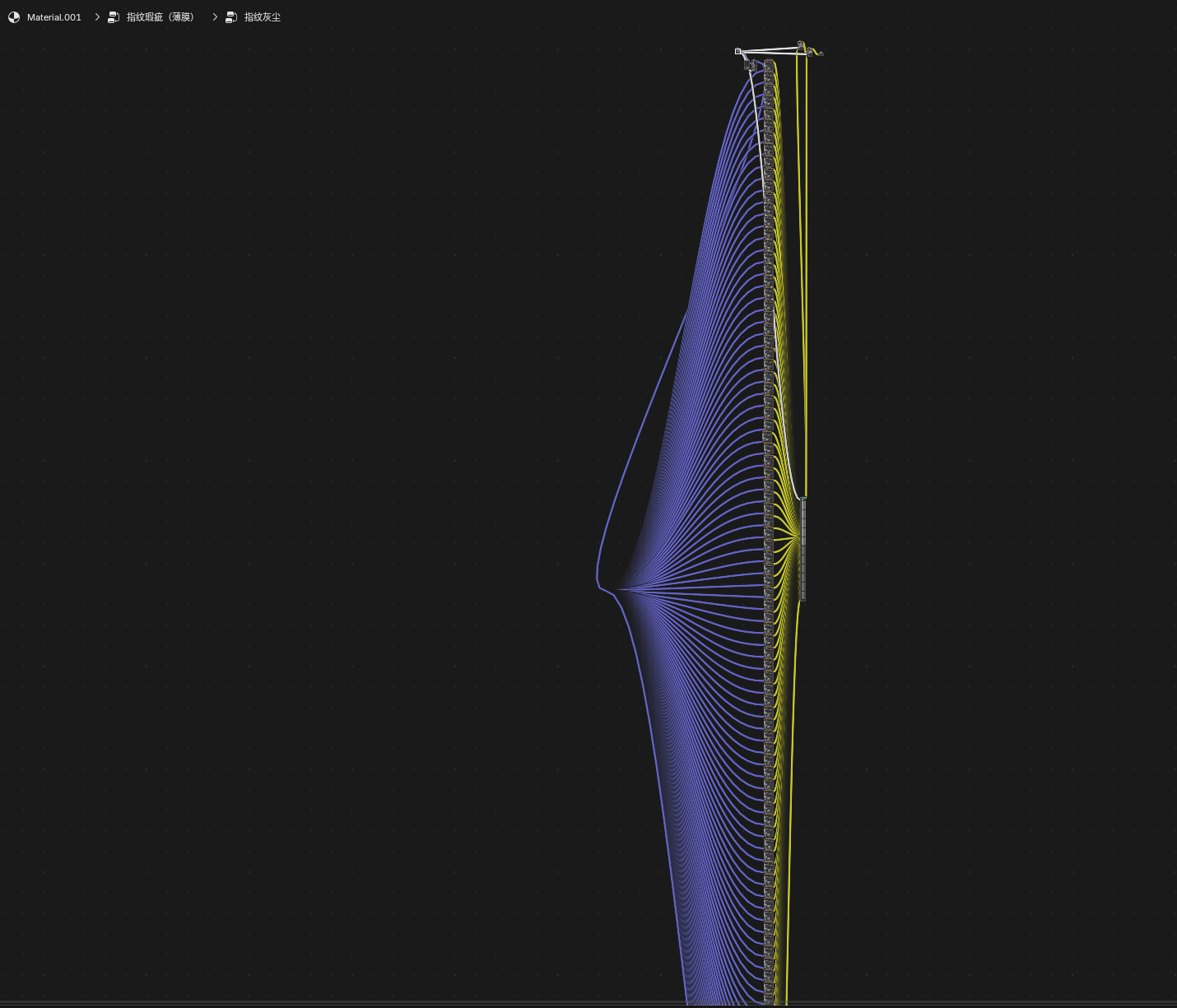
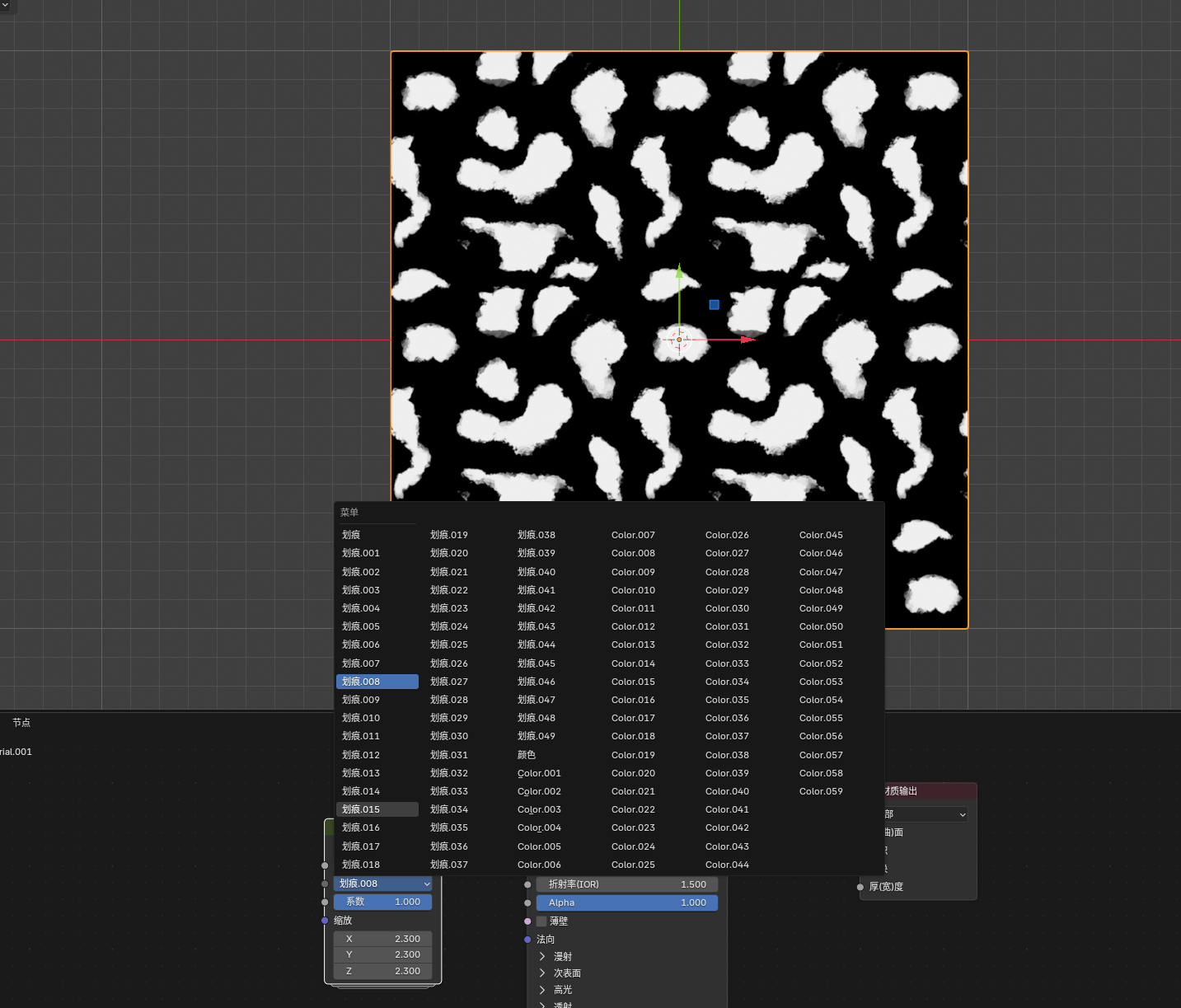
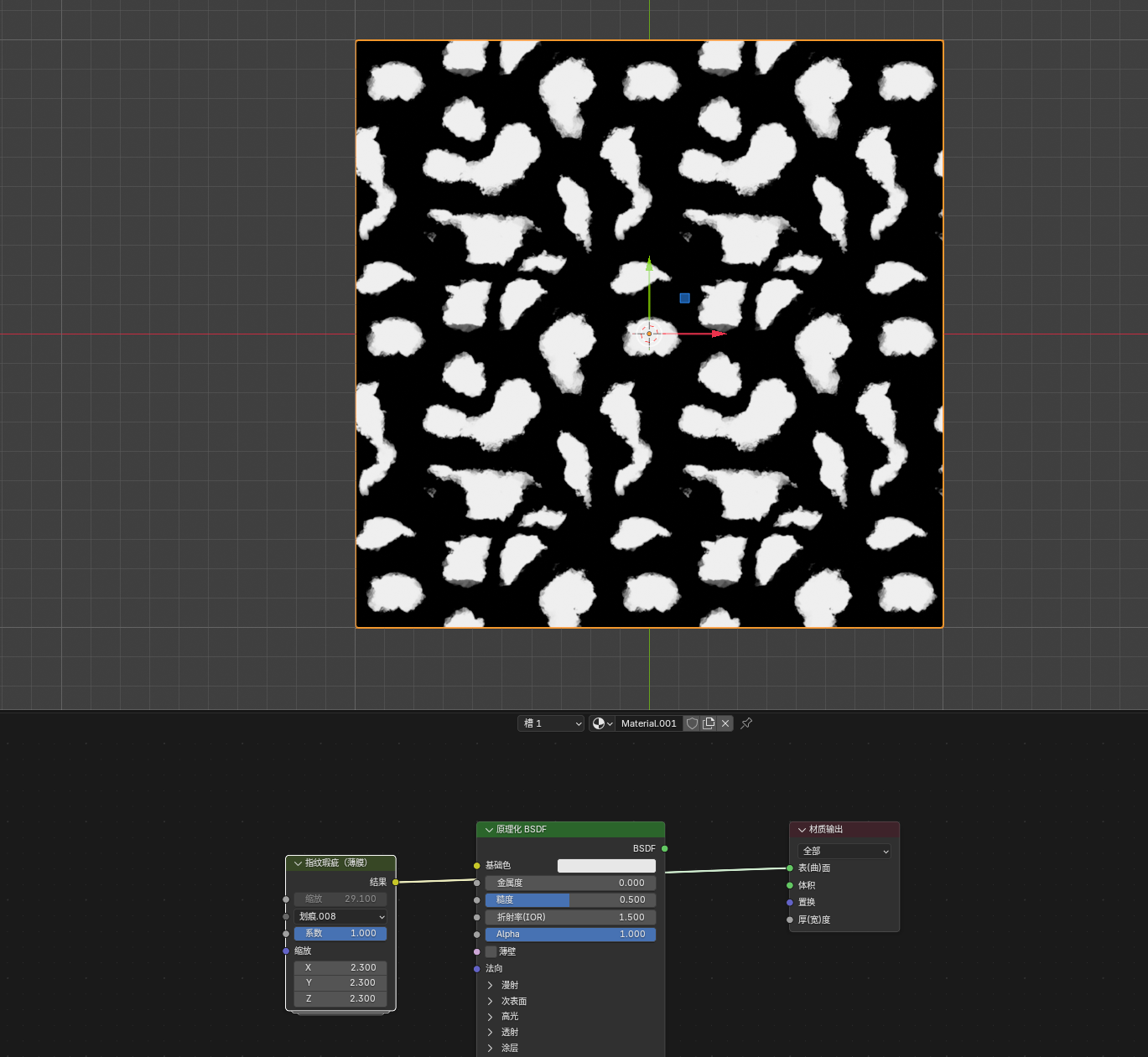
When menu switching was introduced in earlier Blender versions, I created a node group containing 200 scratch‑map textures for easy access. I know this approach looks silly.
The downside is that importing brings in all 200 textures at once, so initialization is slow. Once loaded, everything runs smoothly. I’ve been thinking about better ways to handle this dataset. Theoretically, we could wait for future Blender updates, such as native texture support in the asset library. But I’m wondering if there is a way to use something like append‑style file path linking to trigger resources quickly, instead of importing all 200 textures directly.
1 Comment
If there are too many textures for you. I would suggest that developers add and apply the image socket to you in the shader editor, as well as the Image node, and add image socket support to the Image Texture. sockets allow you to import not only static images, but also animated ones, such as GIF (for textures without an alpha channel) and Animated WebP (for textures with an alpha channel) and even video files. I suggest combining all your textures into a single animated image or video file, and then opening it using the Image output node, then connecting a vector value (for example, coordinates) to the Image Texture node. and connect an integer output socket from the Menu Switch node in integer mode to the input socket "Frames" and the number of menu items from the menu should be created as many as textures with numbers starting from 0 and ending with a total texture count of one less. And then you can process the texture with color processing nodes. This is the way I proposed to simplify the node tree.