
Draw planes with shapes in object mode (fill or wireframe)
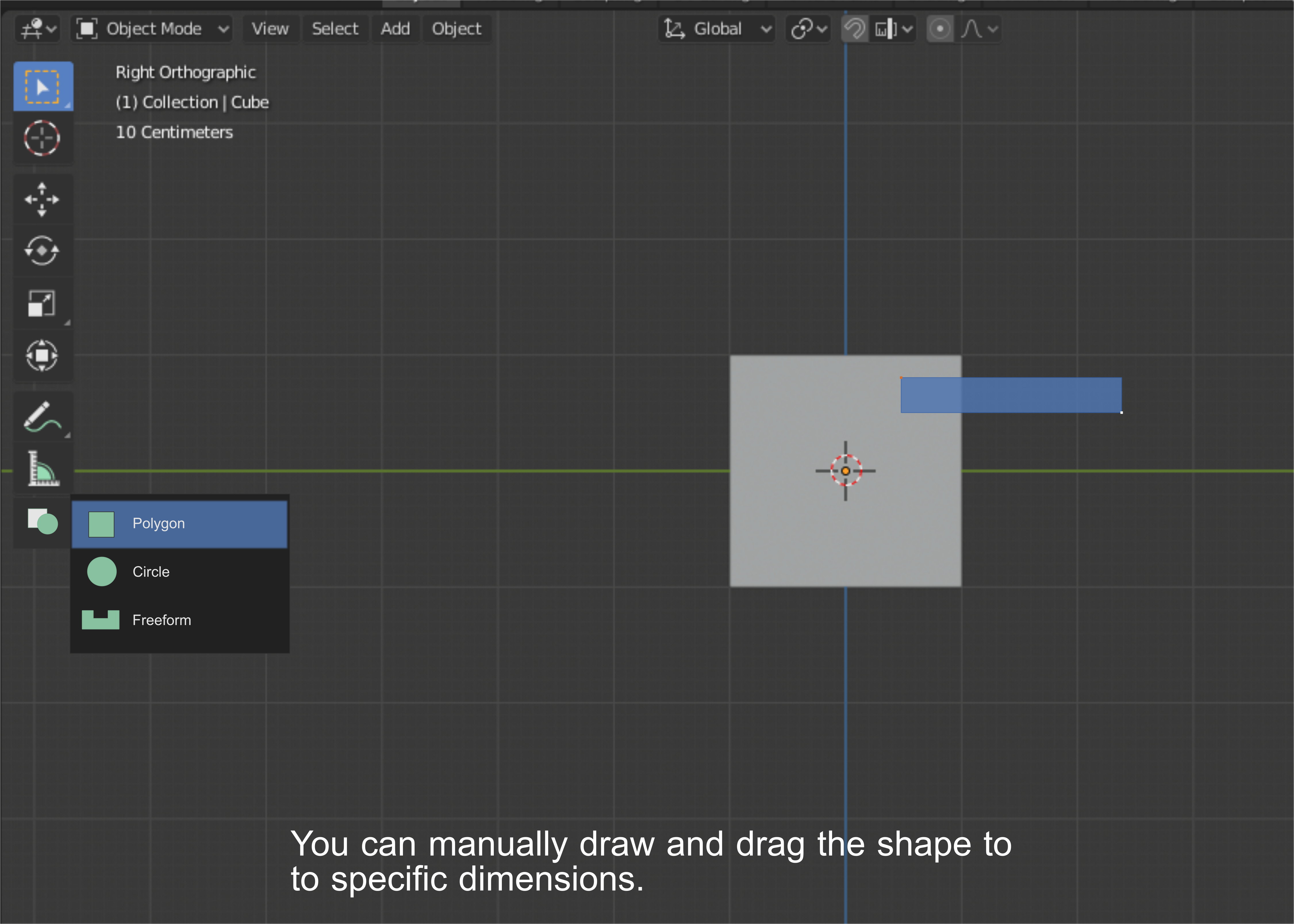
Hello guys I would like to update my proposal for drawing shapes while in object mode. In this new proposal the main focus would be on flat planes.
One good thing about having planes as the default draw type would be for flexibility. Adding thickness to a plane object manually is not a hard task in blender.
- Draw planes tool will be available in the object mode toolbar

2. A hotkey will be assigned to switch between wireframe or fill
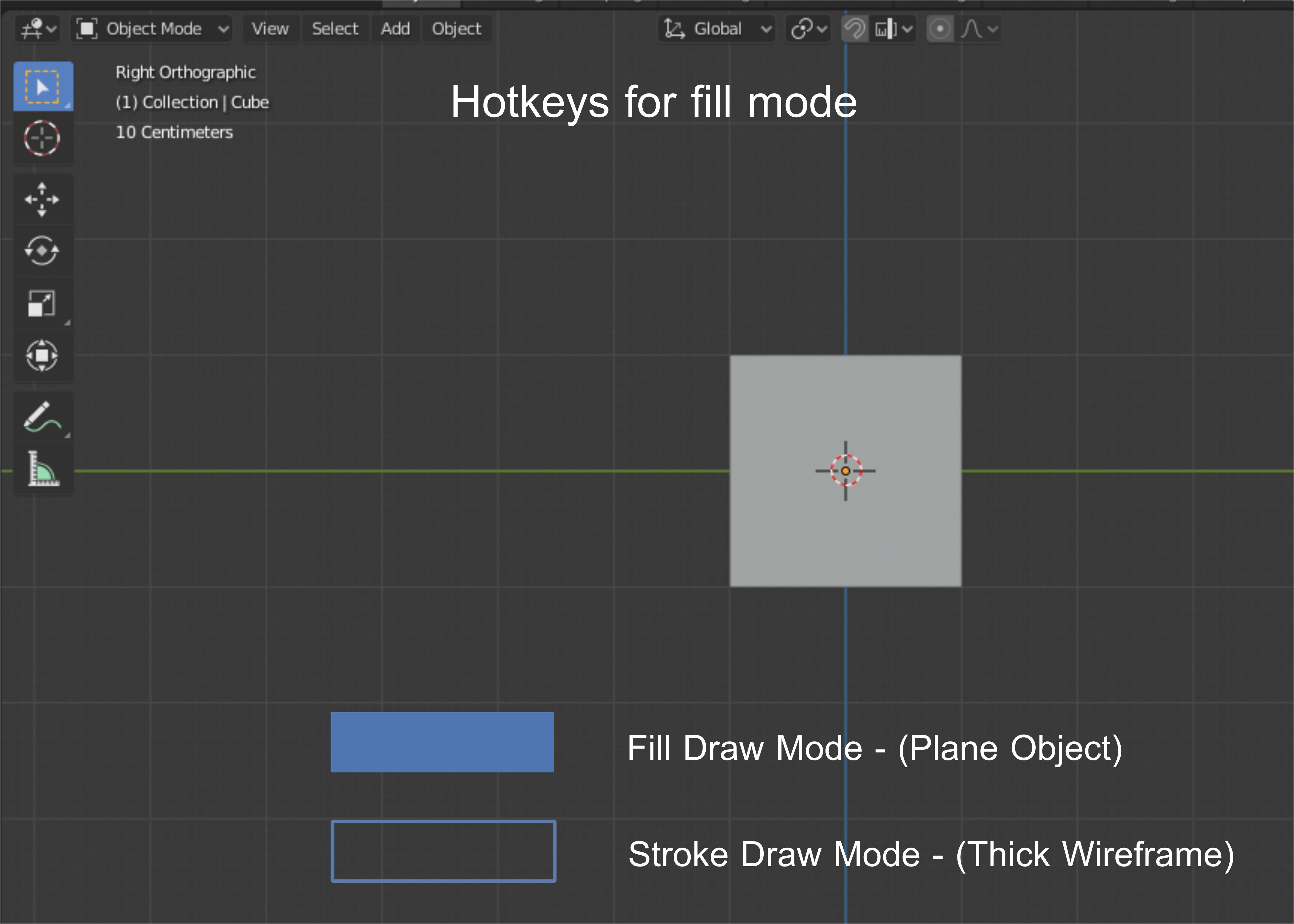
3. The starting mesh cursor can be a small shaped dot or square.
- step 1: use midpoint snapping to snap the draw cursor
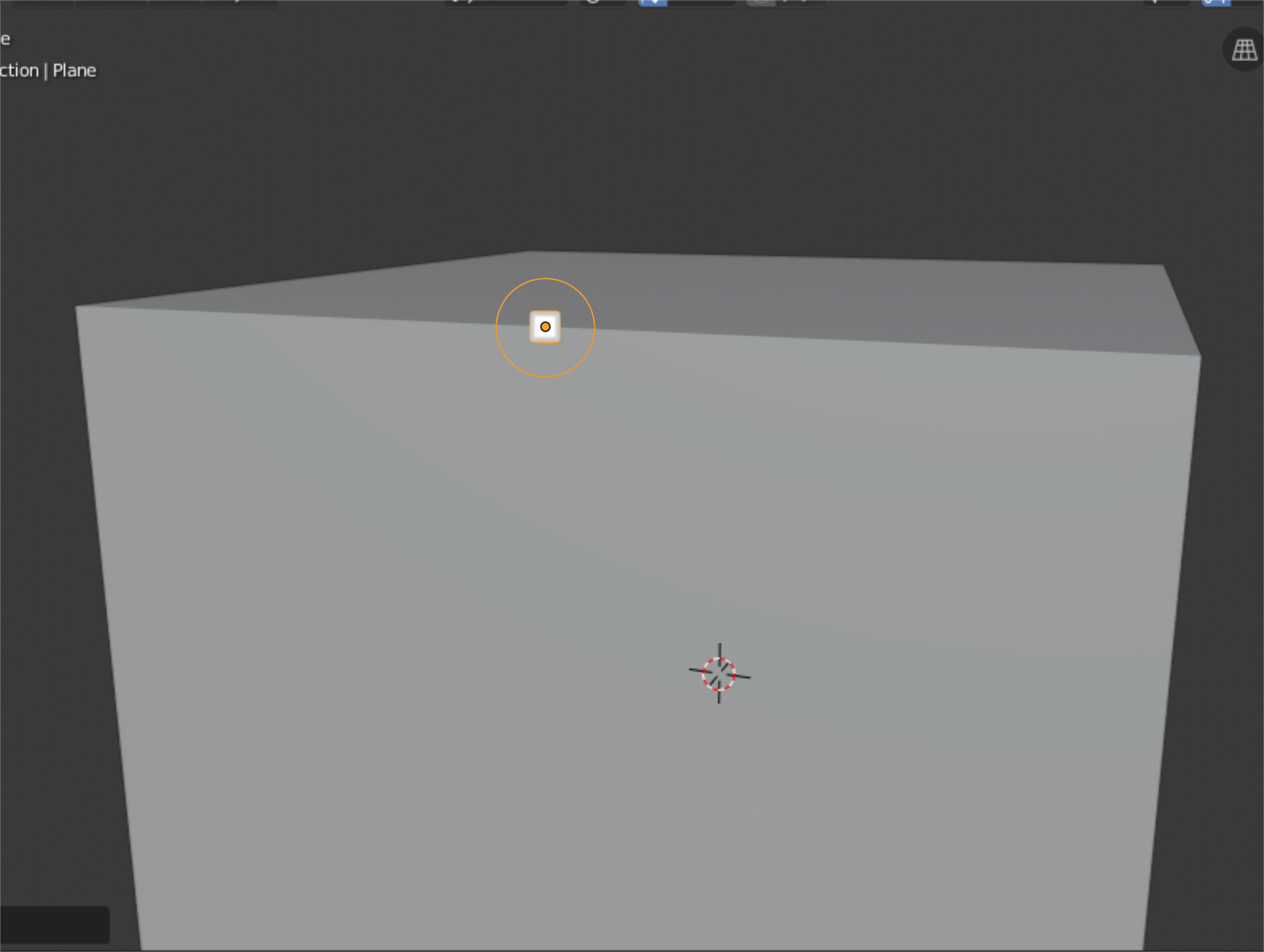
2. step 2: Drag the shape after the cursor snapped to the midpoint
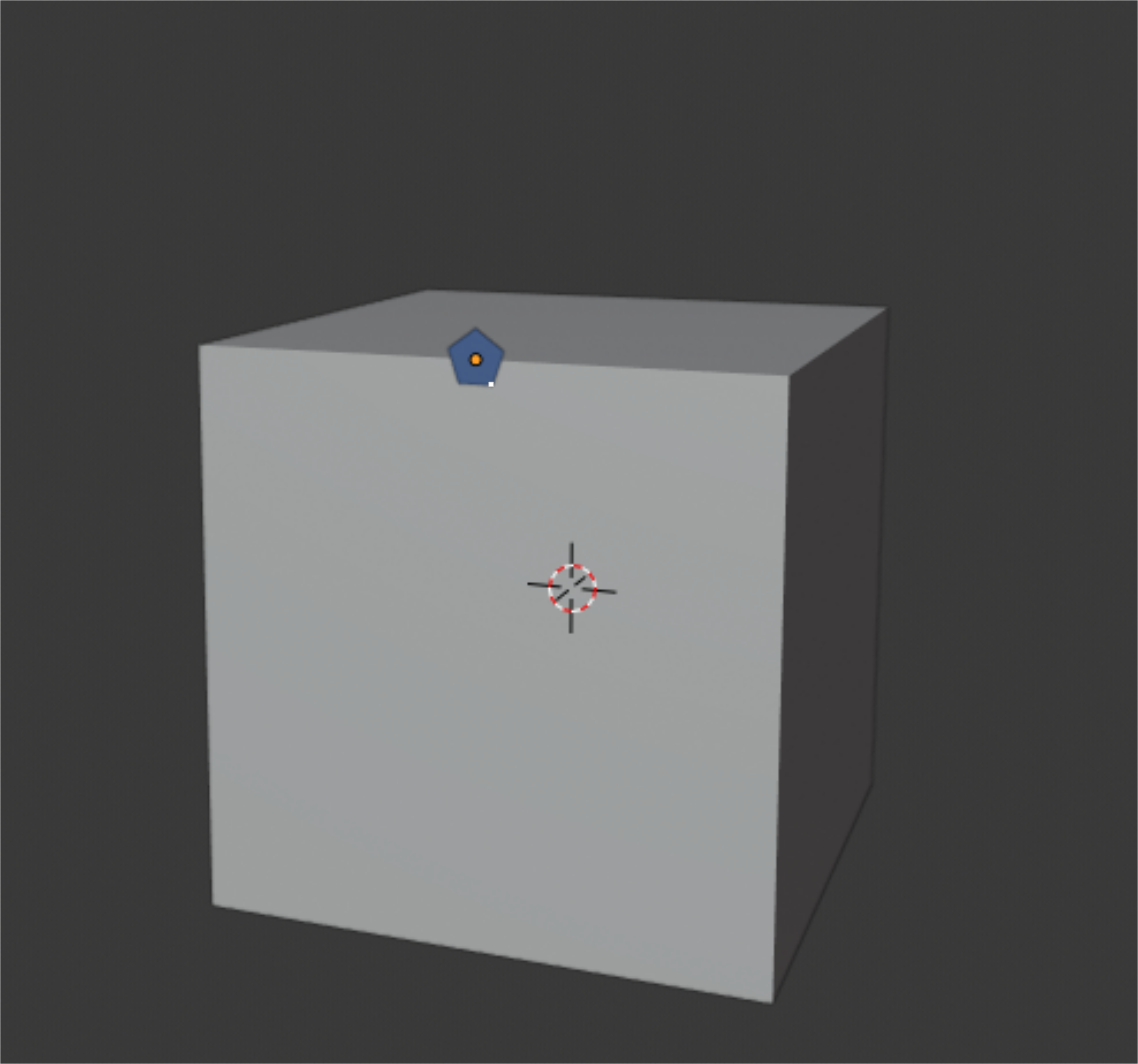
3. step 3: Adjust the shape's dimensions
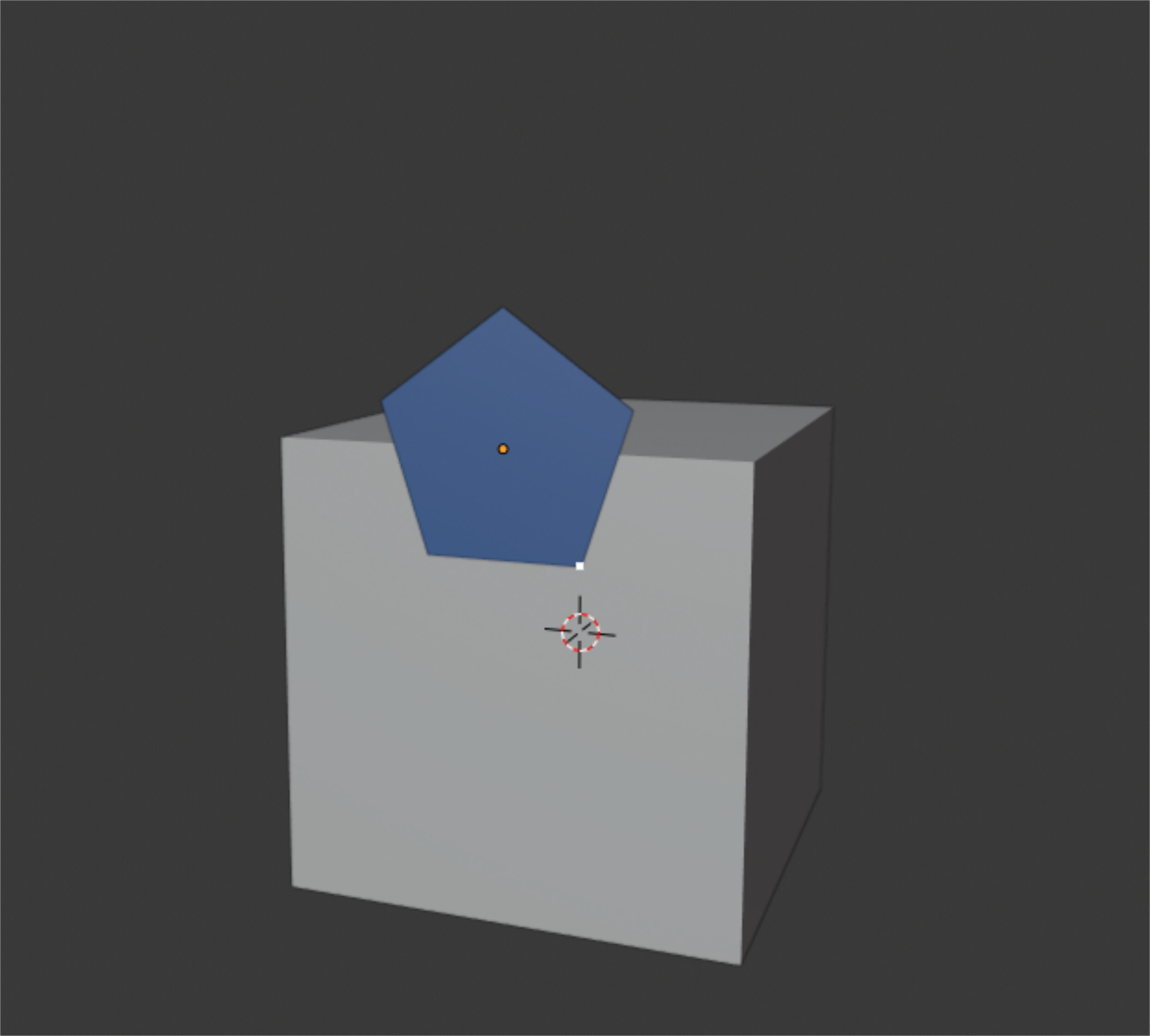
4. step 4: You can manually extrude the plane to create a 3d mesh.

This tool can be useful when using the boolean functions. It would be nice to have features similar to this. Thanks.
2 Comments
This is how pablo dobarro's blueprint tool already works. It's supposed to be merged into master at some point if it's not already. twitter.com/pablodp606/status/1148242297638858752
* @testure * I forgot about it. The only thing in my mind was the voxel remesher. It would also be nice to include a feature where you can draw a circle in the blueprint. The feature is great though.