
"F" key to Fill selection in Circle select
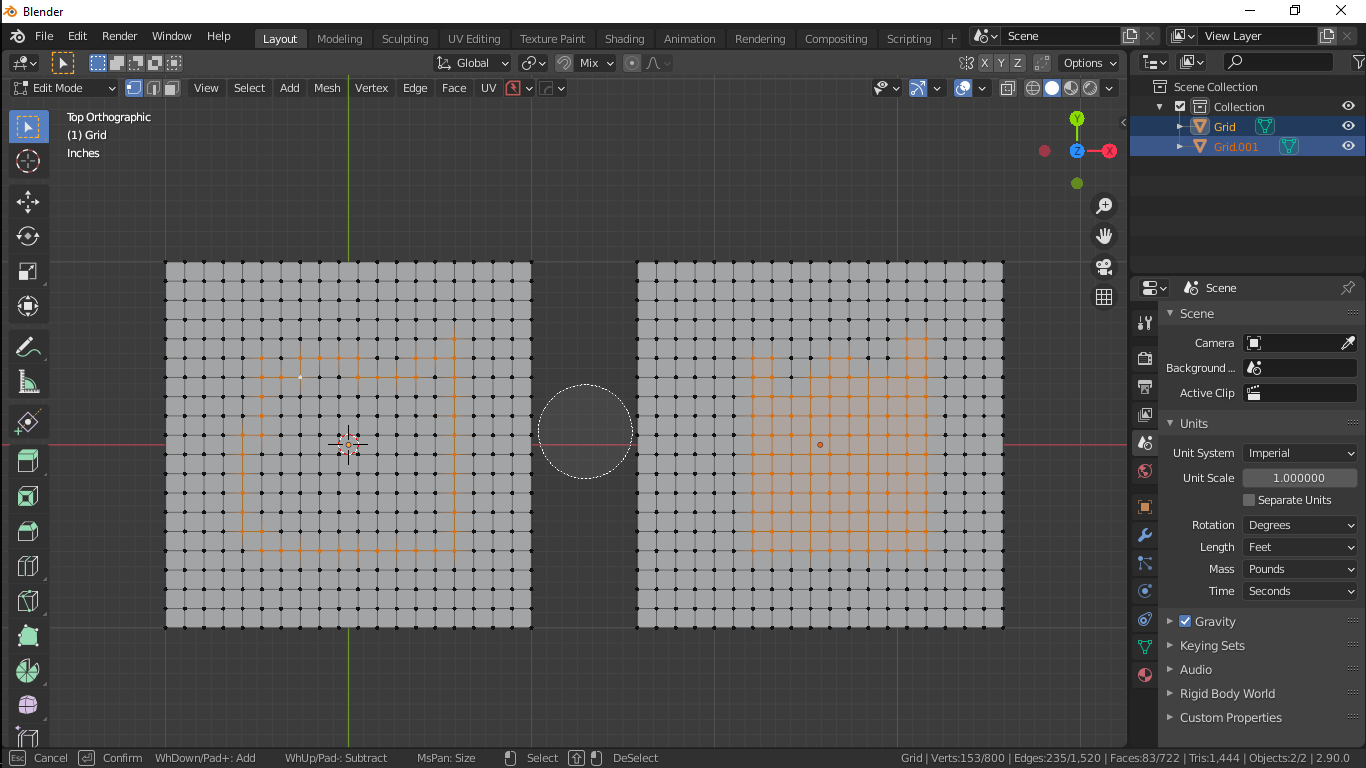
In circle mode, if we paint boundary and press "F" it should fill it with faces like the picture shown. It will be convenient to hold Alt+click to paint the selection rather to first press C and the paint and then right click to exit (All major 3d software has this feature of instant paint selection, why blender is exaggerating Circle-select as a separate tool which is time consuming and also we cant orbit or pan during that tool).
5 Comments
I think it's already in there: Select>Select Loops> Select Loop Inner Region
F is find. Industry standard.
* @andreasng * Not in blender. Industry standard is a myth, what works become the industry standard. Ctrl+A is select all in other program but not in blender,
* @mrajendra2150 * In Maya, Ctrl A just open/close the attribute editor. Select all is bound to Ctrl Shift A and that's so annoying!
But Maya is " a " standard.
Nice!