
Highlight selected object after switching to it with alt-click in Sculpt mode
Currently when switching between objects in Sculpt mode with alt-clicking, there is no indication if the user switch to the object he/she intended to switch to (except the object name). A highlight that would appear around the selected object and then fade out would fix that.
6 Comments
3d coat has good highlights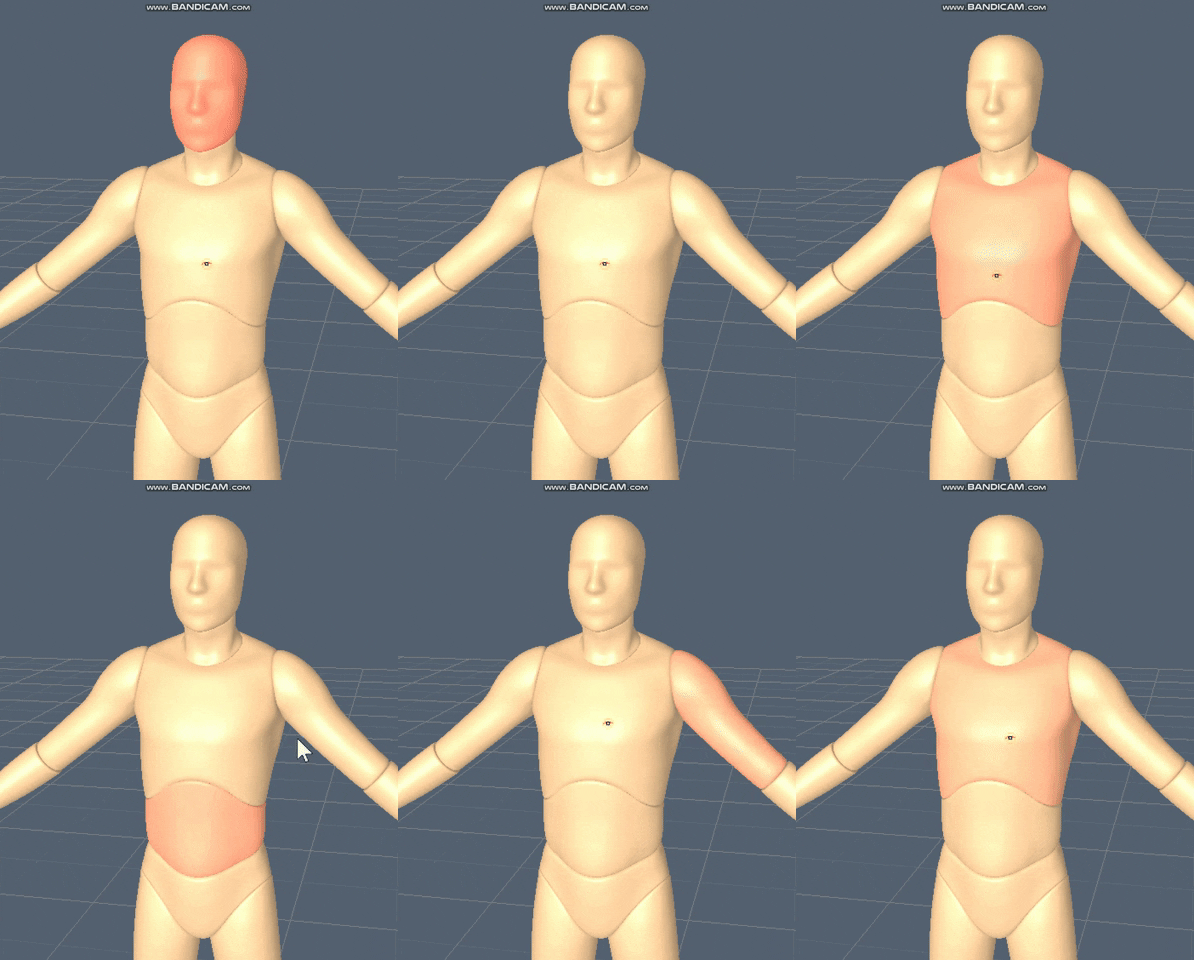
When using the "Transfer Mode" operator with Alt + Q you can immediately switch to other objects and stay int he current mode. This will highlight the new active object briefly. I'm marking this as "Done."
maybe something like this, it is inverted since i am using masking to demonstrate. the selected one should be highlighted...etc i have been doing studies lately & testing Pablo's sculpting branch too, and really needed this feature when working on more complex models as i tend to split them into multiple parts, hopefully he will be hired when he comes to BF and maybe we can get all the sculpting goodies along the way ;)
Hello
What? You can switch objects in sculpt mode by pressing left +alt, why can't I do it now?
nice idea