
Input/Output Node for transferring info between the Geometry and Shader node editors
This is basically to bypass having to use drivers to pass info between the two. Often when I use Geometry Nodes, I have to set up a driver to make some shaders work the way they should.
This would probably mainly be used for math nodes and transform info, but could also open options to bring a shader to the geometry earlier than using the material output (if possible)
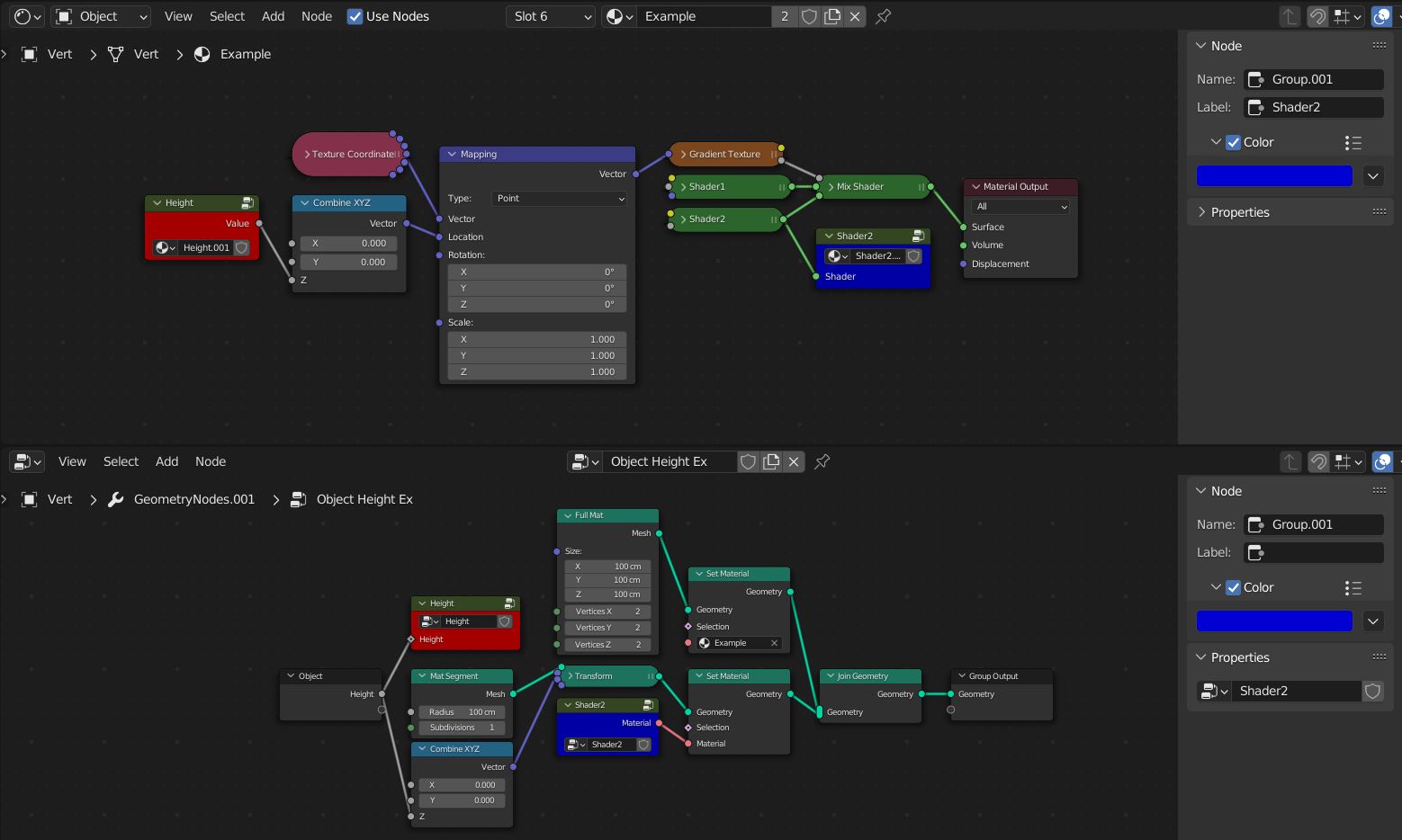
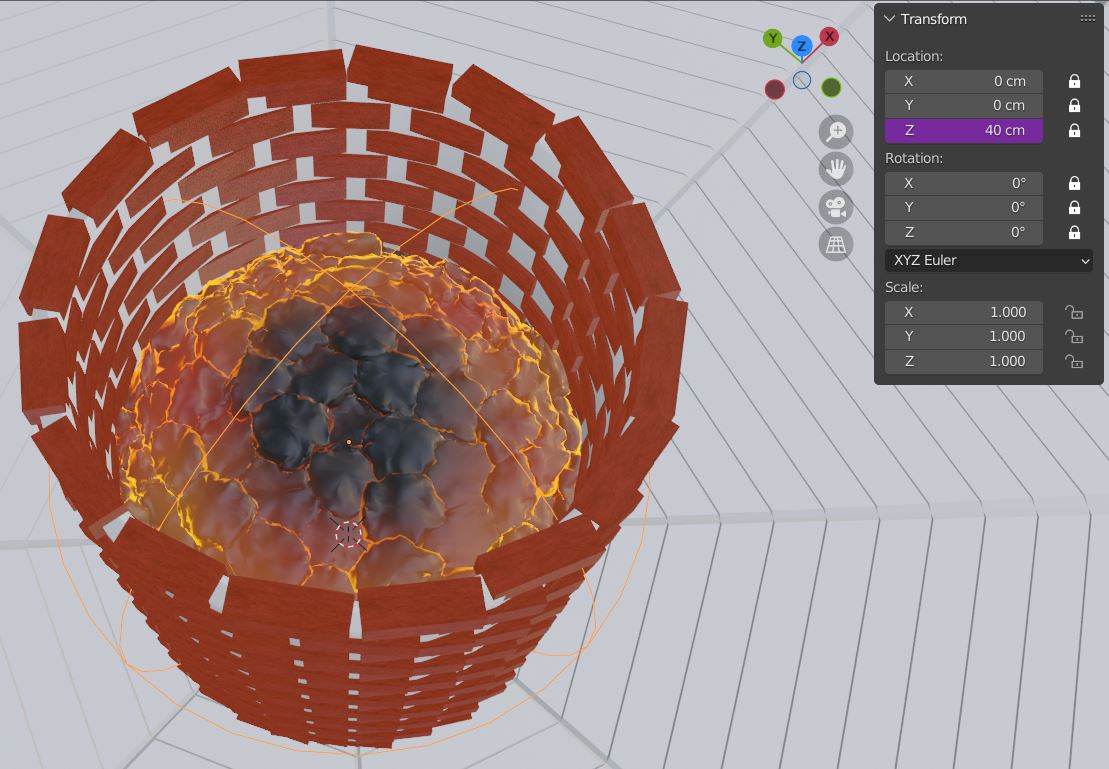
Example: The coals use a gradient which is object height dependent to work properly. I had to use an empty with a driver for an object location output to account for any height changes.
This would be easier if I could just take the coal height from the Geo Node editor and transfer it directly into the Shader editor.
3 Comments
Forgive me if I'm not understanding, but couldn't you use the Capture Attributes node for this very purpose? You could capture the coal height as an attribute and pass it to the Shader Editor using an Attributes node. The Blender Studio tutorial series (Geonodes From Scratch) covers this concept.
You could be right, I tried using attribute nodes to do this originally, but I couldn't figure it out. I probably should've looked deeper into it.
I don´t know if this is the case but remind to create an attribute and choose the right domain (when outputing the data, creating the attribute and using it in the shader) so you can store the data there.