
Add material to more than one object at once
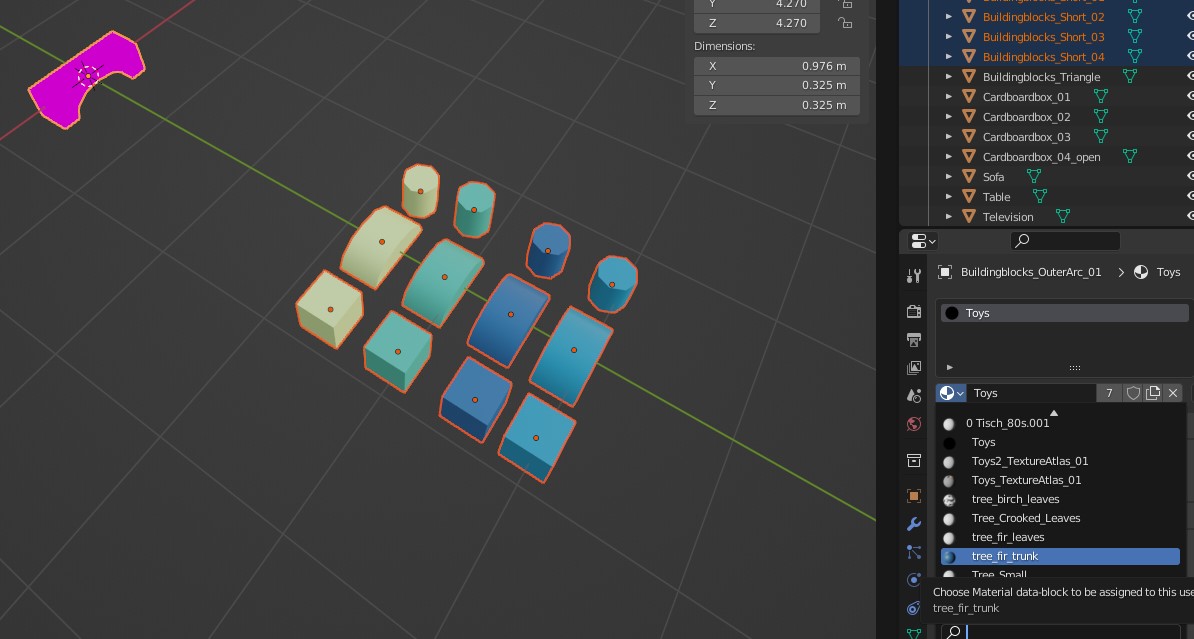
At the moment, even if more objects are selected, only one gets the material assigned. Even in edit mode, all faces selected, it's not possible to give all the selected object this one material at once.
Making it possible to assign one material to more than one object would be a great time saver. Especially to prepare art for games I often need to do bulk adjustments like Apply Transforms.
I searched for this online and found code to make this possible. But for most artists this is not an easy approach.
Thanks for considering.
3 Comments
Ctrl L → Link Materials
Yeah, another user on Reddit pointed this out to me. Thanks. I still feel this option is hidden and a lot Blender users I asked don't know about this.
Show only the objects you want to manipulate the materials of.
Select the 1 object with the desired material to make it "active" state.
[a] key to select all other objects as well and make them "selected" state.
In the list of materials there is a downward pointing chevron button under the +/- buttons.
In that button's menu choose Copy Material To Selected.
Another problem is that these material related commands do not exist in the main menu and several of them cannot be found with search.