
Edit with Synced Views - Video Sequencer
Hey all!
As someone who edits pretty much only with Blender and Audacity, I'm very used to running out of real estate when it comes to editing. In other words, you usually want to sync your audio with your video, but you can easily struggle to have all of your current stuff in the same view.
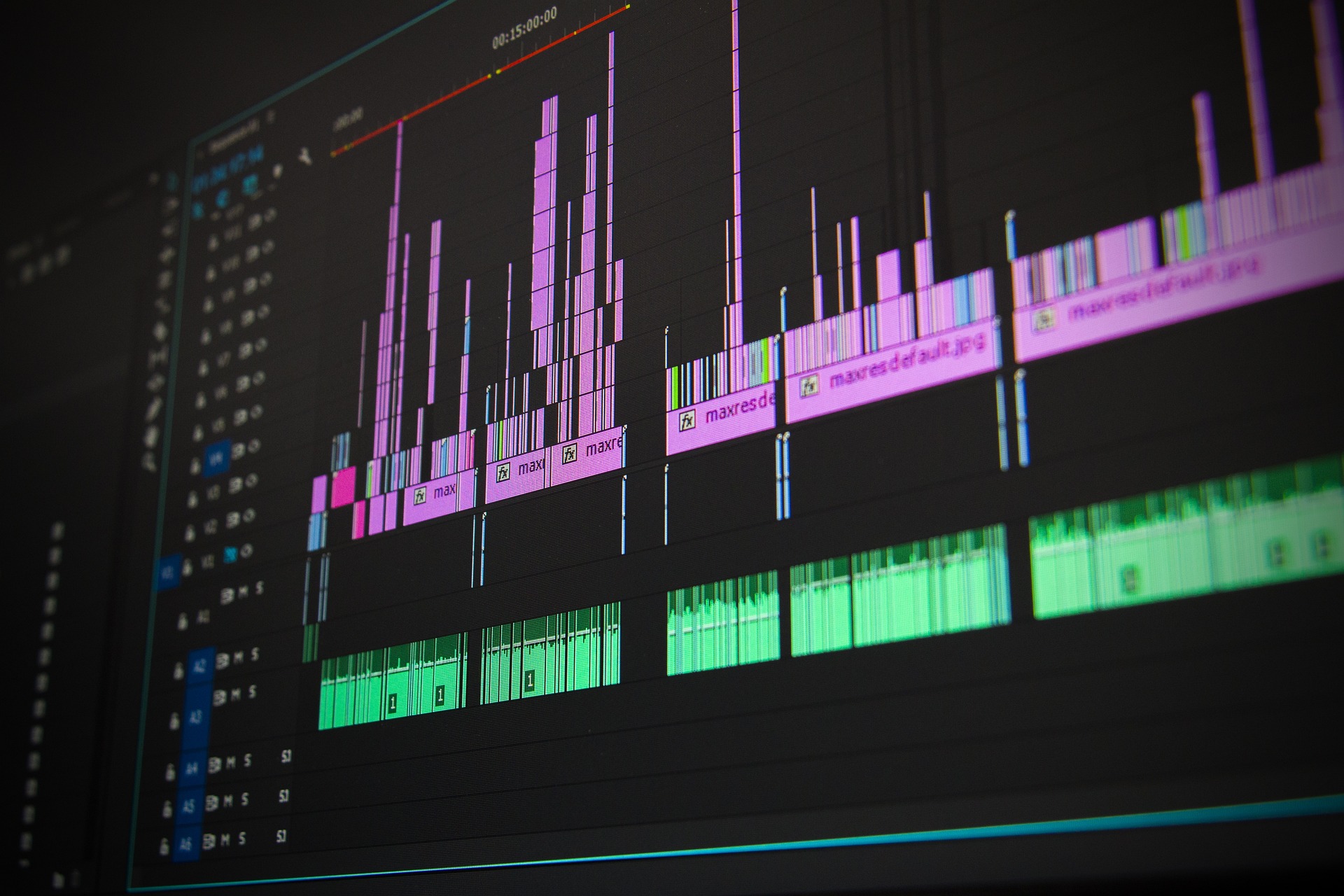 Image by Recklessstudios from Pixabay
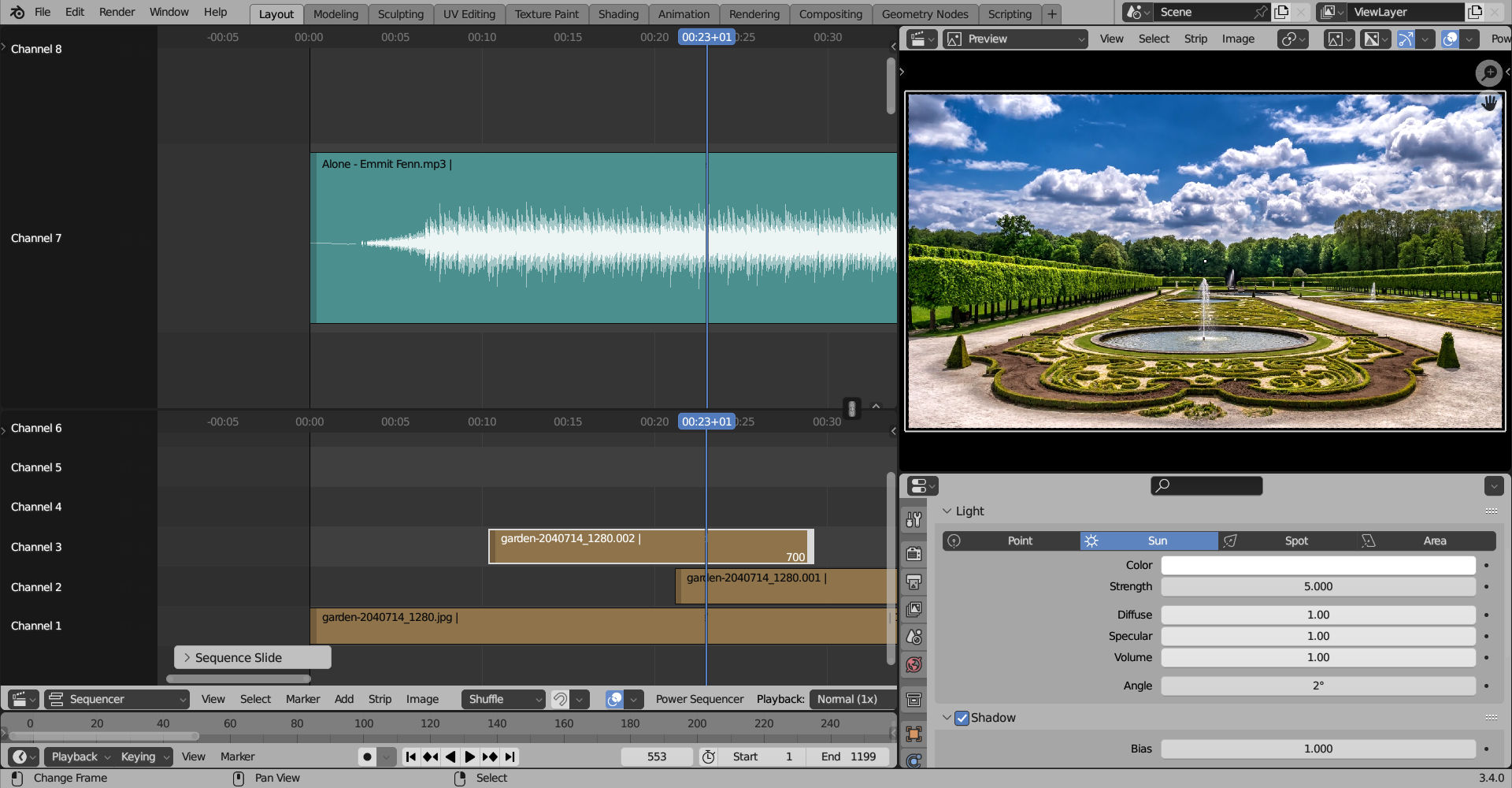
Let me give you an example. I do a lot of videos that are music driven and beat driven. That means you want to get it in-line with beats when appropriate. When you have a ton of tracks between your current strip and the audio strips, it's a nightmare to sync. It'd be sooo cool, if the VSE could split-view, but stay synced ito the timeline - like in Excel or Calc.
This could be very useful for post production syncing as well. Whenever you have the camera audio as well as a dedicated mic setup, you need that clapper found and fast - this will allow you sync and stack your strips and still see your audio as you start spreading things out!
I suggest:
- that this only be synced with vertical splits connected with maybe a lock icon over the split at the far right.
- Top one getting priority - meaning if you click it to sync, the bottom one should pop to the top one's view.
- Vertical zoom/scale should be independent, as you may want to scale up your audio vertically, but keep the visual strips rather flat for transitions and such.
It'll make editing much more powerful and fast when syncing is important!
Some Concerns:
- This is VSE only - does not add anything to other editors like 3D view, dope sheet, timeline or anything else.
- It is purely for strips only views that are stacked vertically.
- Should be off by default, so that Blender's natural behavior is the same as before, because, let's be honest, this is for editing projects with multiple layered shots with a strong emphasis on sync.
- Does not replace markers, which are an essential in editing this kind of content.
If you use Blender for editing such layered projects - please share your experience in the comments! Has this ever come up for you? Would this make your editing experience better or worse?
0 Comments