
surrounding editors move out of the way when resizing another.
Create two timeline editors at the bottom of your screen.
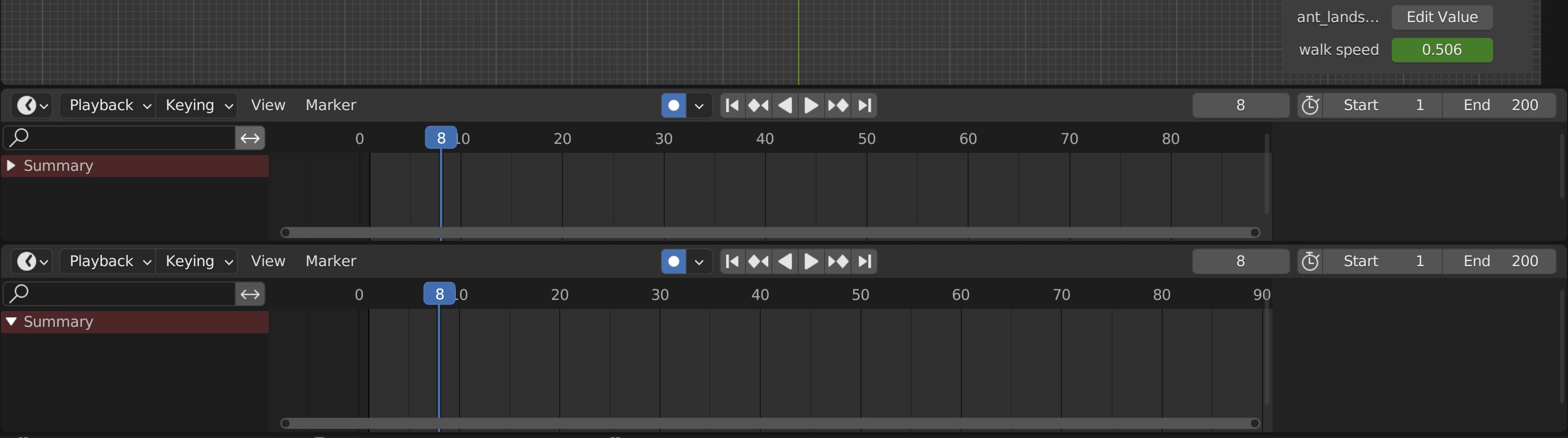
now resize the bottom one by dragging it up:
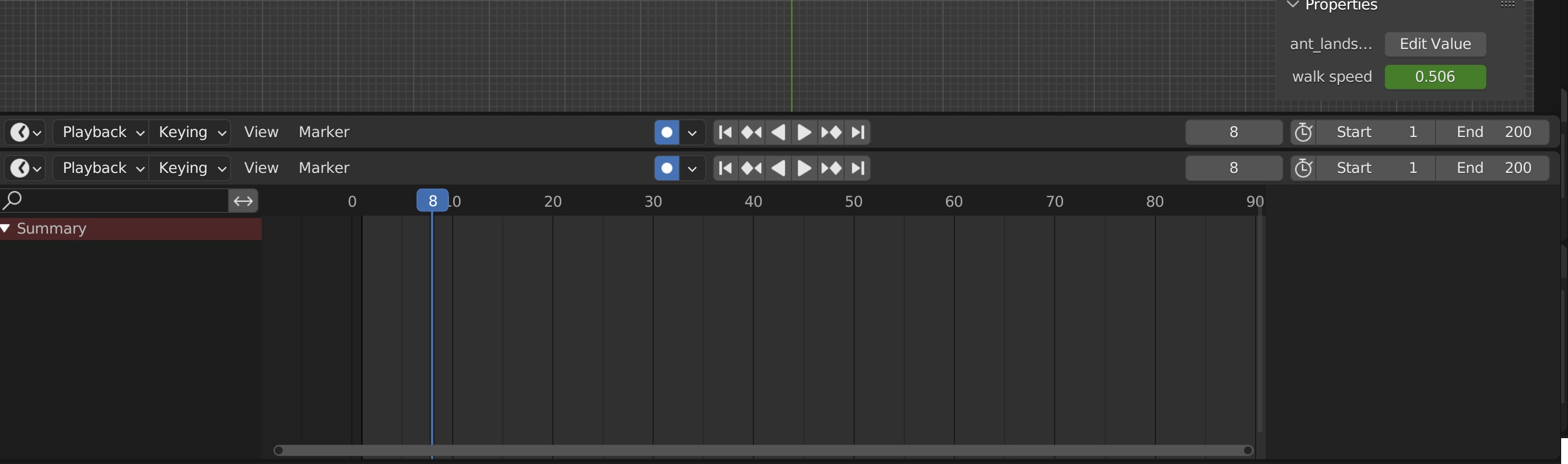
That's as far as you can go.
I suggest that once the bottom one has increased in size sufficiently to fully minimise the one above it, then as you continue increasing the size of the one your dragging, all editors above should make way for it by moving upwards in this case, or right/left/down as appropriate.
It will save a lot of dragging things about if you have say 5 editors above the one you're expanding, because currently you have to drag all 5 of them individually starting at the top, to make way for the bottom one.
2 Comments
I always run into situations where I need this!
Is that what you mean?
Join multiple areas at once — Right-Click Select