
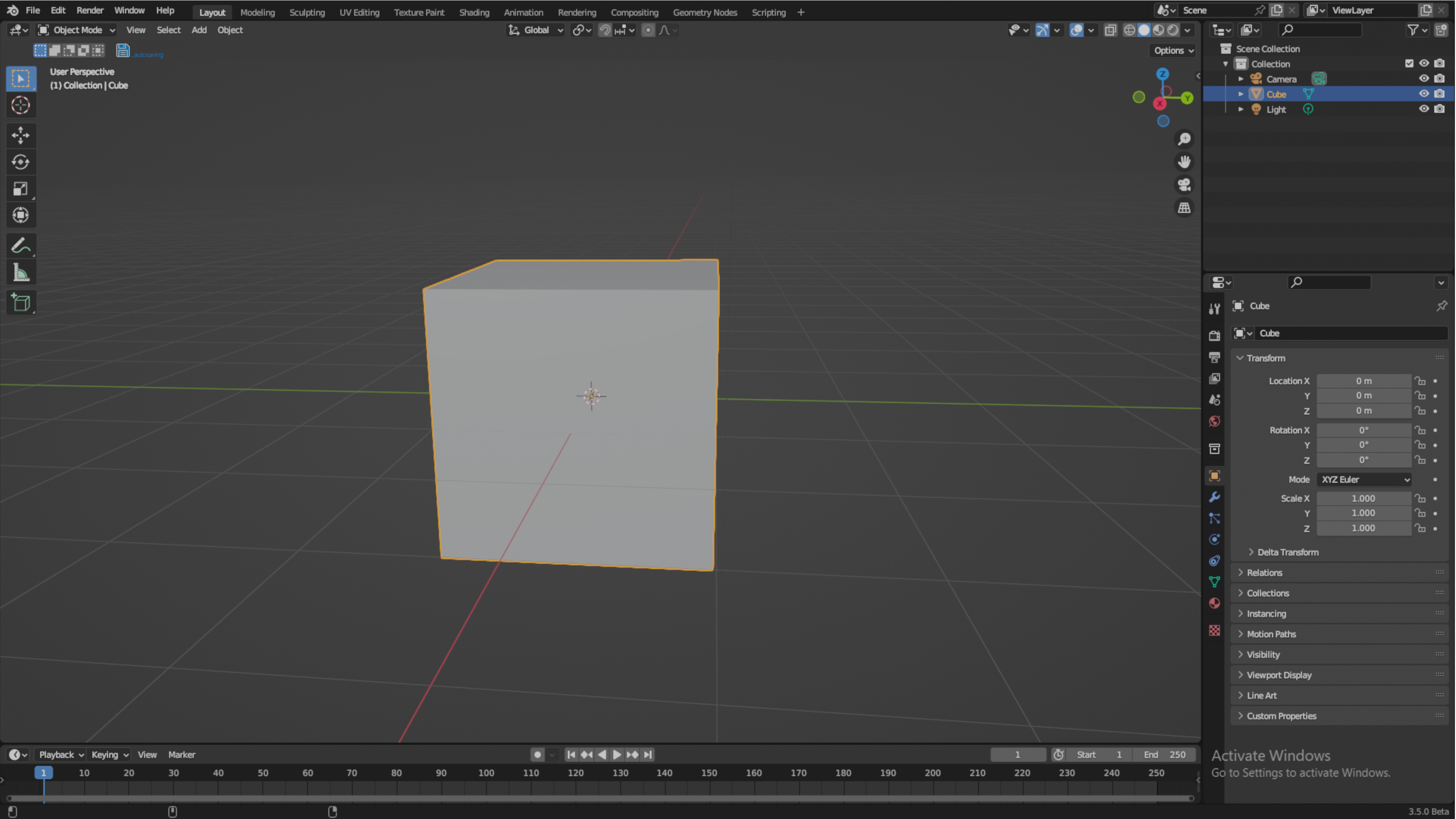
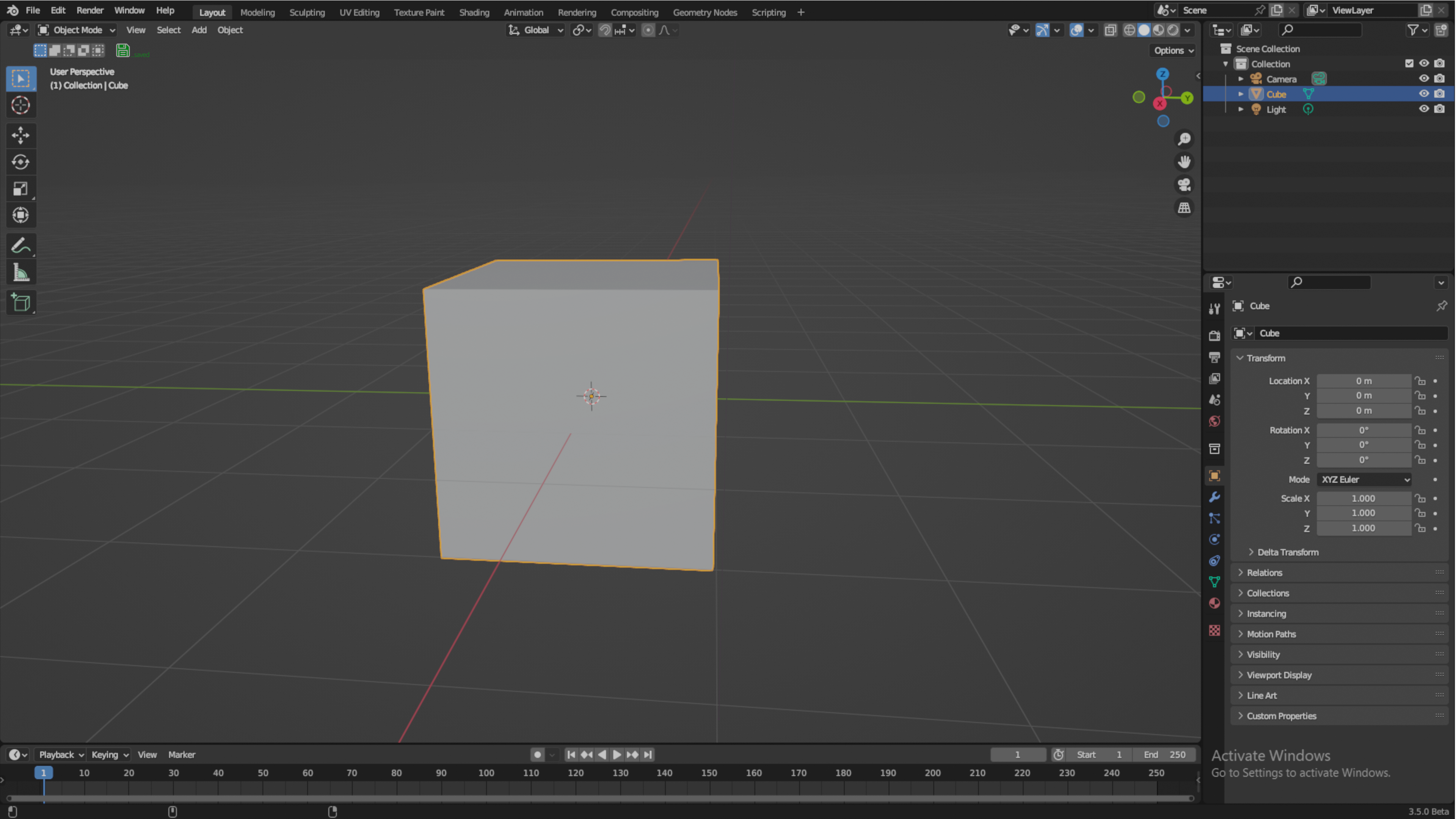
project save indicator
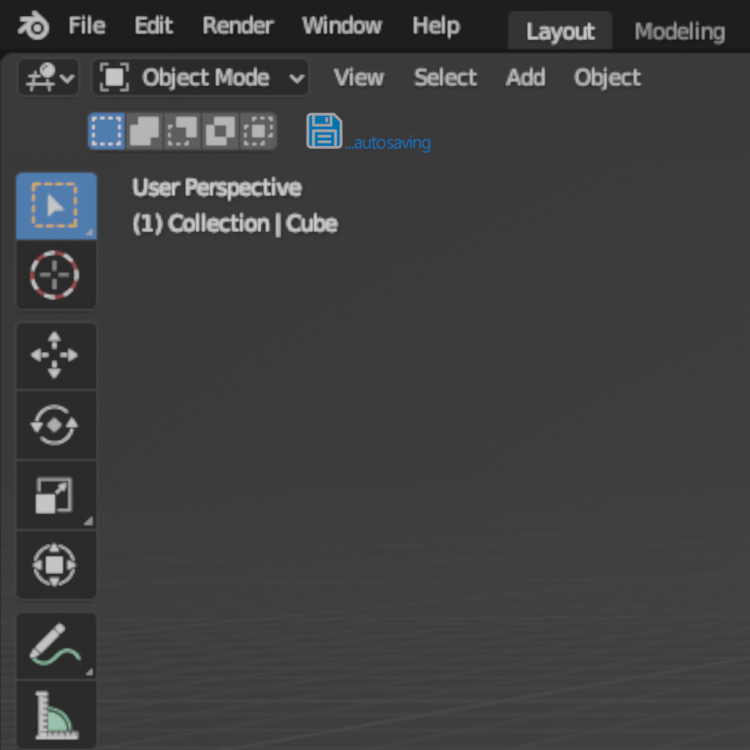
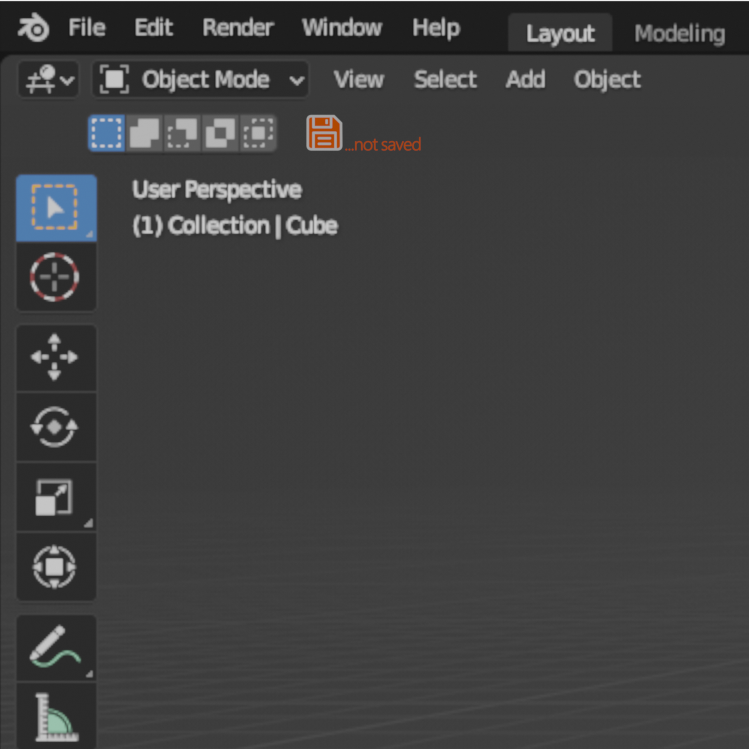
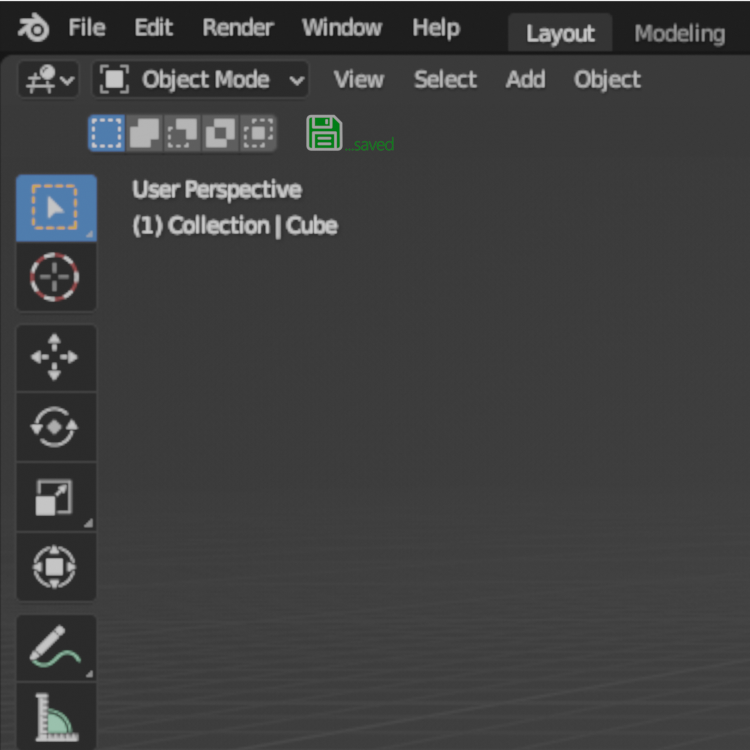
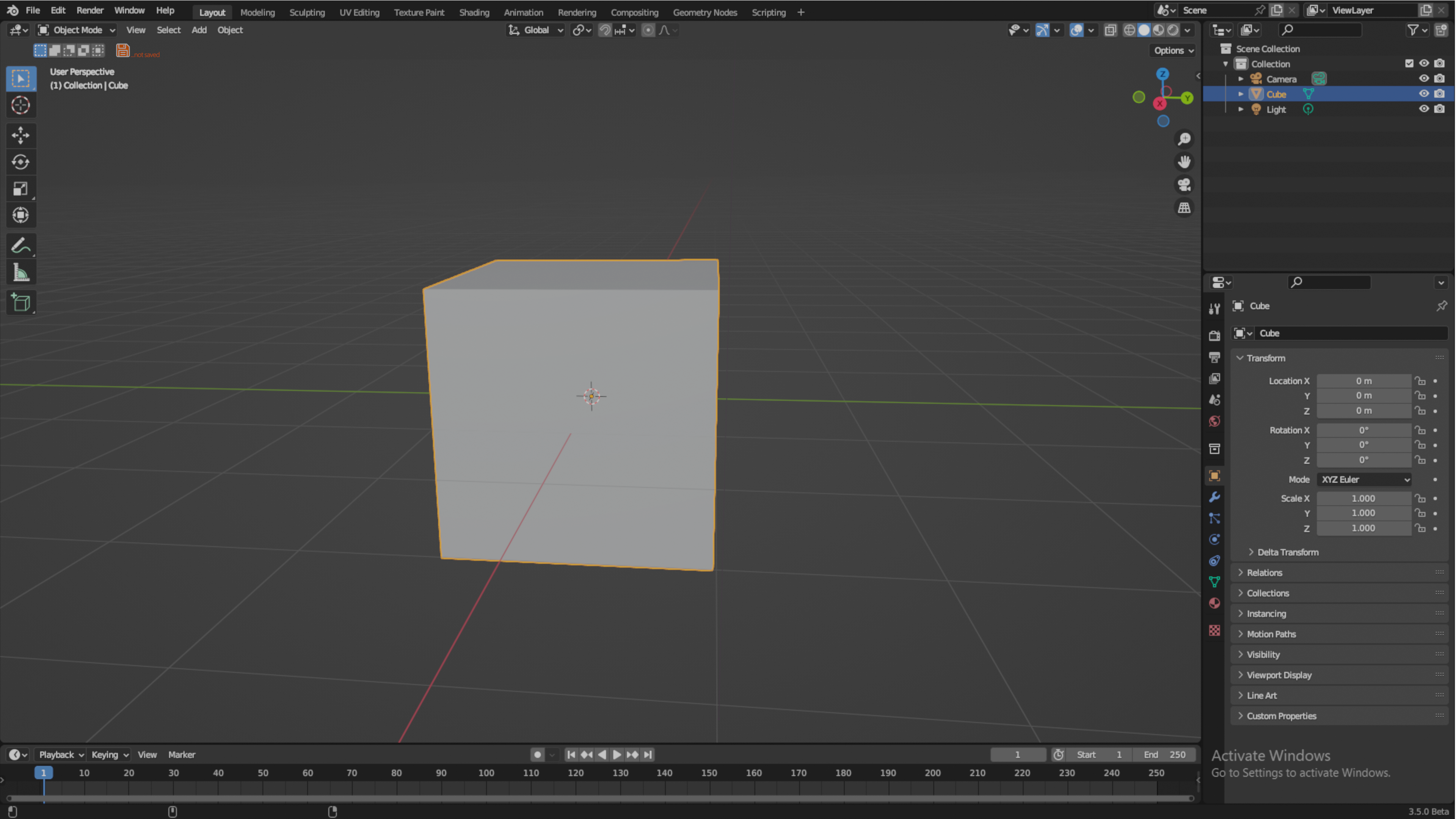
this feature make the user aware of whether the project saved or not saved or blender do the autosaving .
BUT...
this feature should be a LIVE INDICATOR . when navigating the undo/redo steps the indicator color change to (green=saved/orange=not saved) to indicate if this steps are saved or not saved .
7 Comments
Wow, no thank you. Considering that the file goes from "saved" to "unsaved" by merely clicking on an object, it seems that the icon would effectively live in "unsaved" mode.
i think u miss understand the idea . this feature its just an indicator showing u if u have saved the project or didn`t save it . its not automatically save or unsave your project . so if u saved your project its gonna turn green to indicate that your project has been saved . if u do extra step its gonna turn orange to inform u that this step is not saved in the project file 🫠
I do understand the idea.
I don't think you understand that it's going to turn orange immediately after you save the scene, then click on an object. As I said, it will nearly always be displaying Unsaved.
Blender will ask you "save changes" if you close the file, so I've no need for an alert icon to constantly tell me the scene hasn't been saved. The * in the titlebar already does this.
An alternative to that could be a button that changes state every x minutes to remind you to save. Motion Builder have this, I never use it, but some people like it and it's not invasive.
i'm not sure what this fugly icon would do that the * in the title bar doesn't already do?
WHAT?????????????? 💀
I guess he tried to say that it's an overly complicated system with little to no returns compared to the already existing system.