
Better Grease pencil painting plane
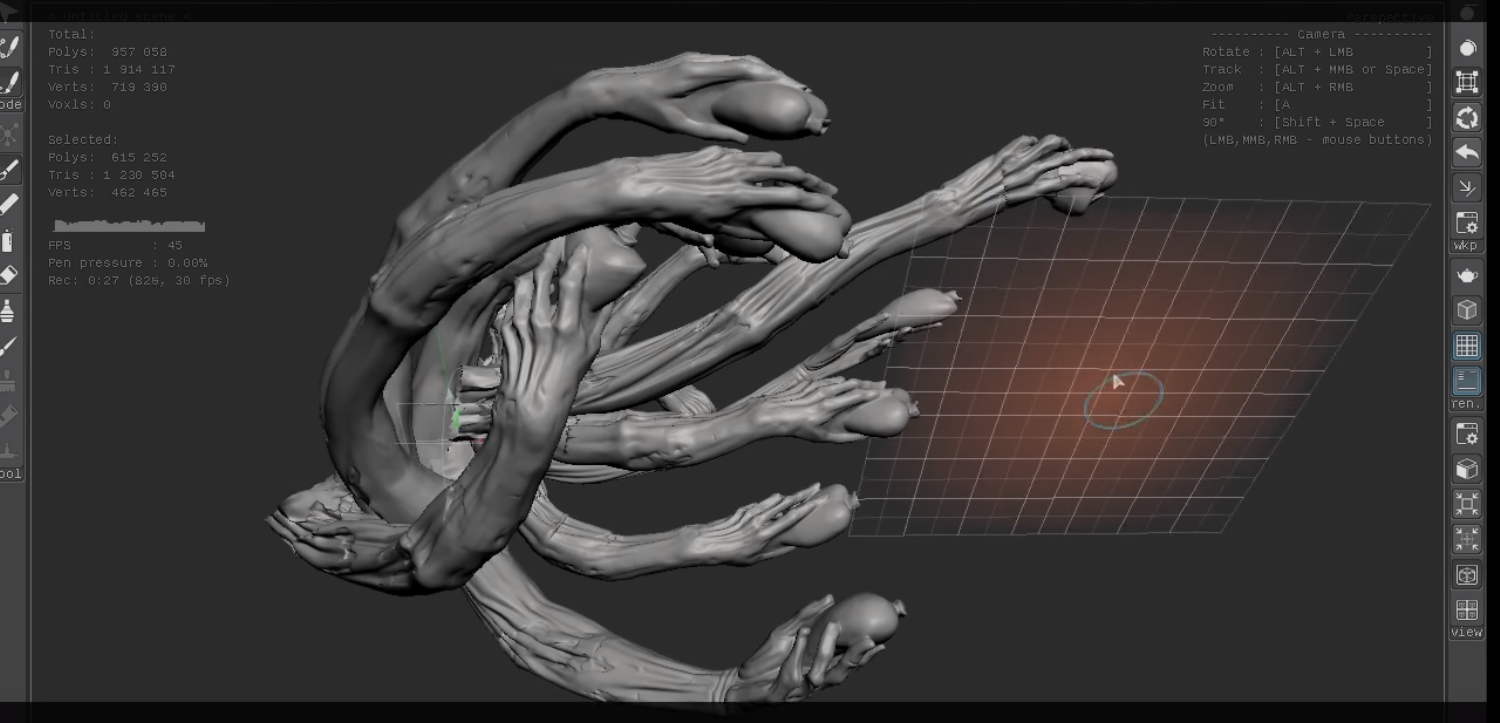
Recently I have found this program, that is dedicated to drawing with meshes and Blender could take some notes on, the way you draw the in Teya Conceptor is you have a plane that you can move will drawing with out switching modes, the problem i have with Blender is that you do draw on a invisible plane that is always perpendicular to the camera or in the axis you select, and the rotation of the plane is set on origin of the world or the 3d curso that is harder to move in comparison with the Teya.
here is a video: youtube.com/watch
You can try the program for free, There is no need to turn Blender in to Teya but this feature would be cool to have for grease pencil.
Edit: clarification the way this would work is, when you enter the draw mode you can pick a visible drawing plane that you can move and rotate freely by using the right mouse button(RMB). To rotate the plain just press the RMB to use it like trackball rotation. To move it like move when you press G you press RMB+SHIFT To move it in the drawing planes normal press RMB+CTRL To snap the drawing plane origin to a mesh press RMB+CTRL+SHIT Also it would be nice to have the drawing plane scale with the zoom on the view port automatically. Right now these control look free to me, just right clicking is used to move the grease pencil lines and canceling moves, rotates and scales, maybe more.
5 Comments
So what you are looking for is a way to rotate the drawing plane for Grease Pencil so it's not always perpendicular to the current view? Cool.
@ammusionist: yes that and move it around
How would you suggest that this work in Blender? It's not sufficient to say, "Make it like this other program." Describe (or better yet, create mock-ups that show) how you expect a user to do this in Blender.
@Jason van Gumster: I edited the post, is it better? I don't know where to place the button for this function i doesn't really fit in with the panel to select the origin or view since it's a mix of both, maybe guides ??? i don't know.
* @Jason van Gumster * It could just be the plane of the cursor. We can now move and rotate the cursor, it should be that "cursor plane" is an option for projection