
Allow custom default settings to Add Menu, and other such panels
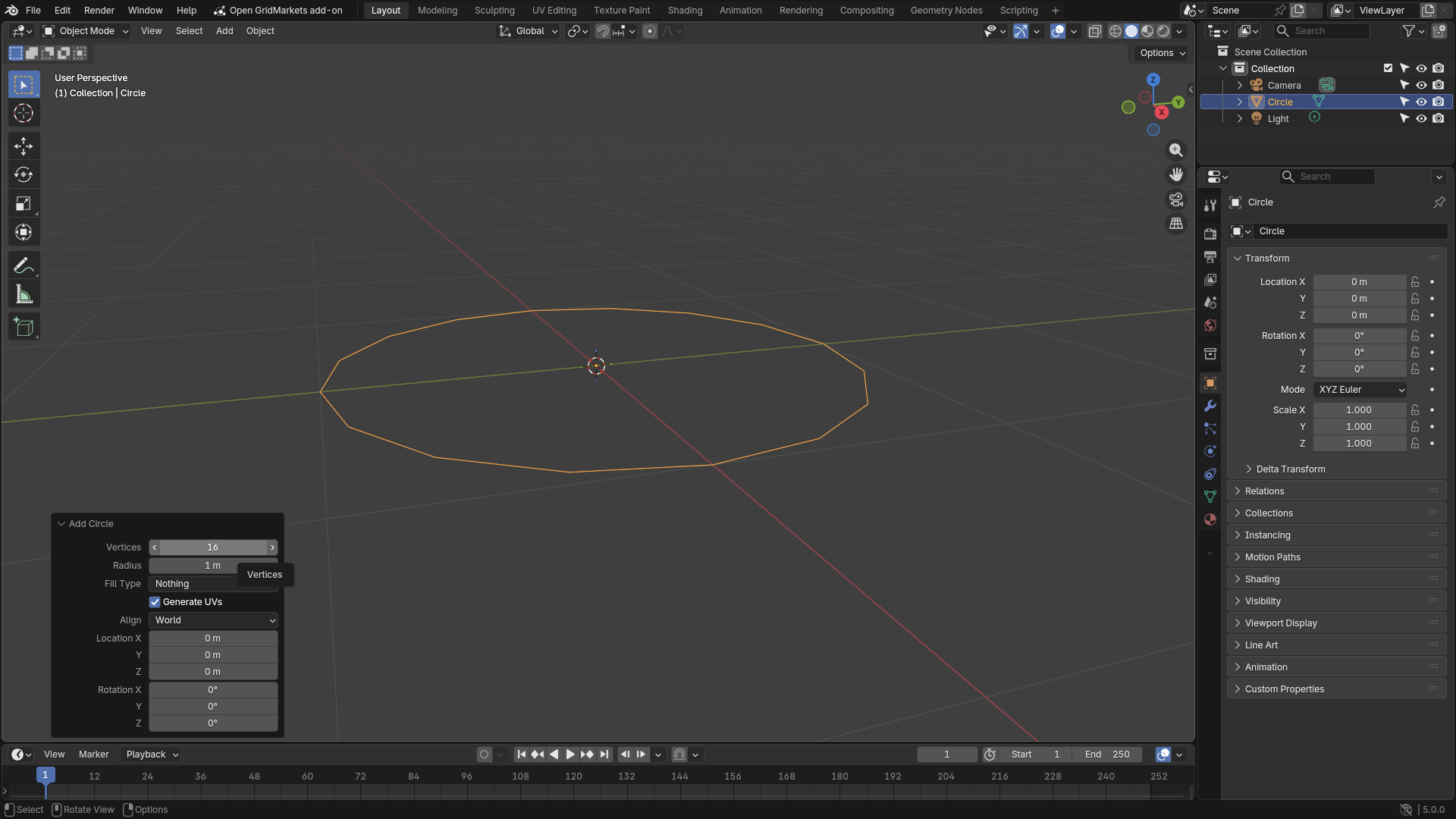
Every time I add a circle, I have to manually go in and change it to 16 vertices, instead of the default 32.
This gets tedious quick. It'd be much nicer if I could right click the 'number of vertices' form, and Set New Default Value.
As an extra, you could have a Reset Default Value to Factory Settings option as well, if you think the user might wish to restore the initial default settings.
1 Comment
I understand the idea and it's cool ! In the meantime, you can actually use the Geometry Nodes "tool" mode to do this.
If you select any object in Edit Mode, go to Geometry Nodes and change the Node Tree Sub-type from Modifier to Tool, you can just delete the Group Input and add a "Mesh Circle" node, set it to 16 vertices. Then Mark this nodegroup as an asset, and place the asset in a new catalog named precisely "Add". And now if you save this file and locate its path in the Asset Browser preferences, you'll always be able to add a Mesh Circle with 16 vertices at any time.
I know this sounds like a lot of extra steps, and actually the problem with this method is it's also a 2 step solution, you first need to create any object (like a cube or a plane for example) and only then run the Geometry Node tool on it to convert it to a 16 vertices circle.