
Make texture painting brush rotate along object's normals
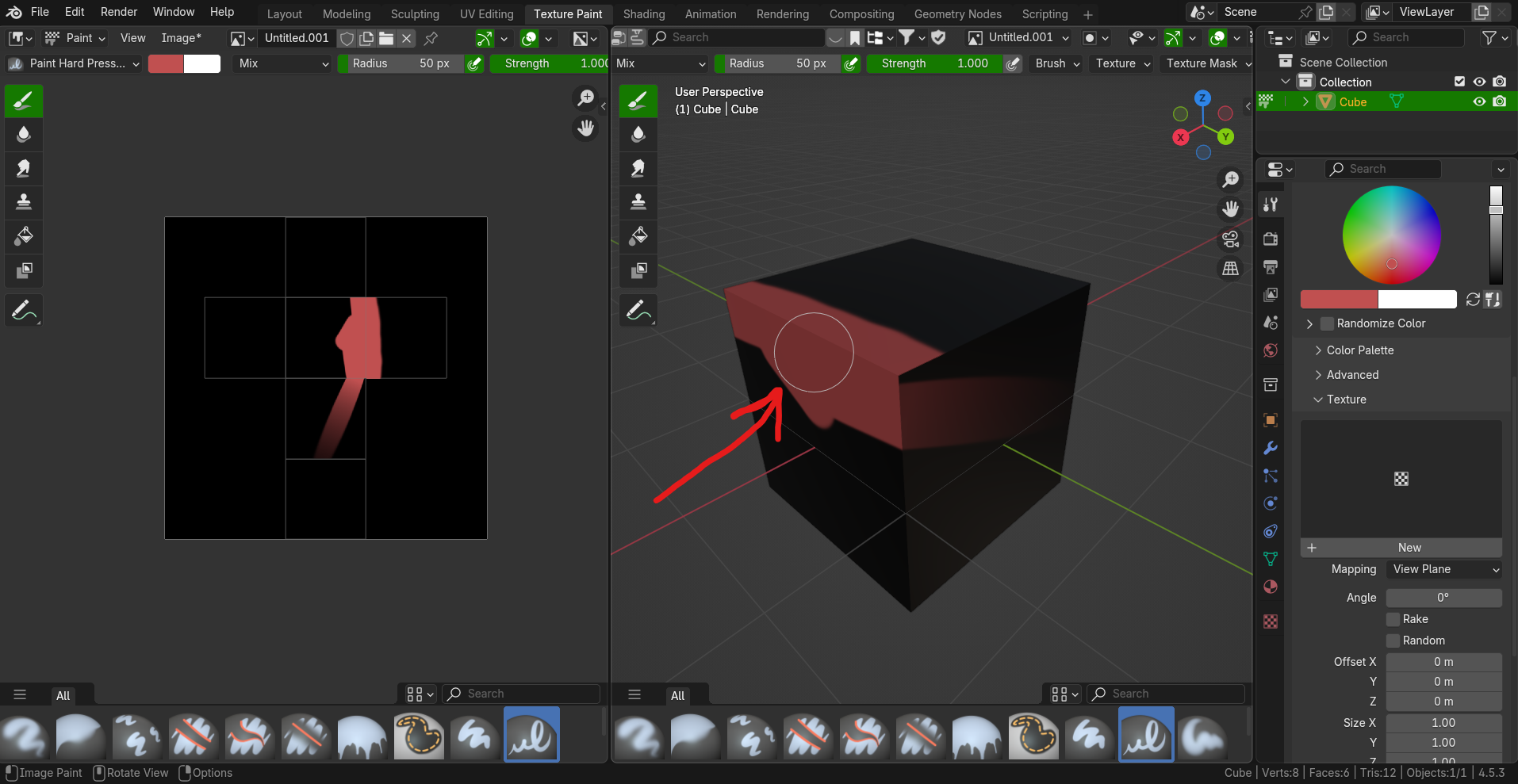
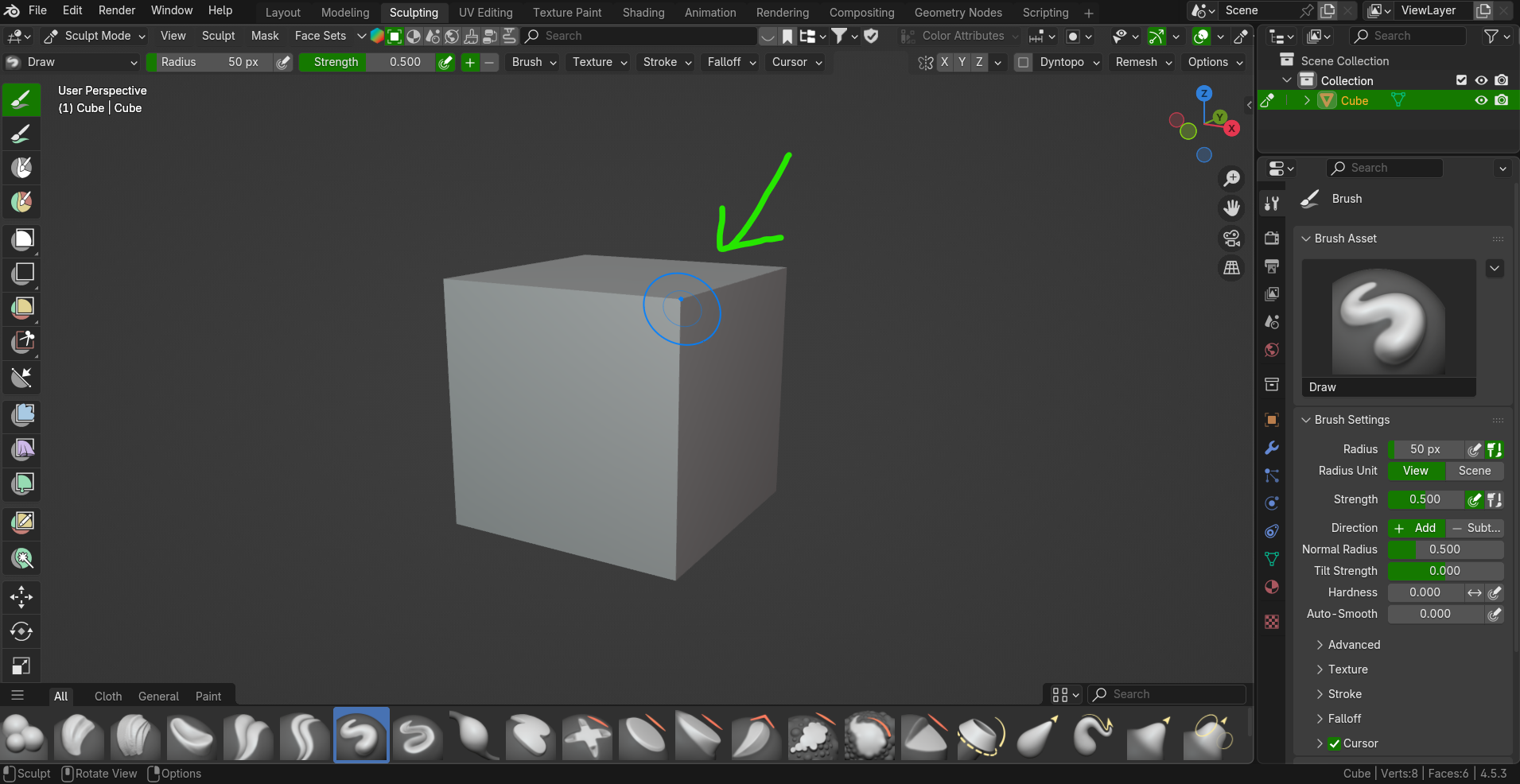
When in sculpting mode brush rotates along model's normals, precisely showing where modification will be applied. The same should happend in texture painting mode so the user would know on which face paint will be applied.
3 Comments
This is in development as part of PBVH image texture painting implementation . You can try it by downloading any alpha build and activating 'Sculpt Texture Paint' under the experimental settings (you may have to enable 'Developer Extras' as well), then you can paint image textures in sculpt mode, with the brush working how you want it to.
Great to hear that. It would be nice if there would be also an eraser. Morover I would like the paint brush to paint only on surface it is locked on. Cause now paint can go beyond the face I paint and appear on nearby faces when I paint close to the borders. There should be an option like this to be turn on/off.
Normally the face issue would be solved by activating automasking, but right now it's still 'to-do' ( Support Automasking For Texture Paint ). As for erasing, that is also marked 'to-do' ( Paint Mode: Erasing )