
Triangulation of non-planar faces
In the MACHIN3 addon it is possible to select non-planar faces, and it made me think that it would be nice to be able to triangulate non-planar faces (non-destructively).
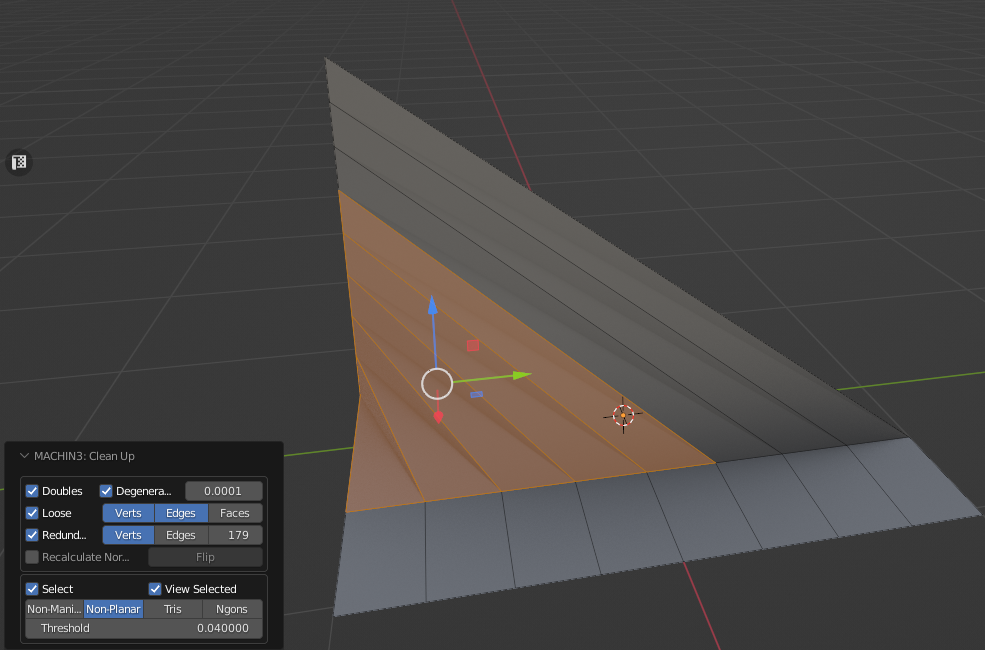
As you know, each program interprets faces differently, especially it is critical for non-planar faces, which can cause artifacts in the same normal map. On planar faces such artifacts do not happen or they are hardly noticeable.
Why do you need it? I do not always want to triangulate the whole model, because it becomes less presentable and less editable.
I propose the following, add to the "Triangulate" modifier an option to triangulate non-planar faces.
The implementation could be as follows:
- At a value of 4 in Minimum Vertices - the option is inactive
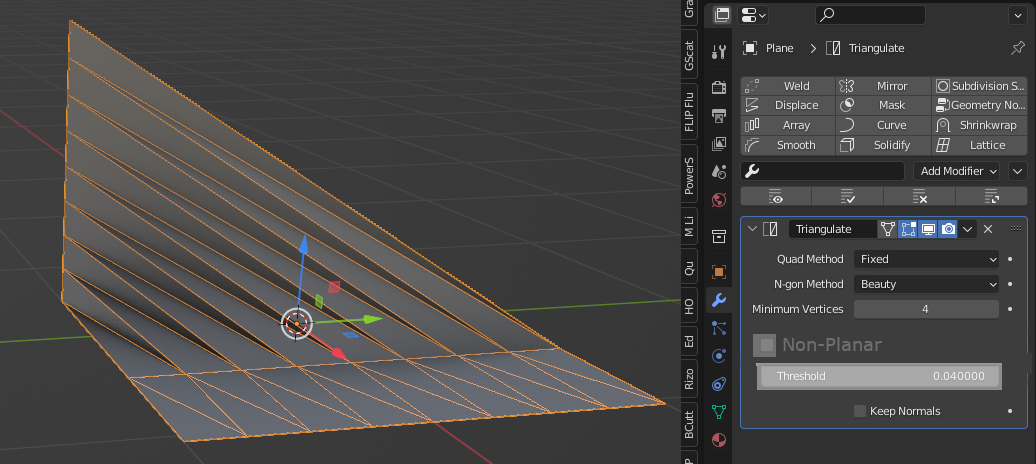
- At value 5 in Minimum Vertices - the option for triangulation of nonplanar faces is deactivated.
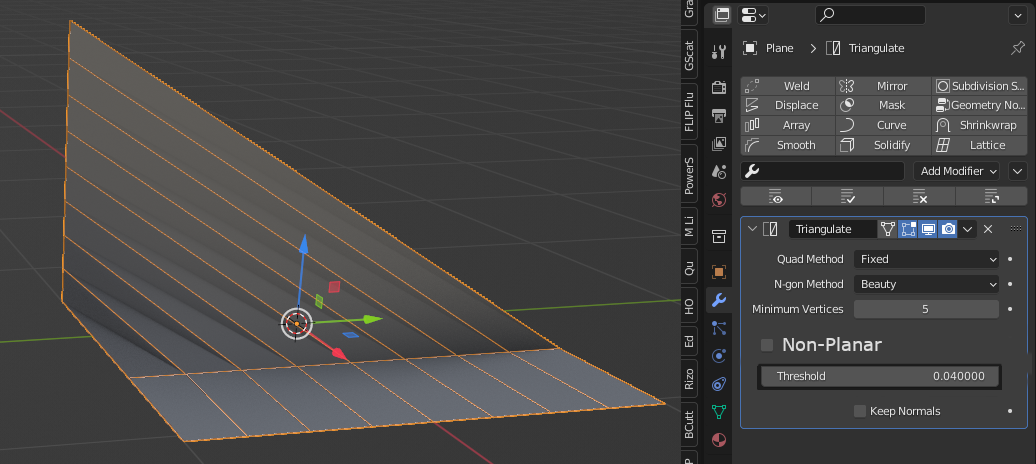
- Turn on the checkbox and adjust it as desired
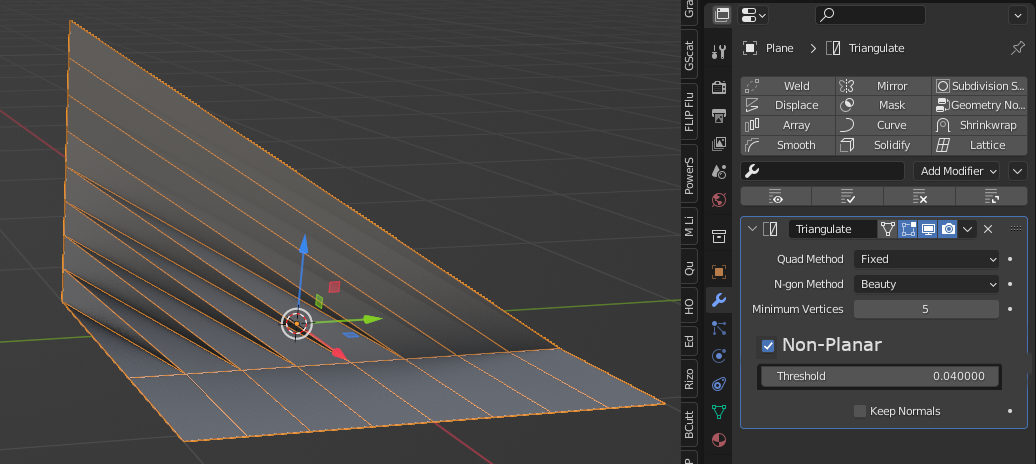
3 Comments
triangulate, then tris to quads imgur.com/a/463TfvP
I don't see the point of the
minimum verticeoption? Why add two levels of activation? Use it or don't, no need to add an extra step, a simple checkbox is fine.Apparently, I got a little too much in my head :)