
Auto scroll when draggin nodes and connection lines in all node editors
In the lastest 2.9 versions auto-scroll has been added to Outliner and modifiers panel when an item is dragged over the edge of windows.
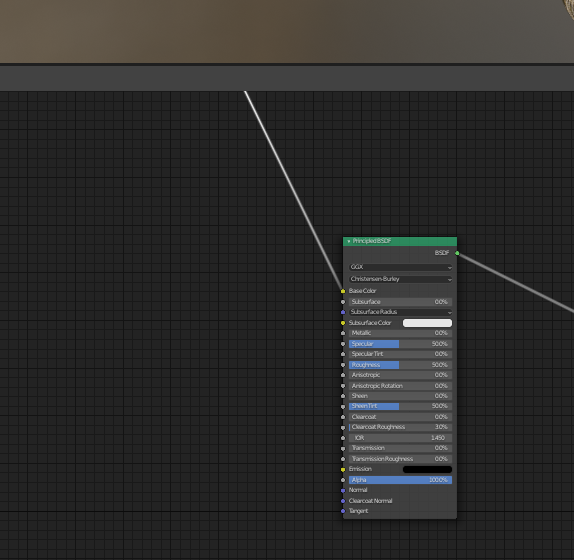
I suggest this functionality to be added also to node editors for all drag operations.
3 Comments
I understand why you suggest this change, and i wonder if you know the node-wrangler functionality of connecting two nodes via shift-alt-RMB (if you are a left-click-selecter!). This way you have great control over noodle placement even from 10 kilometers distance.
* @grinsegold * Thanks! it's a good addon and it'll be nice to have an option to show a text overlay with it's most used shortcuts at the base of the nodes area for those of us who don't remember them ;). But arangement of nodes with autoscroll at a reasonable zoom feels natural and intuitive for most of us.
additinally it would be nice to be able to drag a wire from one shader editor to another shader editor. That way you could navigate to the node you want to connect to in the second shader editor, and then drag from the node in the first shader editor.
Maybe a node list in the n panel would be handy too, that way you wouldnt even need to manually pan, you could just click on the nodes name to have the shader editor frame the node.