
Alt-click Eye Icon to Solo
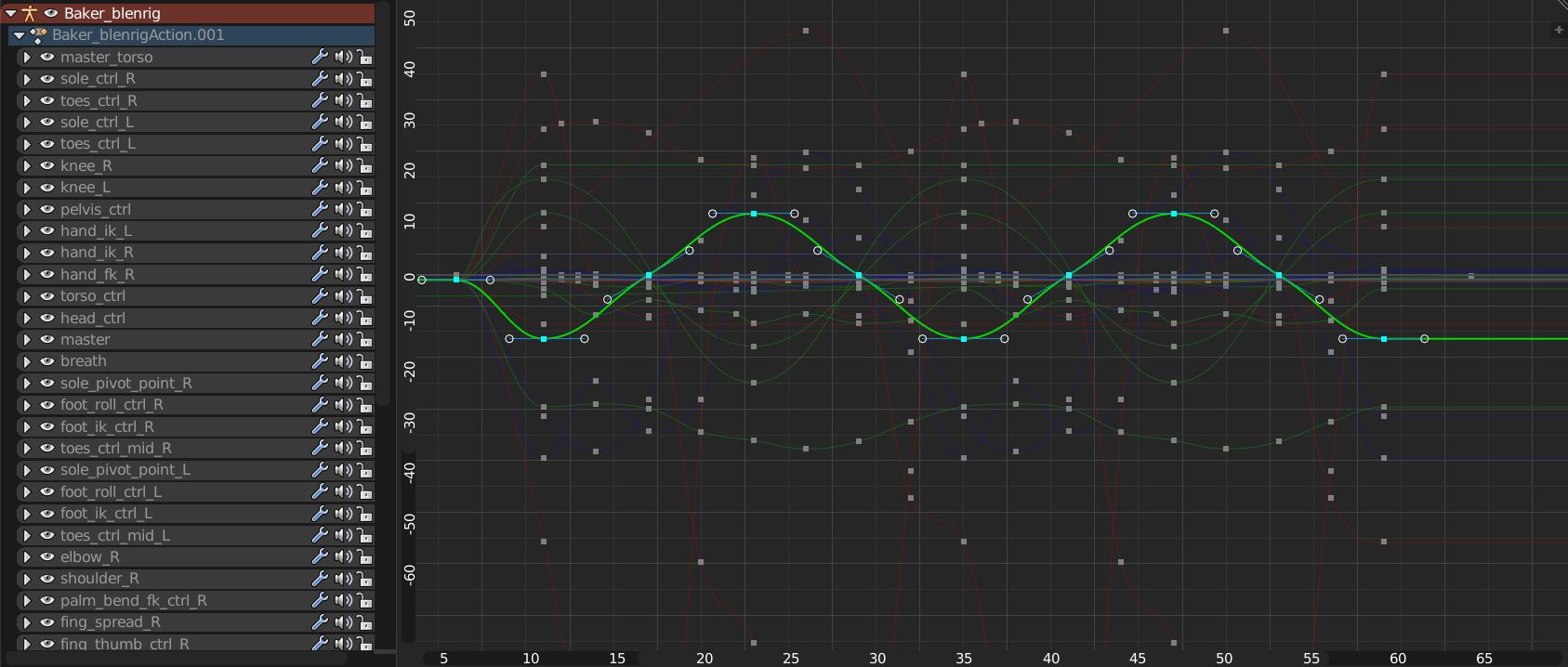
When working with animation curves I realized how useful it is to only see one curve at a time in certain situations. I was about to make a mockup for a "solo" button and then realized that Photoshop already has a much better solution that we could learn from.
Alt-clicking on the eye icon in Photoshop hides all other layers, and alt clicking again reveals all other layers. If used in Blender, this could be useful pretty much anywhere where there is an eye icon:
-Curves in the graph editor -Modifiers in the Modifier Stack -Objects in the outliner
Best of all, this would be a minor tweak - all of the functionality needed is already there.
2 Comments
currently the addon: lollypopman.com/2016/02/29/add-on-channel-isolate-and-frame/ does a brilliant job and it's done with a hotkey (shift+v) i wish we could actually map it to the selection of the channel, and that would be perfect.
I've faced the same problems anyone with any care for their time while in production has, I've just figured that for the most part the way of solving these many issues is by finding someone who had the problem also and came up with an addon,