
VSE Hue Correct modifier UI
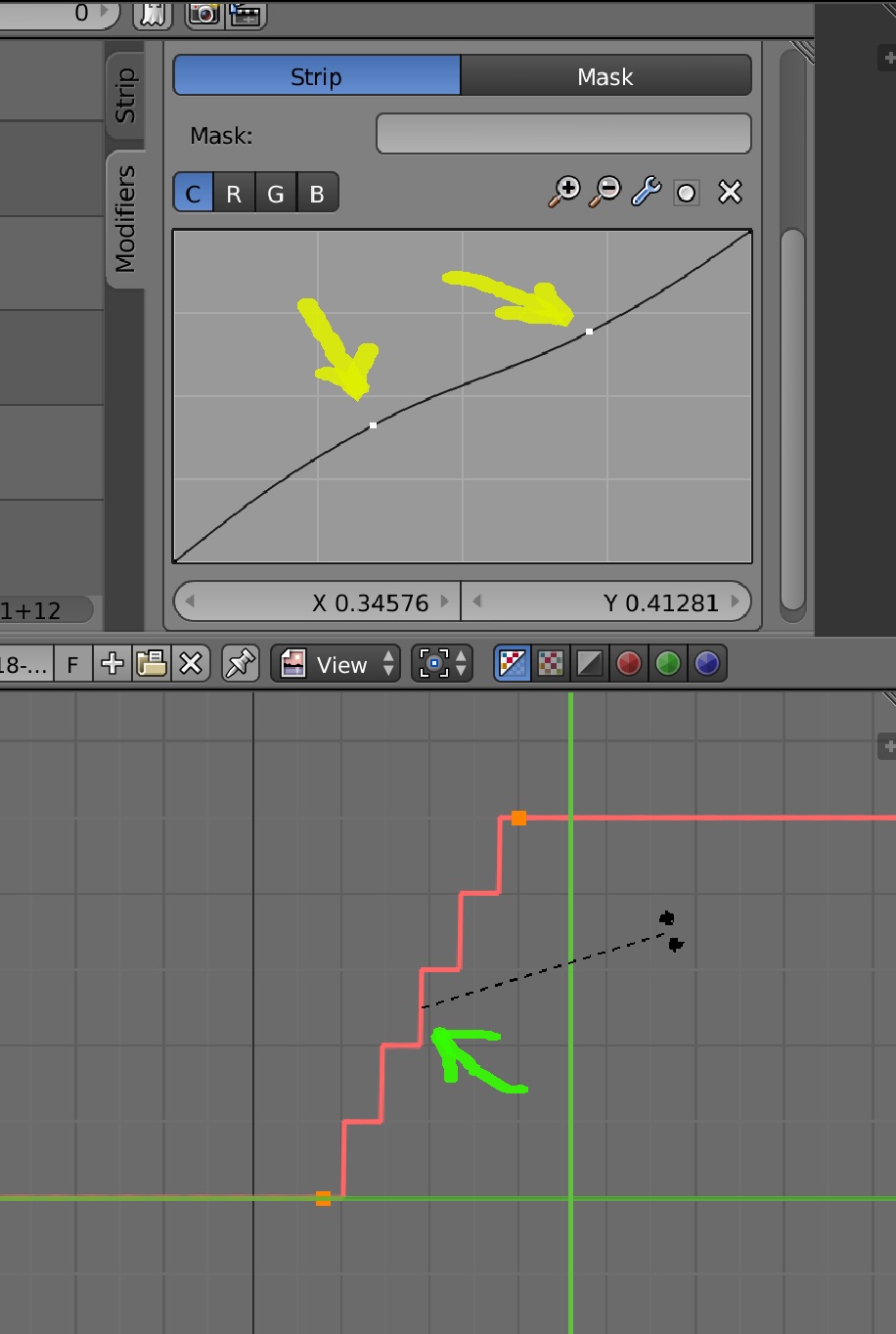
I think that you should interact with the Hue Correct nodes like Keyframes in the F-curve editor. This would make user interaction more uniform across Blender.
That is by selecting using box or circle select multiple nodes then apply scale, rotation, translation etc. Especially constraint to axis, its very annoying when you try to apply a correction by hue then they drift sideways to another color!
I know that I can enter a value in the sliders below, but you cannot modify multiple nodes at the same time that way. You can also shift select multiple nodes and drag the last selection but you cannot constrain them.
The same technology should probably be applied to the value curve tools as well, both in the compositor and the VSE strip modifiers.
0 Comments