
SHOW DIMENSIONS IN BLENDER
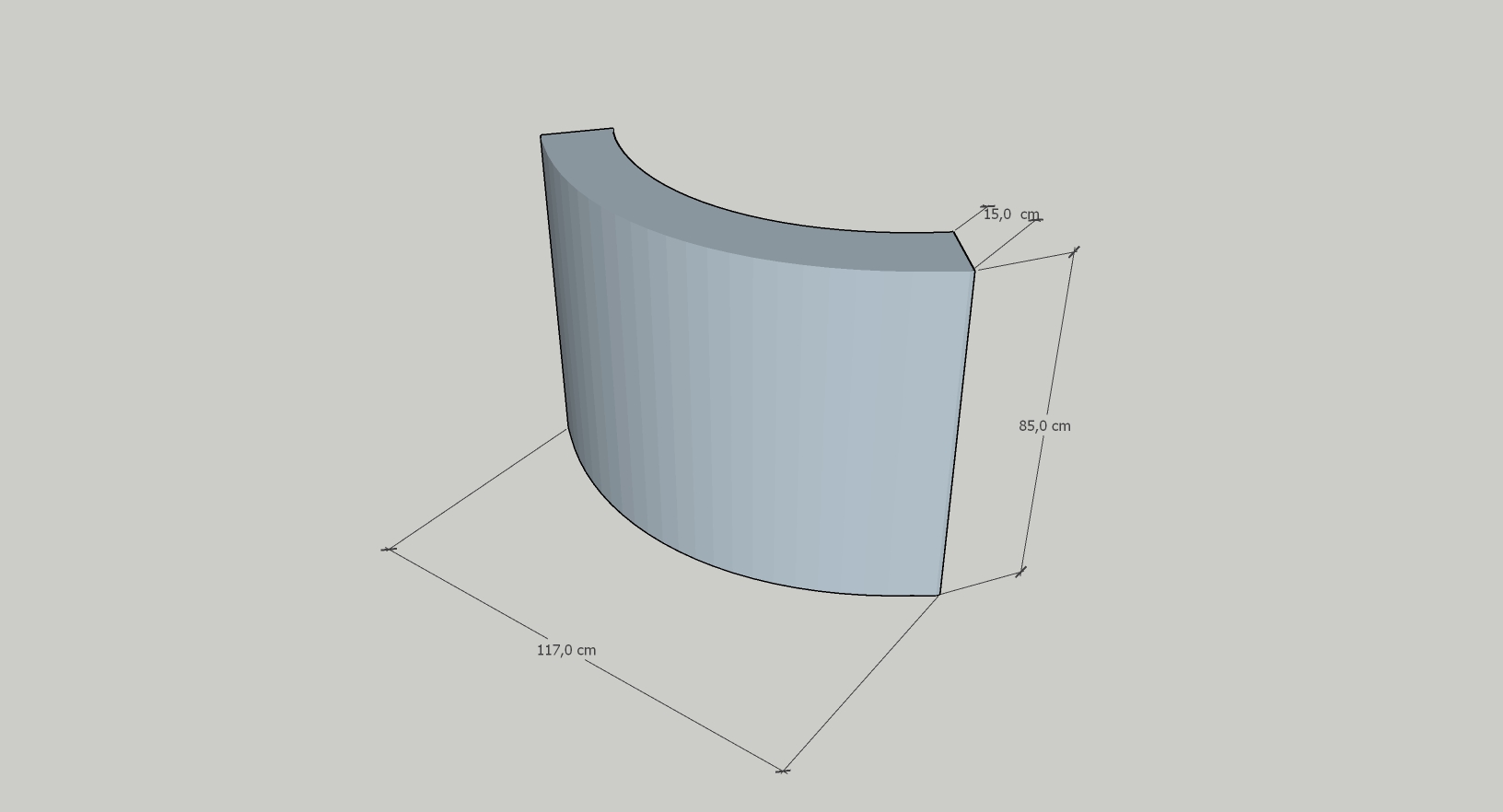
So i have been using blender to create diffrent type of models for interior such as bookshelves, soffas etc. A feature that its been missing is showcasing easily the dimensions of mesh. Imagine something like the measuremnt feature sketch up uses. Easy import and export of a raw png image. That would be amazing! Attached Image as an example
5 Comments
You might like this extension: extensions.blender.org/add-ons/cad-measure-extension/ It has the UI familiar to most CAD users, which is most likely what you are looking for.
i dont think i understand doesn't blender already have that could u show a video or link a youtube video of the thing u talking about
i have attached an image as an example, basically easily getting dimension and doing a screenshot export.
this is a nice idea but blender does have some simple measurement option like measure and mesh overlay also there are some extensions and add on u can find online
We do already have a (basic) measurement tool:
But it's not renderable, even with viewport rendering.
There are addons that offer more advanced and renderable tools
In a quick search on the Extensions platform I found Dimensions and Lines — Blender Extensions (free version not maintained anymore, so look at the paid version if you really like it).
There is also Cad_Dimensions — Blender Extensions