
Show previews on Menu Switch Node
I am using a color palette and had to manually import it into Geo Nodes. As, there is no way to natively do so. I am using the Menu Switch Node to do so.
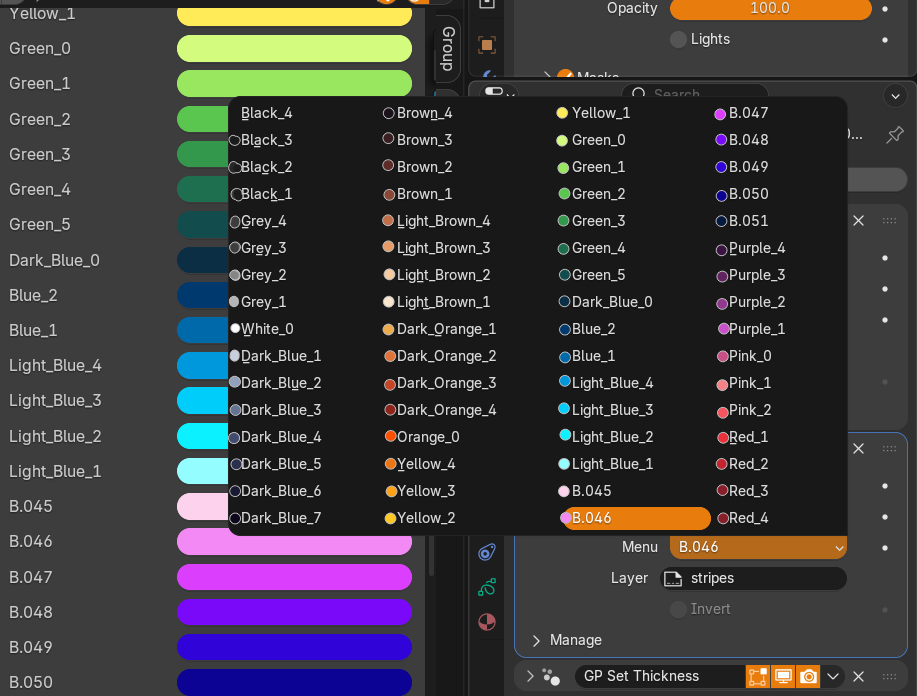
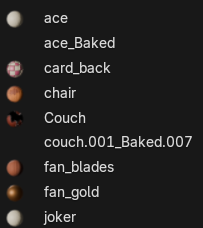
Currently when the data type is set to "Color" it's impossible to differentiate them unless you specifically name them. It would be nice if the colors had a preview just like how materials has a preview.
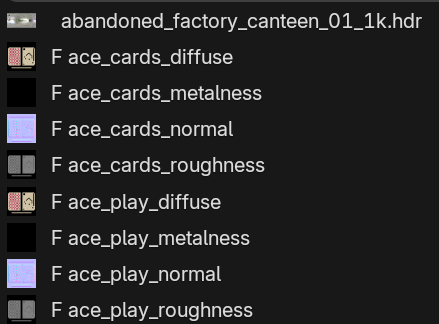
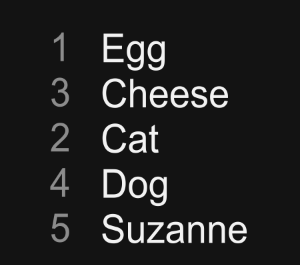
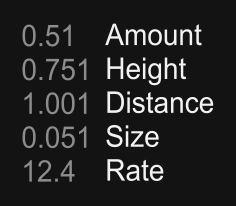
This can also be extended to other data types as well, by showing the value/preview along side the name.
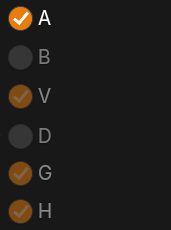
Some mockups of how it would look like:
Colors
Images
Materials
Integer
Float
Boolean
1 Comment
I think it's a nice idea but in theory, I'm not sure it's doable. Menu is a great way to organize field inputs, meaning the input may vary: a boolean is not checked or not, it depends on what you plug in it, and since it's a field, it may be 1 for some geometry and 0 for the rest. Same goes for float, integer and colors (from your examples). Since images and materials data type are "single values", it might be possible to implement.
But as far as I can think about it, Menu is just a menu, it acts the same way as it does everywhere in blender, and is different from a list of materials and images, so I can hardly imagine the menues having a preview as represented in your post.
But it's a cool idea tho and it could be interesting to think about a better design of implementing micro visualisation in menus, with some colors for example like you showed in the color example!
Colored menu already exists with the Data Type in the node groups N-Panel (inputs and outputs) so maybe someday we'll be able to control something similar