
Quad View with Vertical Windows Instead of the Default Setup
Hi. So I work on 3d characters. Because they're standing straight up, they take up mostly vertical space on the screen.
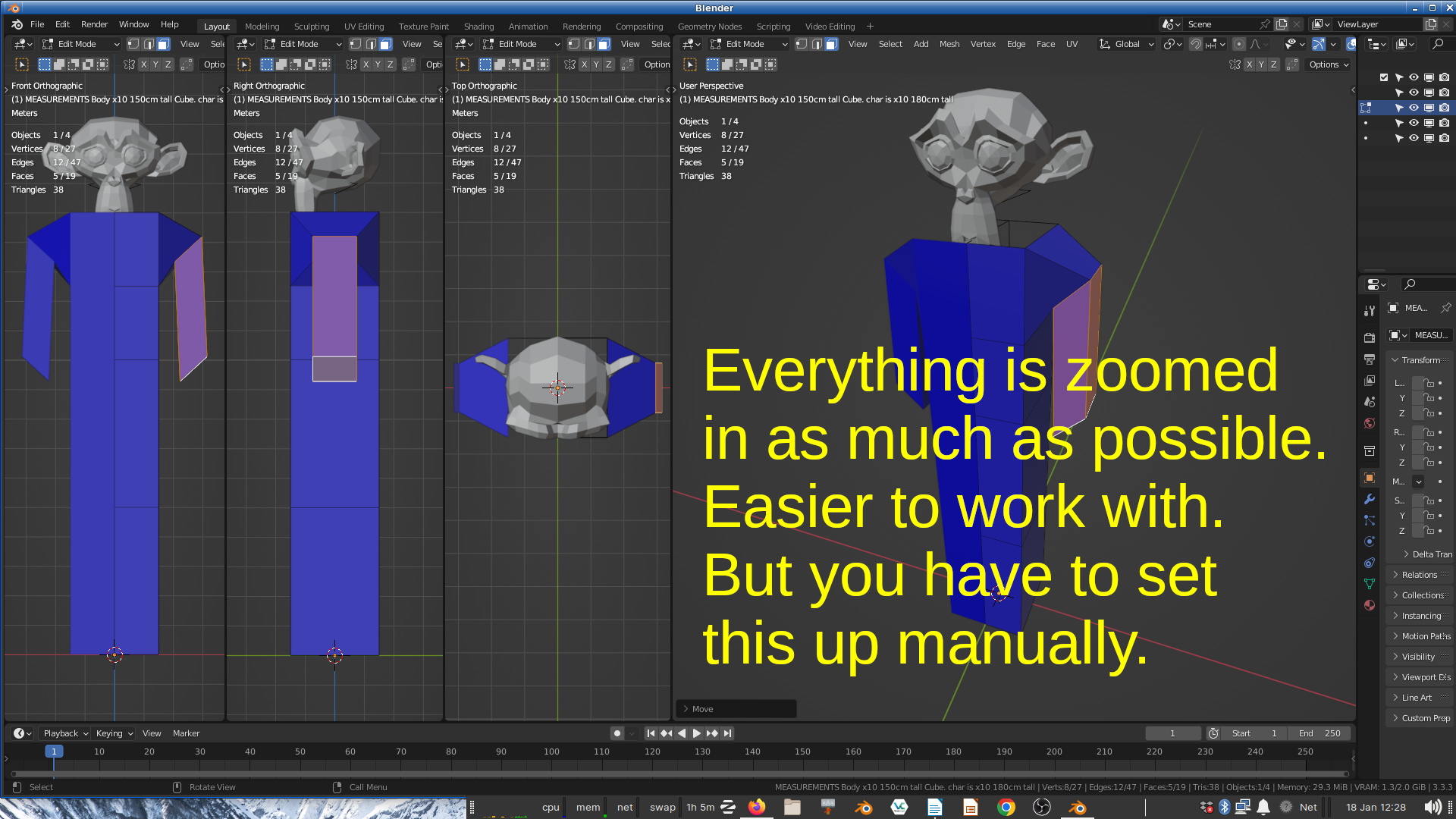
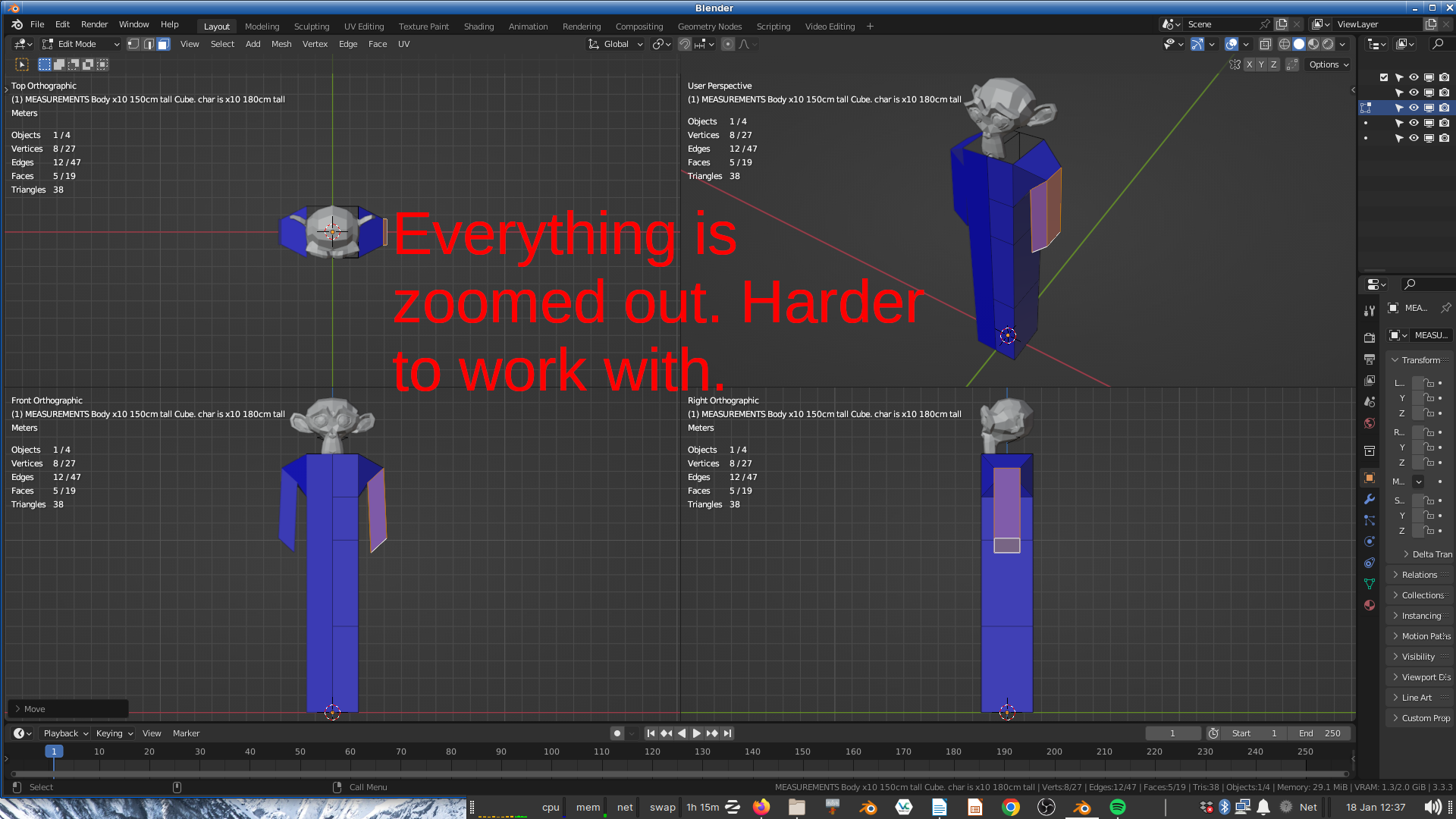
It'd be nice if quad view had an option to split a window into 4 *
vertical
* sections (and you can make one of them bigger) (see 1st pic). But you have to set this up manually which is hard to do.
2 Comments
It's not hard to set this up manually. Save the setup as its own workspace in your default scene file and then you'll always have it ready in its own tab in all future projects.
On one hand, yeah, I should set up my startup blend like that. Thnx. On the other hand, I'll probably accidentally move those viewports at one point, or zoom in/out, in which case, it'll be tedious to re-position the windows. That is, unless there's a way to lock those windows in-sync, just like you can do for quadview