
Bevel Modifier Overlay Color (Faces)
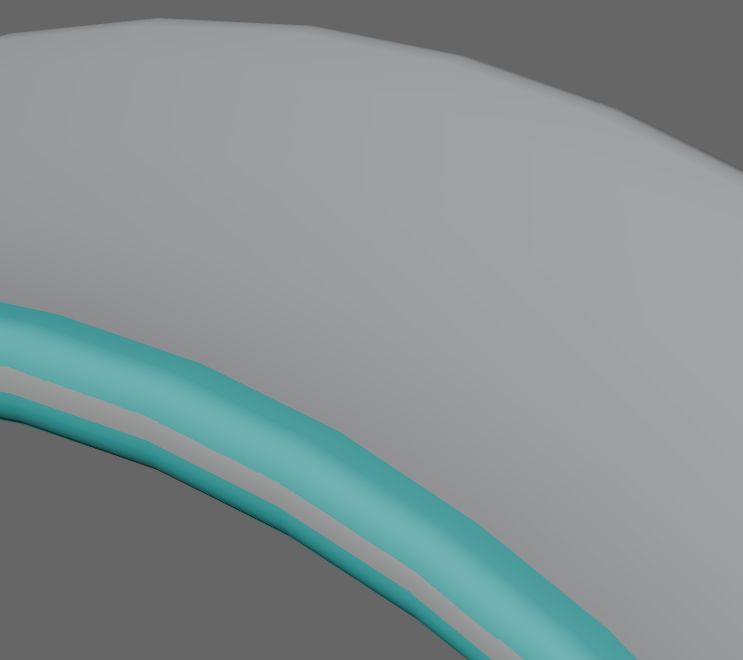
An viewport overlay for bevels that would highlight faces created by bevel modifiers. It would allow user to see proximity to other Bevels, check for errors, as well as identify any edges that need bevels (by deduction). It would be a toggle similar to 'Face Orientation' overlay, and available in edit or object mode.
Bonus: implement a different color for each type of bevel such as weight, angle, etc. Color could be adjusted/toggled in the modifier itself so you can see clearly which part of the geometry is being affected by a particular bevel mod. If multiple bevel modifier's highlights intersect, the bevel lower in the modifier list has priority and would be drawn on top.
Here are some mockups. Useful? Eye candy? Both?
No highlight:
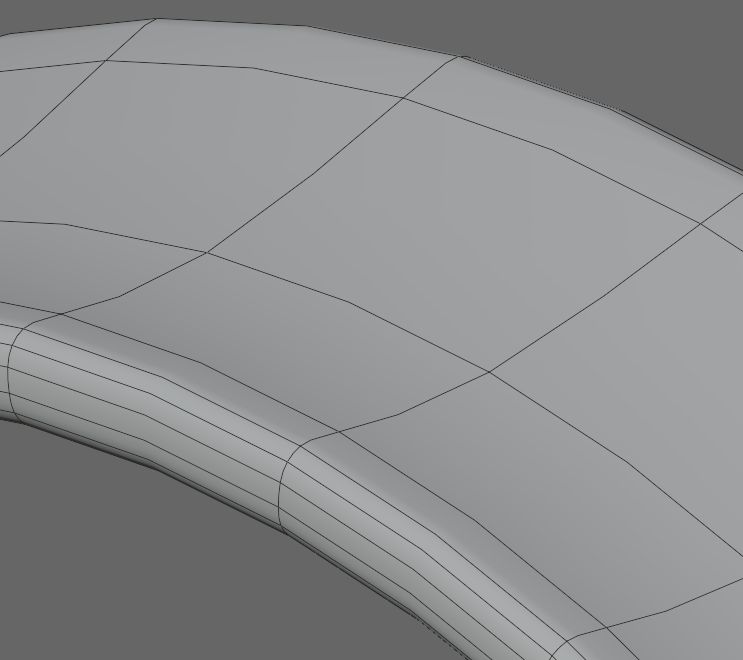
Highlight, wire:
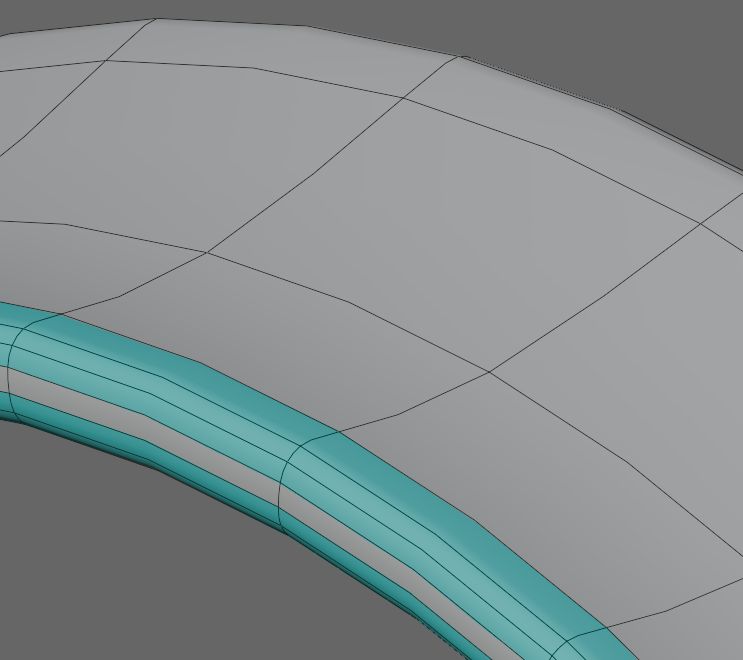
Highlight, no wire:
4 Comments
You could use material setting to mimic that behavior. But its somewhat hassle to setup.
Anyway, why would only one bevel would be visible?
Also it could be made more easy to maintain and make if bevel would assign polygroup to those faces, and there was polygroup visualisation.
More than one bevel would be visible, similar to material setup it. I was just describing a situation when there are multiple bevels in the modifier list, which would be drawn on top of others (the pictures only show one bevel).
Materials take time to set up and manage, and unless there is a setting I'm not aware of, only show up in material/render mode. Overlays show up in solid mode as well as material/render modes.
Also controlling the transparency is easy to do in the theme editor (but with this proposal, I'm suggesting moving that parameter to the 'Shading' dropdown of the modifier so it can be edited there).
This idea would integrate bevels mods with other modeling overlays like Face Orientation, Color, etc..
Yes, i know. I forgot to say that its as workaround until something will be developed.
ah! I misunderstood. Thanks for the comments.