
Adding segments with a graphics tablet without the cost of the middle click function.
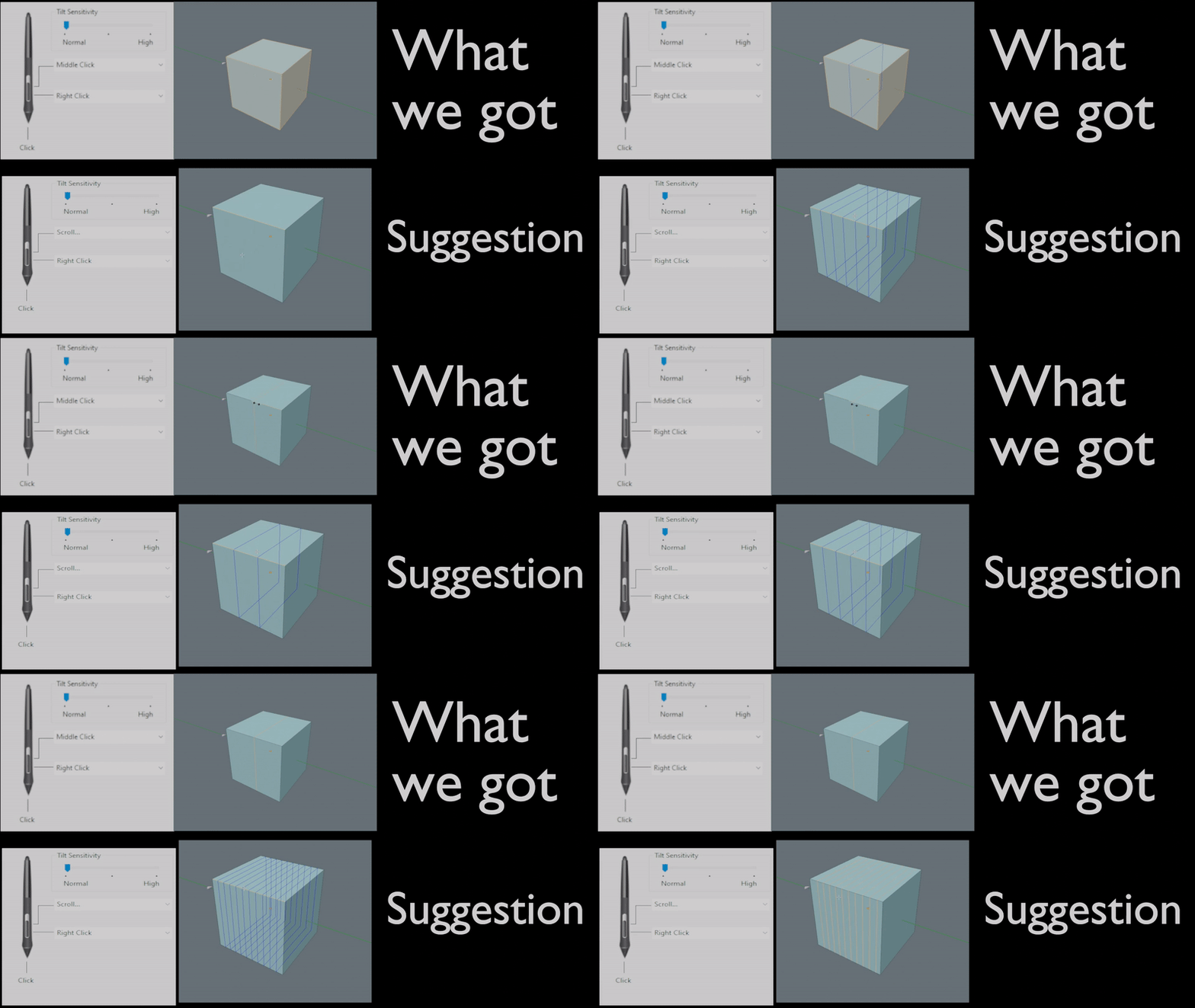
At the moment, graphics tablet users have to type in the numbers, hold F9 or use the page up/down button to scroll the amount of segments in edit mode. The simple solution is to add function to the middle click while holding your stylus over the tablet and moving it around.
Like the attachment however, if you put your tablet setting at scroll, this will work. but at the cost of the middle click's base function aka rotating around in the viewport. The goal here is to keep the button mapping of the top picture but have the function of the bottom one after clicking shortcuts like CTRL+R to operate loop cuts.
Vaughan Ling seems to have attempted to fix this before like shown in this tweet below: twitter.com/Heavypoly/status/1287449957859901440
If for some reason the GIF below does not animate: Here is an Imgur link with the animated gif to describe the problem: imgur.com/a/80JM1nM
1 Comment
Middle mouse press and drag is not ocupied, so it can be used as scroll