
CAD Friendly XYZ edge shading
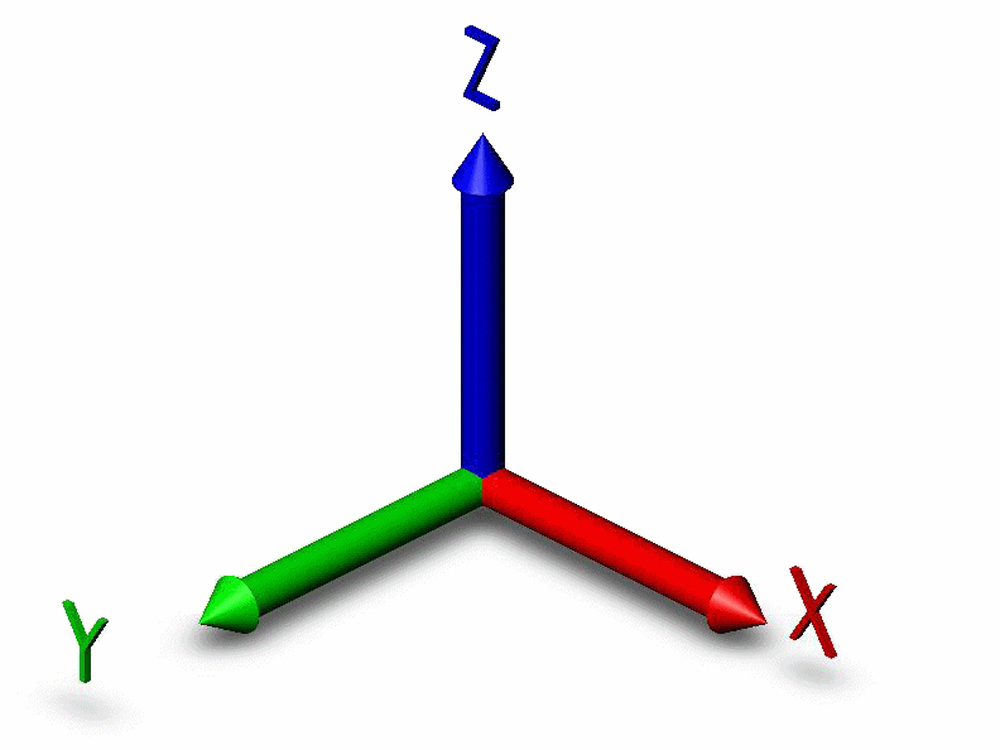
Hello. in architecture and other domain we stay a lot on the XYZ axis, a RGB color for edges parralel to the actual axis is a really handy way to directly see if you modeled correctly or not your architecture.
 in this example above i didn't model correctly, some edges are still in the original black color.
3 Comments
So, colour your lines R, G and B if they are aligned with the X, Y and Z Axis respectively? Very nice. This would also be useful for 3D Print designs.
Could I also suggest the option to colour planes if they are perpendicular to X, Y or Z?
* @ammusionist * yeah this also could be nice !
Hi ereyvone, I was looking for a feature like this, so I wrote a simple plugin. Let me know if it helps: github.com/brunoperdigao/Color_By_Axis