
Flip the "canvas" horizontally in Grease Pencil
Is a really helpfull feature, especially to check mistakes in the drawings and also to draw some lines that are easier for you with the image fliped.
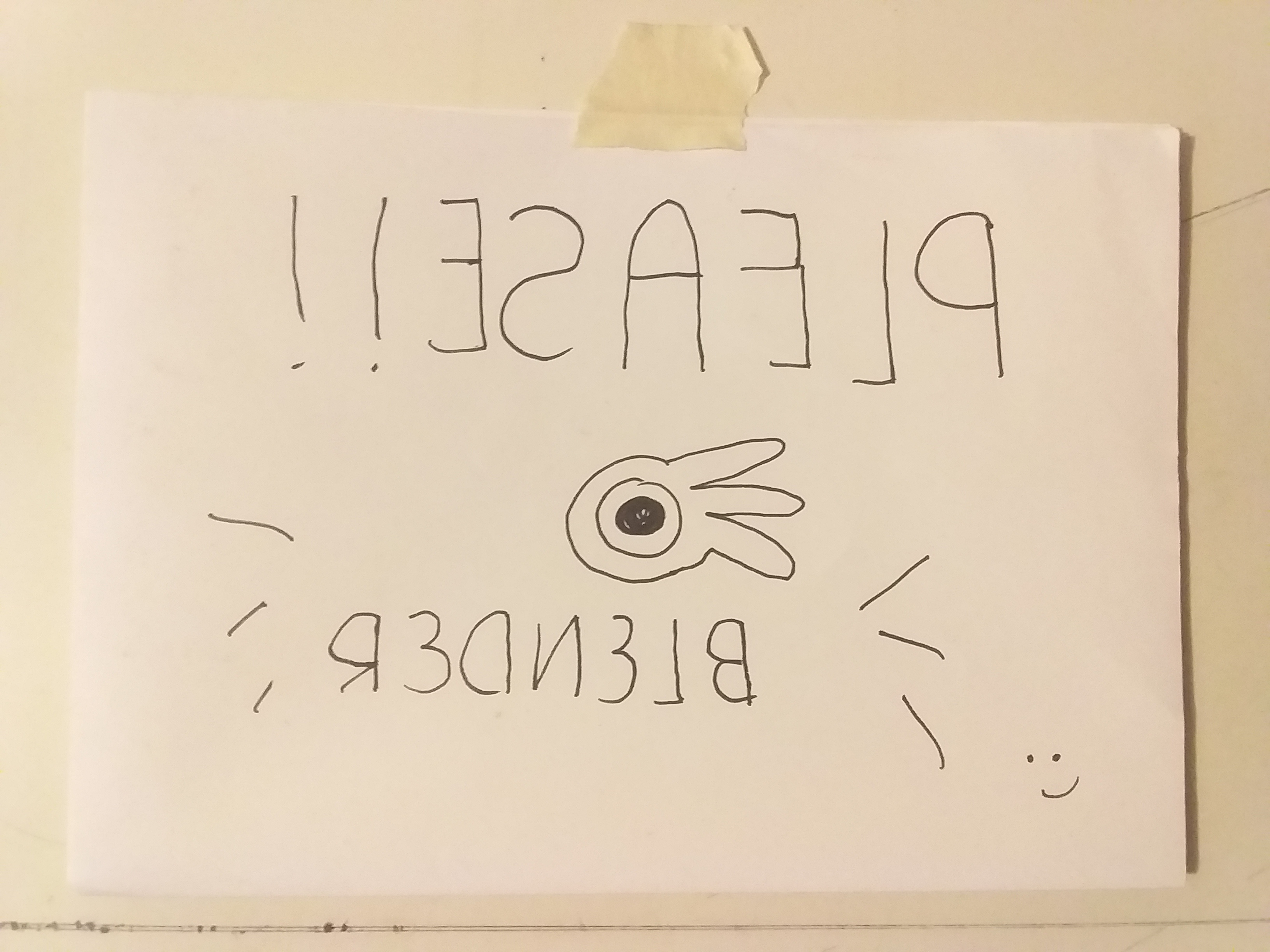
Is a really helpfull feature, especially to check mistakes in the drawings and also to draw some lines that are easier for you with the image fliped.
14 Comments
IMHO it's not exclusive to GP, and vertical flip is also nice to have
* @-L0Lock- * Yes, you are right, and I assumed that with the horizontal flip, the vertical flip will be add to, I know is bad to assume, Im gonna edit the post, thanks friend
* @-L0Lock- * Also I don't understand the first part, "lMHO it's not exclusive to Grease Pencil", please let me know what this means
* @christo.paredesl * Whenever you create an image, it is useful to have a simple way to flip it around for various reasons, one of them being to "force" your brain to refresh its perception of if.
This is not something needed only for drawing. This concerns whoever makes an image in Blender, whether it is a render, a texture, or even just looking at the viewport while animating, modeling or composing a scene.
Is there a simple approach to "rotate" the canvas also?? That would be very useful as well
* @stann co * Yes! :) here: Watch this short tutorial! youtube.com/watch
Agree. When you draw it is useful. ATM scale -1 will work well only if GP origin centered.
* @ Vyacheslav * Yeah, thanks for comment, I hope the developers considered this, can you please explain me how to do that -1 scale? I wan't to try it
select the camera then press S X X -1 it should change the local scale of the camera to -1 on the X axis resulting in the mirrored image
* @jerzy.gorski.art * like in the video below: {attachment hUXXtY0lsHmp4}
Im not using GP but isn't ctrl m fits for this?
* @EP * yes and no
Yes, because flipping an object on itself does the trick.
But no, because for the usage it's needed for, you ideally should have this as a simple viewport display option like drawing softwares do, and not rely on object manipulation which can be really tricky - if not impossible - on complex or heavy scenes.
* @-L0Lock- * maybe creating and flipping camera through transforms (-1)?
* @EP * yes you can always do that, but that's extra steps and requires a camera. And ideally, having this tools as a simple viewport display option would allow to toggle it on-off without the need to re-render the view. Priceless if in rendered viewport.