
Reduce the workload of animation curves
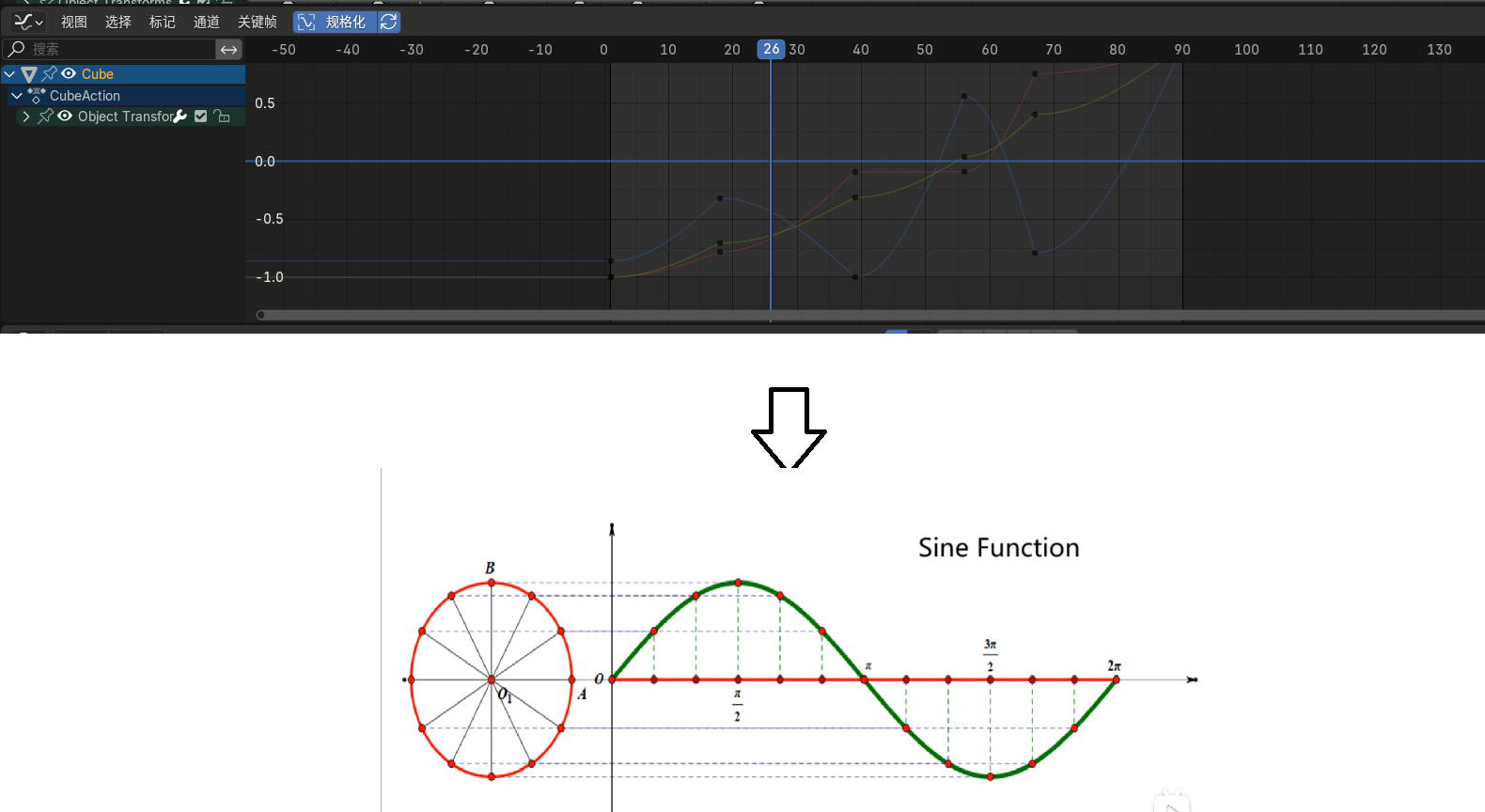
I've noticed that in Pierrick Picaut's animation tutorials, 90% of the work involves tweaking curves, particularly for more forceful acceleration curves. Blender's sine function seems off, not like the arched line of a small hill. A smarter function as a default setting could save an infinite amount of learning and work.
Translation by ai
2 Comments
Sine or Cosine functions are useful only to make perfectly periodic values, I don't see how this is related to manually tweaking animation curves.
What you mean by "smarter"? A curve that somehow guesses what shape you want it to be?
And as a professional animator, I have to point out that there is no such thing as a one-trick-does-it-all curve shape, it all depends on what you do, the rig structure, the camera angle, ... And it's actually very rare to edit the curve to give it a specific shape, even in very "mechanial" animation like motion design. It's the other way around, you work from the result on camera mainly and the curve is merely a way to read and interact with the values through time, its shape a byproduct of the animation you made on camera.
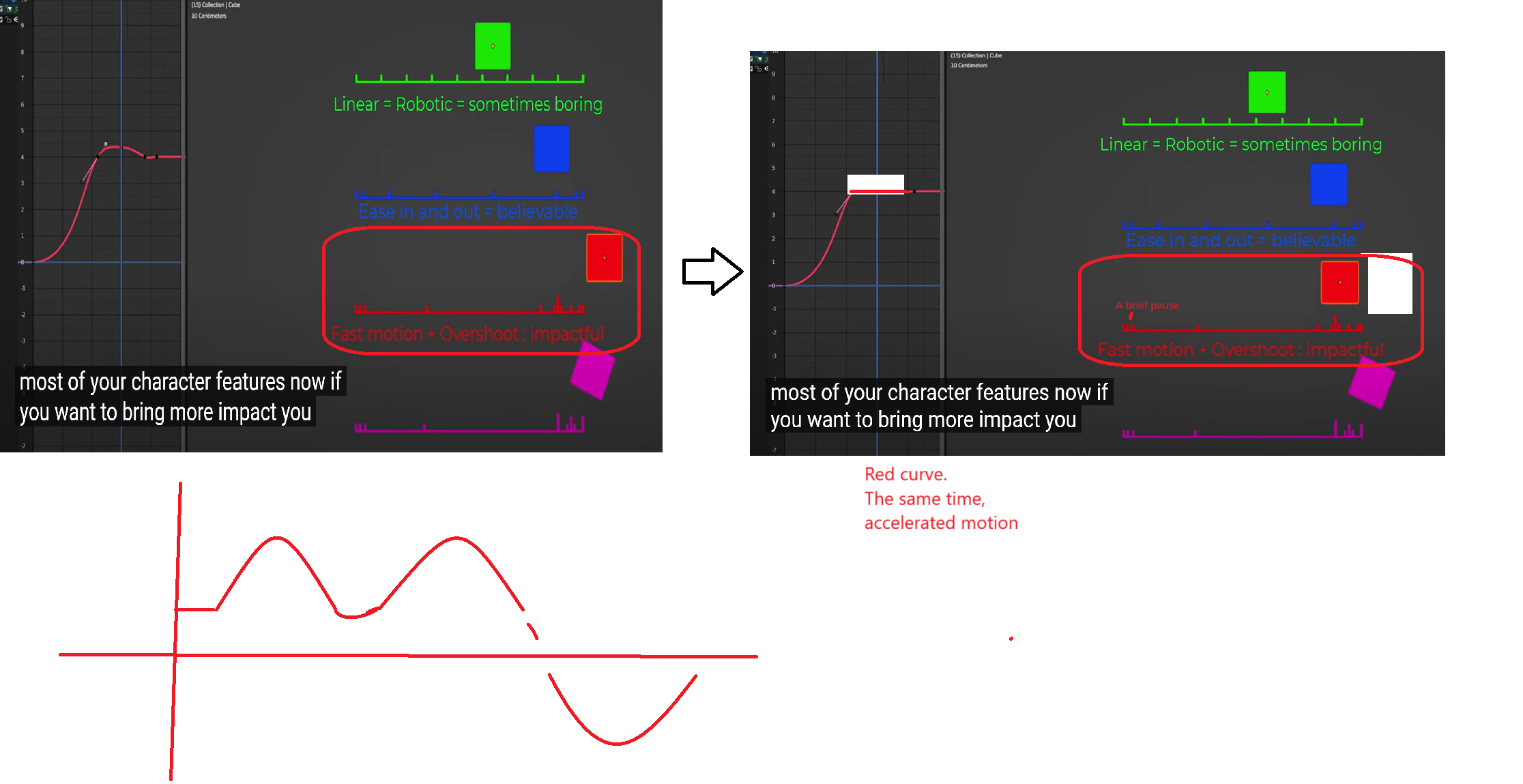
I found a case in the last few minutes of the video.: youtube.com/watch I believe that in reality, movements accelerate until the force is depleted or the distance reaches its limit (such as the length of an arm). That's why I recommend using a sine function as the default. I can't attach images in this response, but I added a picture above. What I mean is a series of independent or continuous small hills, which should suit most animations. Adjustments can be made for other needs, which is very convenient. Now the default is ease-in ease-out, which is quite odd. by ai