
Mini overlay camera preview
The goal is to create a small, mobile overlay within the window that offers a real-time preview in various modes (solid, wireframe, preview, or final render) directly in a dedicated frame. This system not only provides an immediate preview but also enhances organization and allows for quick, easy actions at a glance.
Key Advantages
-
Real-time Preview:
Instantly see changes and scene renders without switching between different views. -
Better Organization:
Drag and drop a camera from the outliner or select one using the "+" button to centralize camera management in one dedicated area. -
Quick and Easy Actions:
The intuitive interface allows for rapid modifications and selections, streamlining your workflow.
Additional Features
-
Customizable Display Options:
Options to display camera properties within this frame are available in the "Viewport overlays" menu. A dedicated section (for example, a boolean option called "Text specs camera") controls whether these properties are shown. -
Toggle Mini-Overlay:
A separate boolean setting allows you to toggle the mini-overlay itself on or off. -
Resizable Overlay:
The overlay can be resized to a reasonable size for optimal usability. -
Camera Indicators:
The active camera in the overlay is marked with a red dot, while other cameras are displayed at 50% transparency and without the red dot, making them easily distinguishable.
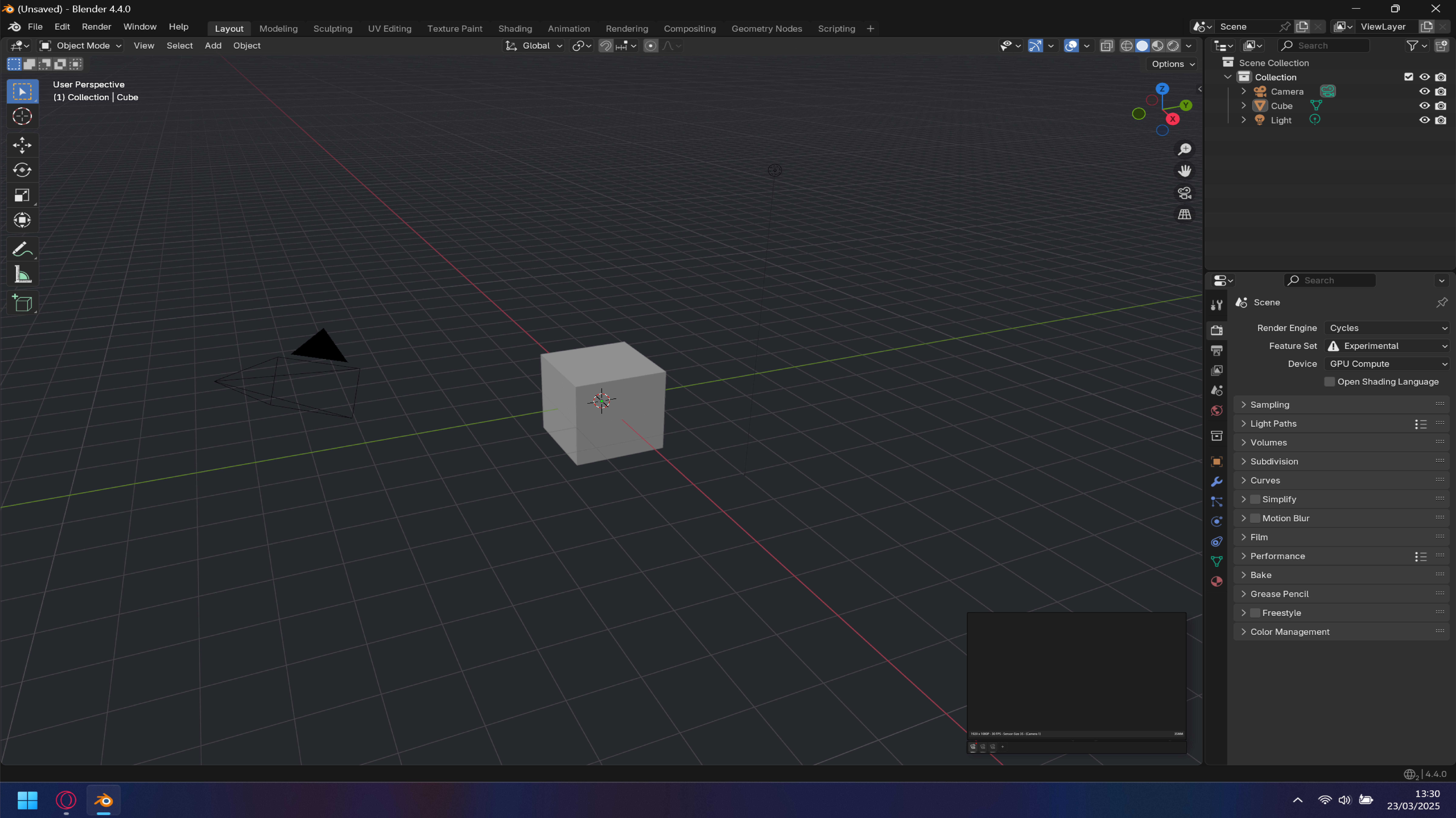
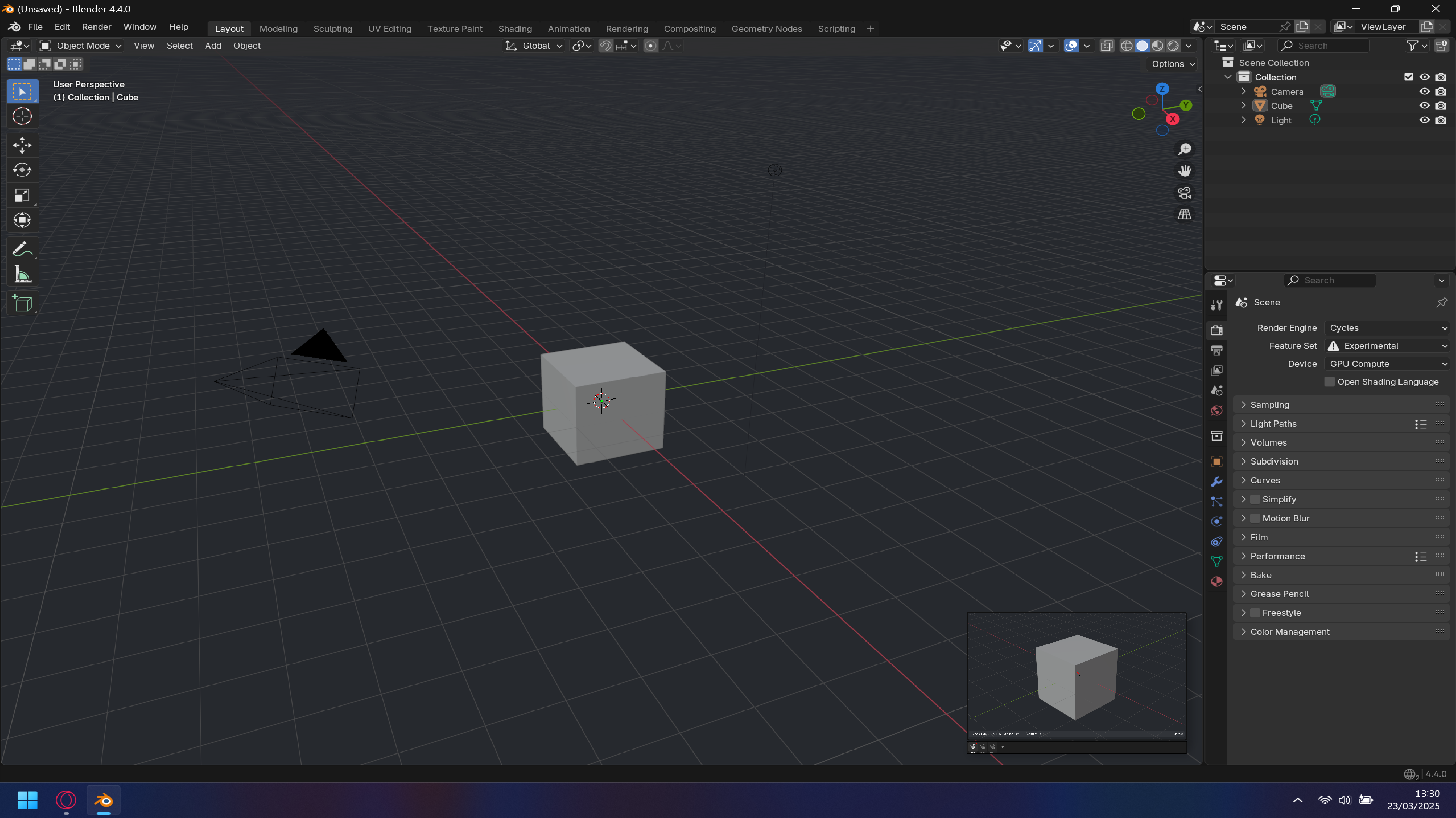
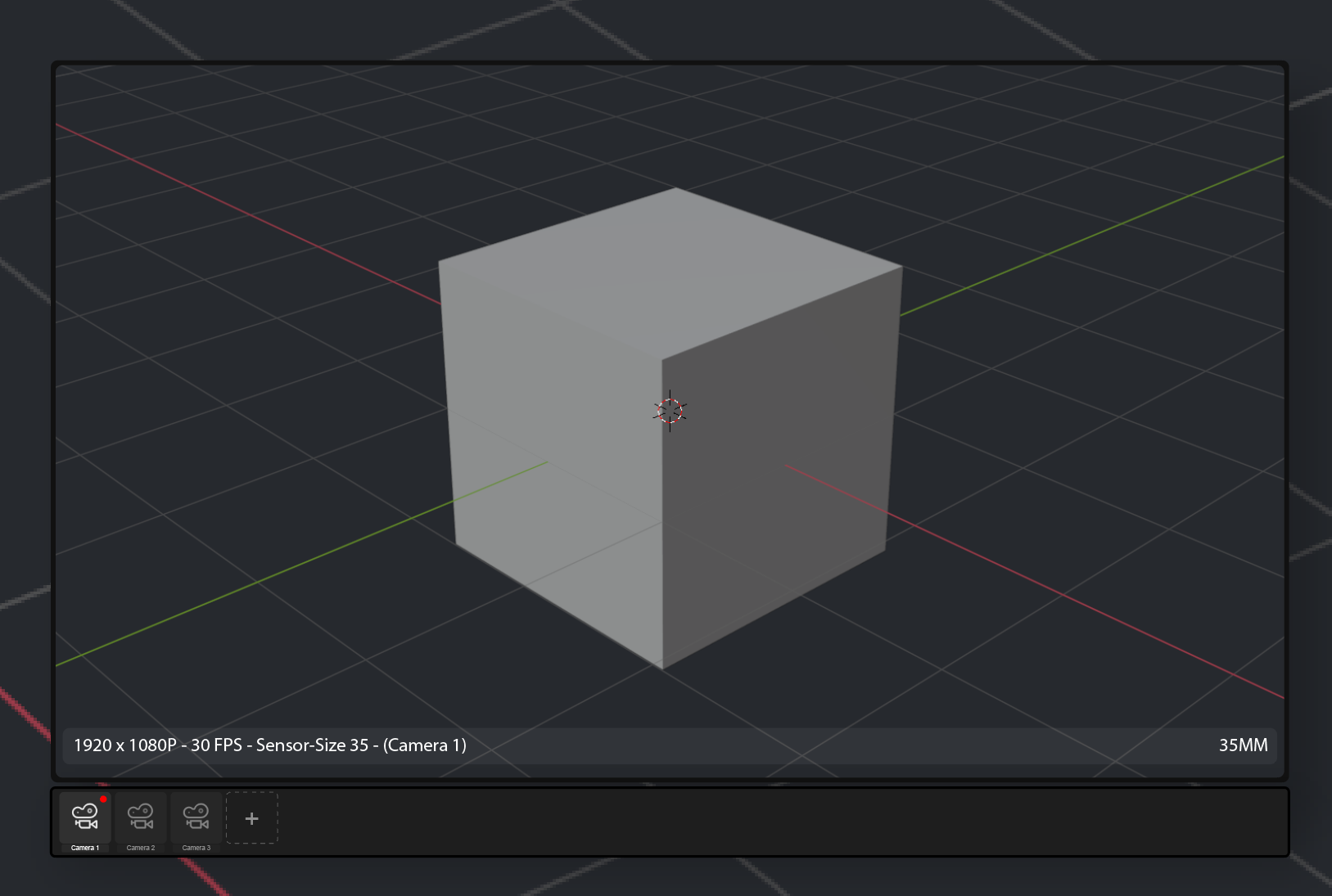
(I know there is an inconsistency between my models and the number of cameras available, there is only one camera available in the toolliner so there cannot be 3 in the "Mini Overlay Camera" but it is to show a little how it works)
6 Comments
An extensions was released that does exactly this: extensions.blender.org/add-ons/camera-viewer/
Yes exactly like this one but with more camera selection like in mine ;)
Yes I would love this! So many times I needed to just see small window of camera. and yes you can split your view-port to 2, toggle quad view even make a new window... all of which are amazing options to have but all of them suffer from having unnecessary amount of space covered.
this proposal is quite elegant solution to this problem in my opinion.
Another option for this that could be quite nice to have in Blender is something like what they have in Godot.
I imagine this could be in blender " properties editor " possibly in " object " or " data " tab.
How is this more advantageous than using a split screen with 2 viewports - one in camera view?
The awnser is in you're question... More space ! More particity and interactivity ! Less memory and loading ressource of useless tools usage instead load all overlay of the veiwport and many other things !