
Custom icons and Blender Logo
I noticed that many people do not like the trend of minimalism in the UI, everything becomes flat and hard to read. I like the icons in version 2.79 for example, and wouldn't mind replacing some of them.
I know that the blender icon department is having a bit of a crisis and demanding that developers change icons is a dead end.
The way out of this situation would be the ability to change the icons themselves through the settings, creating their own presets.
How do I see it all.
We have an array of icons, you choose and replace from your library.
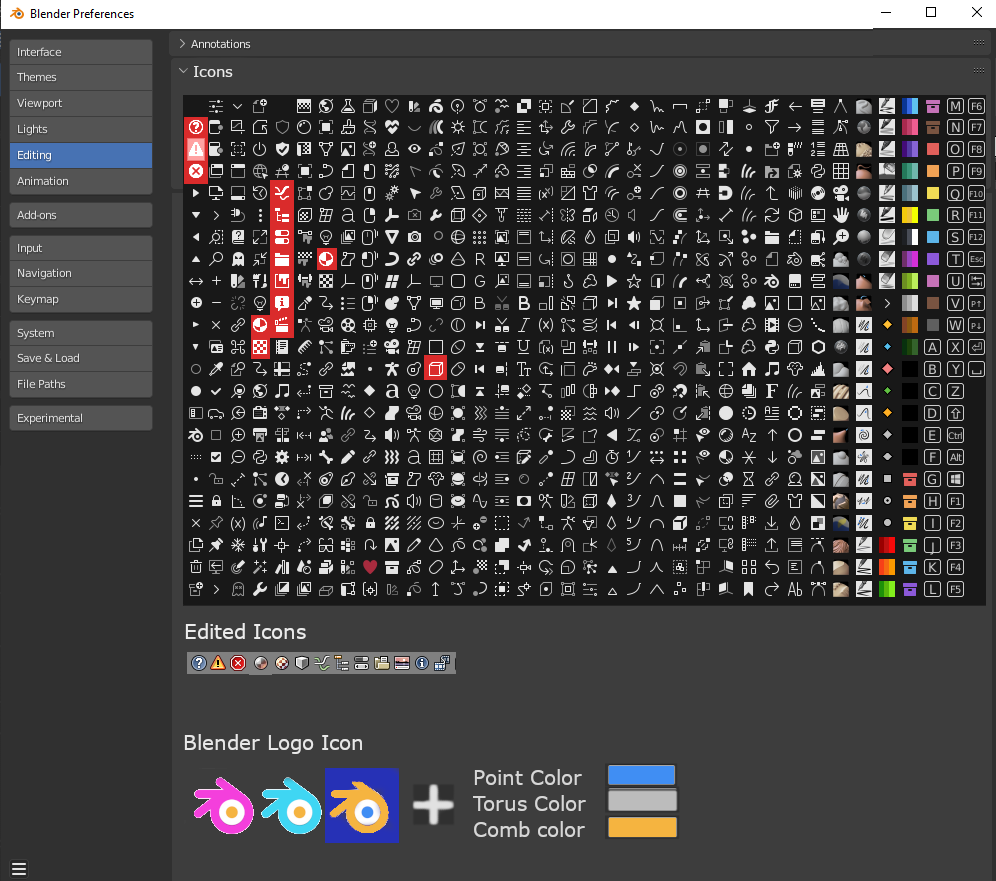
The problem is also that the black and white icons are used as masks, which are mixed with certain colors and can be used repeatedly for all sorts of interactivity.
And in the case of custom icons, which have a different color palette, everything is a bit more complicated, but there is a way out, apply to the icon a HSV color model, the example below.
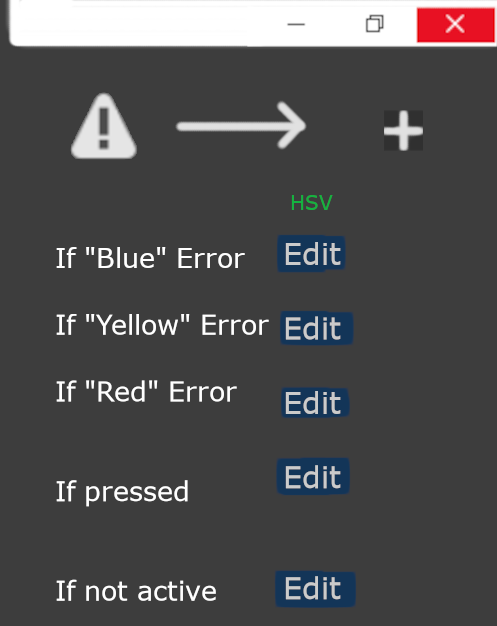
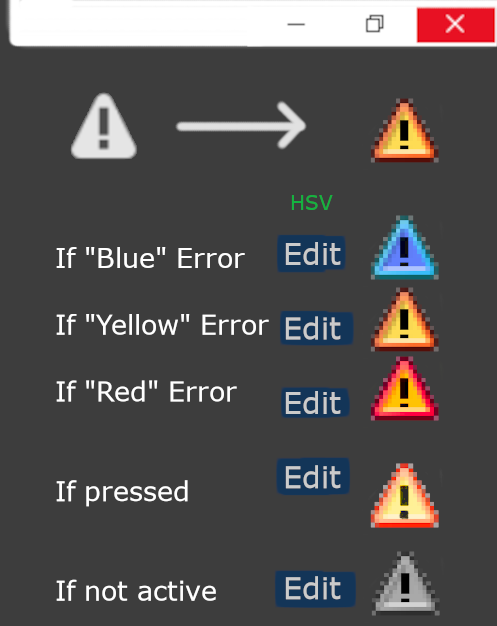 Blender also has static icons, which do not need to set different color variations, with which everything is much easier.
Also wanted to be able to change the logo, or change its colors
1 Comment
Why not some kind of resource packs you can apply, some of which come default with Blender, like the older versions?