
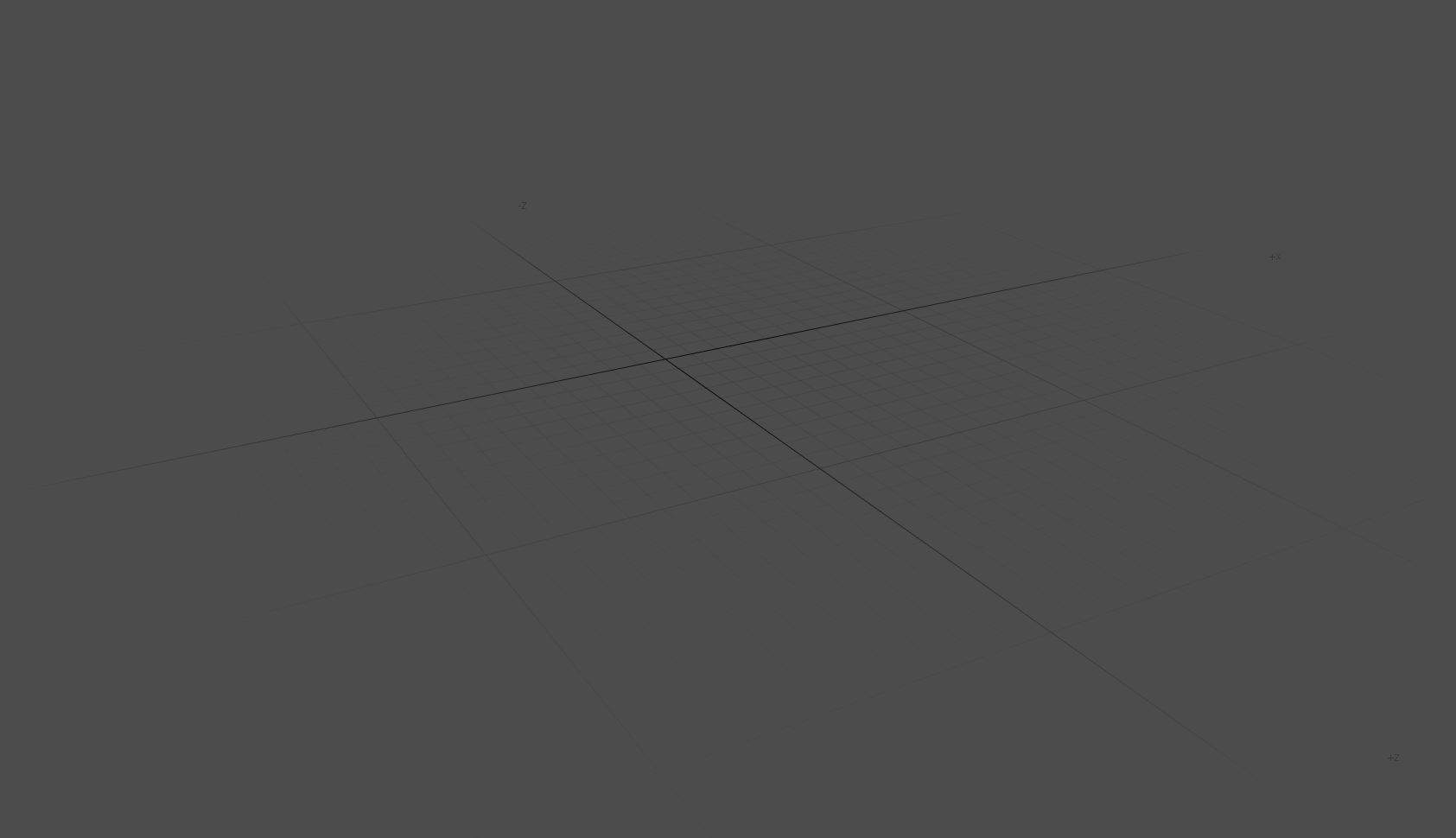
Viewport Floor Grid FADE!
I know a lot of people who've tried Modo and later switched to Blender haven't gotten over this! I really liked the fade, because as a 3D modeler and not a level designer, I don't always need to see the whole grid (unless in Ortho), but I do want to see the grid. I don't like to see the whole grid, so now I'm forced to turn it off, which I don't really like.
UP this if you'd like to have this as well.
9 Comments
Its already there, its connected to the view "Clip start" and "Clip End". Which is the camera clipping. Standard its set to 1km or 1000m but if you lower it below 100 you will see the fade also get smaller.
Hope this helps
* @romboutv * where exactly can we set that ?
* @Sbarcea Stefan * its the view panel in the properties (n). Its the settings for viewport clipping.
* @romboutv * It also clips geometry (and everything else) - not just the grid. I don't think that's what the OP wants.
yeah in Blender it also clips the geometry. Its rather a camera option than a viewport option . Also can this be set permanently in preferences ?
The way it looks on my blender right now, is with a fading grid. It's already there..
* @Carl Erik Tengesdal * Mine looks like it fades out after a couple dozen yards. OPs screenshot of modo looks like it fades out after 5 feet. Also looks like it might be a radial fade out. I don't think this is something Blender needs. Would need to see a video of Modo in action to form better opinion.
* @thinsoldier * It'd be nice to have a slider that gives a radial fade control
Strange that Blender doesnt thave this already with all the candies we have for the viewport. It will definitely look even more polished with this option