
Blender buttons on window frame
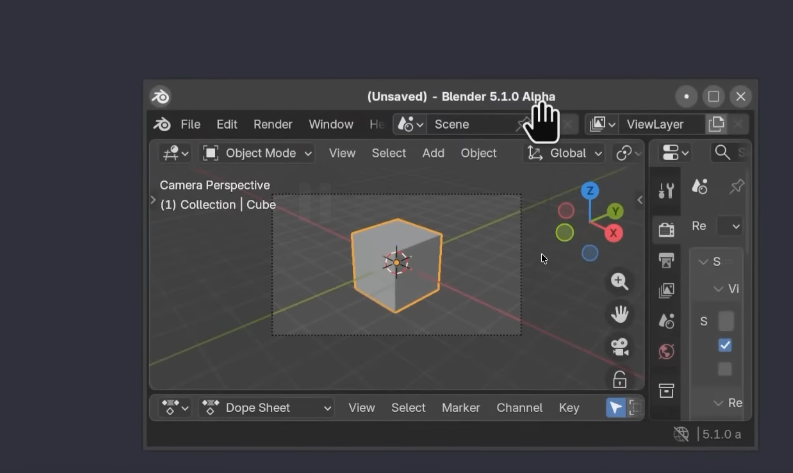 As it was said by Pablo in the last blender today podcast, we could use the top frame to put the general buttons there like this:
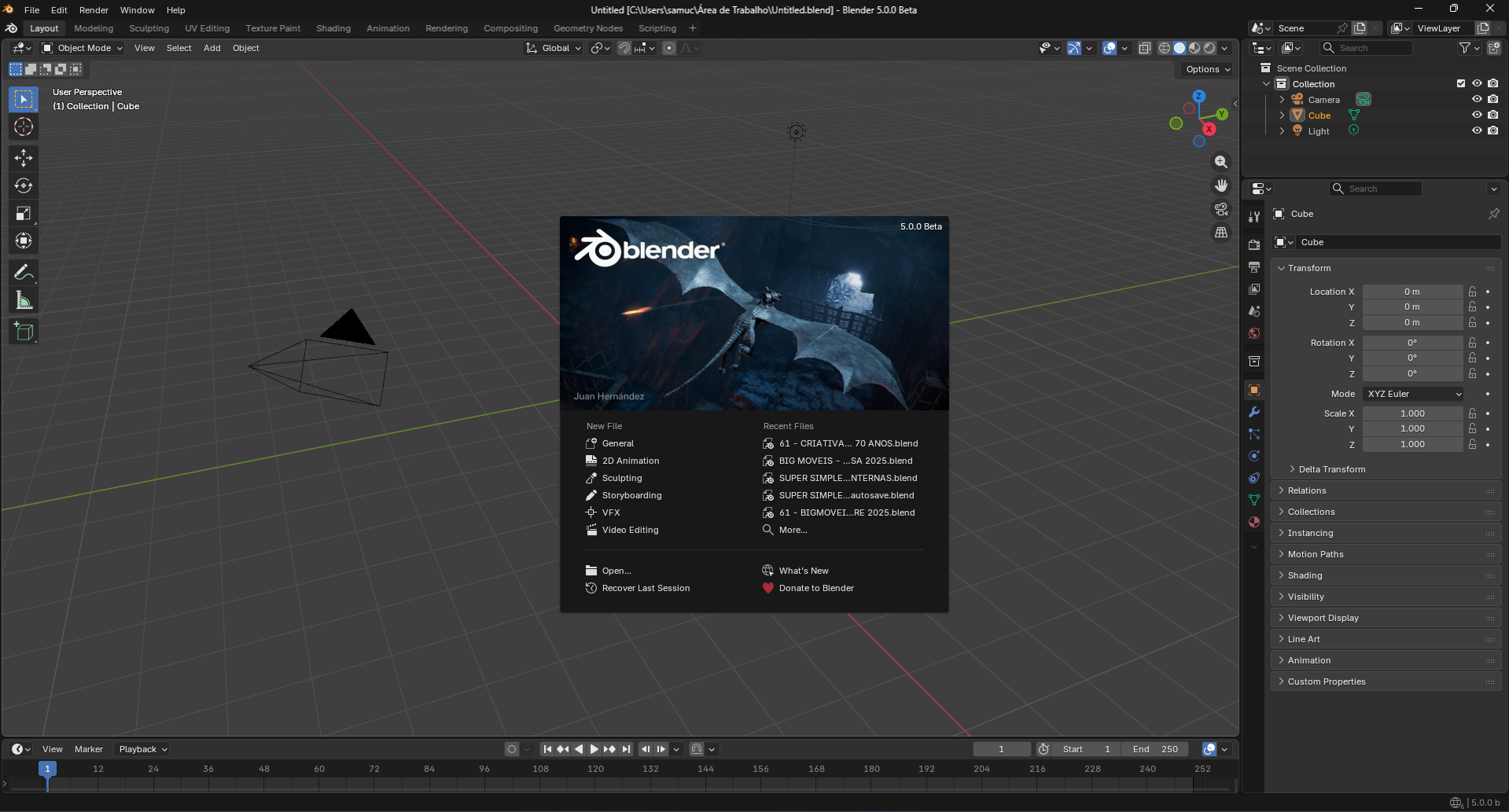
it woud be cool for people with a low res monitor or just using larger buttons.
This idea was marked as a duplicate of Window decoration border.
3 Comments
I think most users and developers agree this is good to have, unfortunately it's easier said than done. Blender is a multi-operating system app which complicates things.
Window frames are the bane of screen real estate.
Doesn't matter how large a screen is, it is still space one could have used for more productive purposes rather than a boring: "this is the program, and the current name of whatever it shows."
Honestly speaking, for us with larger screens, moving the Layout, Modeling, Sculpting, etc up onto the window frame would also be nice! Just shove that file path to the side, there is usually room for it.
Yes 100% this! I'm running my Blender in fullscreen to get rid of that to get more real estate (even if I use hires monitors), it works generally great except that I can't see the file path/name which is a bit annoying, so something like this would be much better. Lots other programs does this so Blender should do it too!