
Do not obscure text boxes when typing
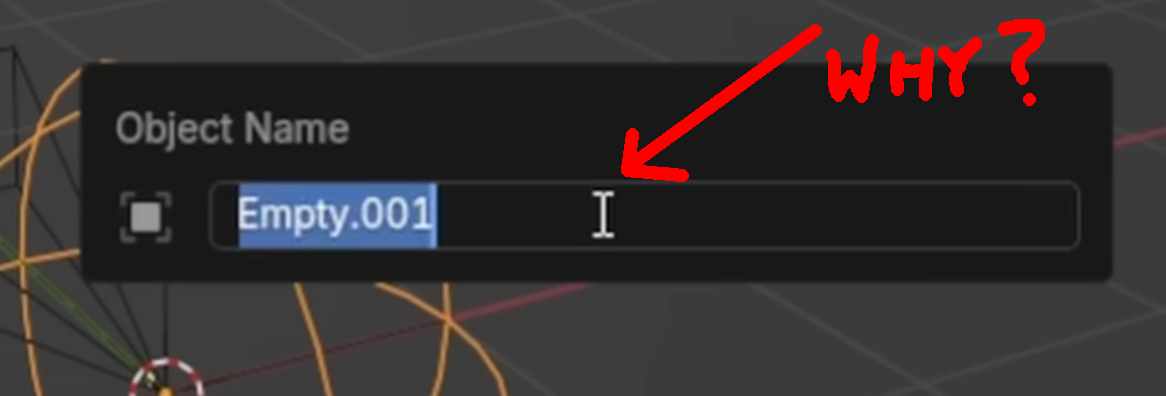
To type this sentence, I clicked on a web form box in my browser and then started typing - immediately the mouse pointer disappeared so that I could see what I'm typing. Blender does not seem to do this (for me).
I'm constantly trying to do common normal things like rename something, for example, by pressing F2 and right arrow and something like
.l
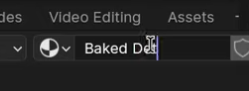
... but wait is the l there? It's hard to see because there's a mouse pointer icon directly over it.
I can't see any reason for this cursor pointer to ever be visible when the mouse is not being moved. The attached images are from tutorial videos. If anyone knows of a way for me to not have this problem I'd love to hear it.
2 Comments
Have you tried clicking in the input field, moving the i-beam away and then typing?
I have tried to not be bothered by the extraneous reach for the mouse but failed. Keep in mind, I'm talking about things like pressing F2 to rename something - there should be no mouse activity/requirement at all.