
Readability of the wireframe in the viewport
In Blender 2.8 the polygons are much darker than the background. This helps him identify them, but 2.8 they are white and they blend into the background. The grid also stands out much brighter against a gray background.
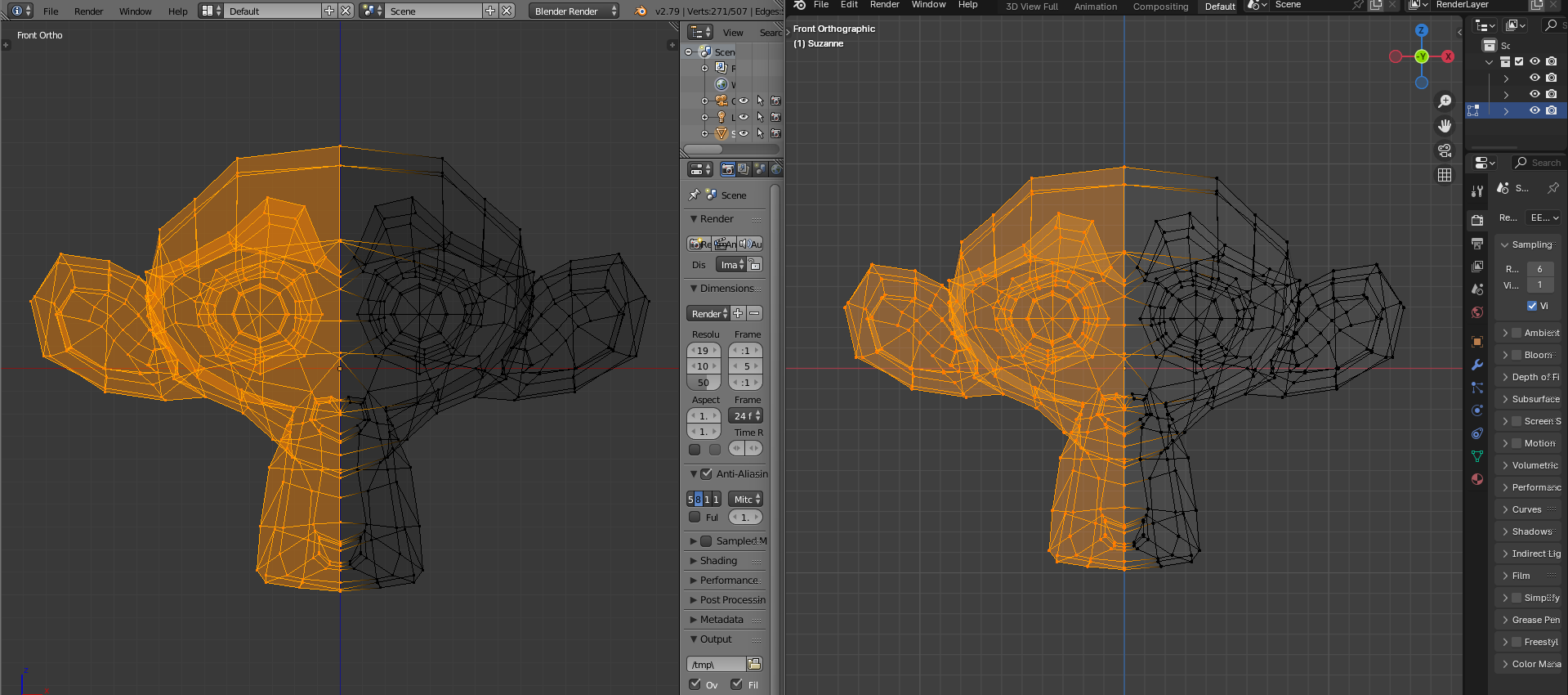
If you compare the colors, there is a very strong scatter. Why so much orange? Can you really notice the difference in shades without highlighting?
To be honest, I only now saw the difference between the colors. Perhaps it makes sense.
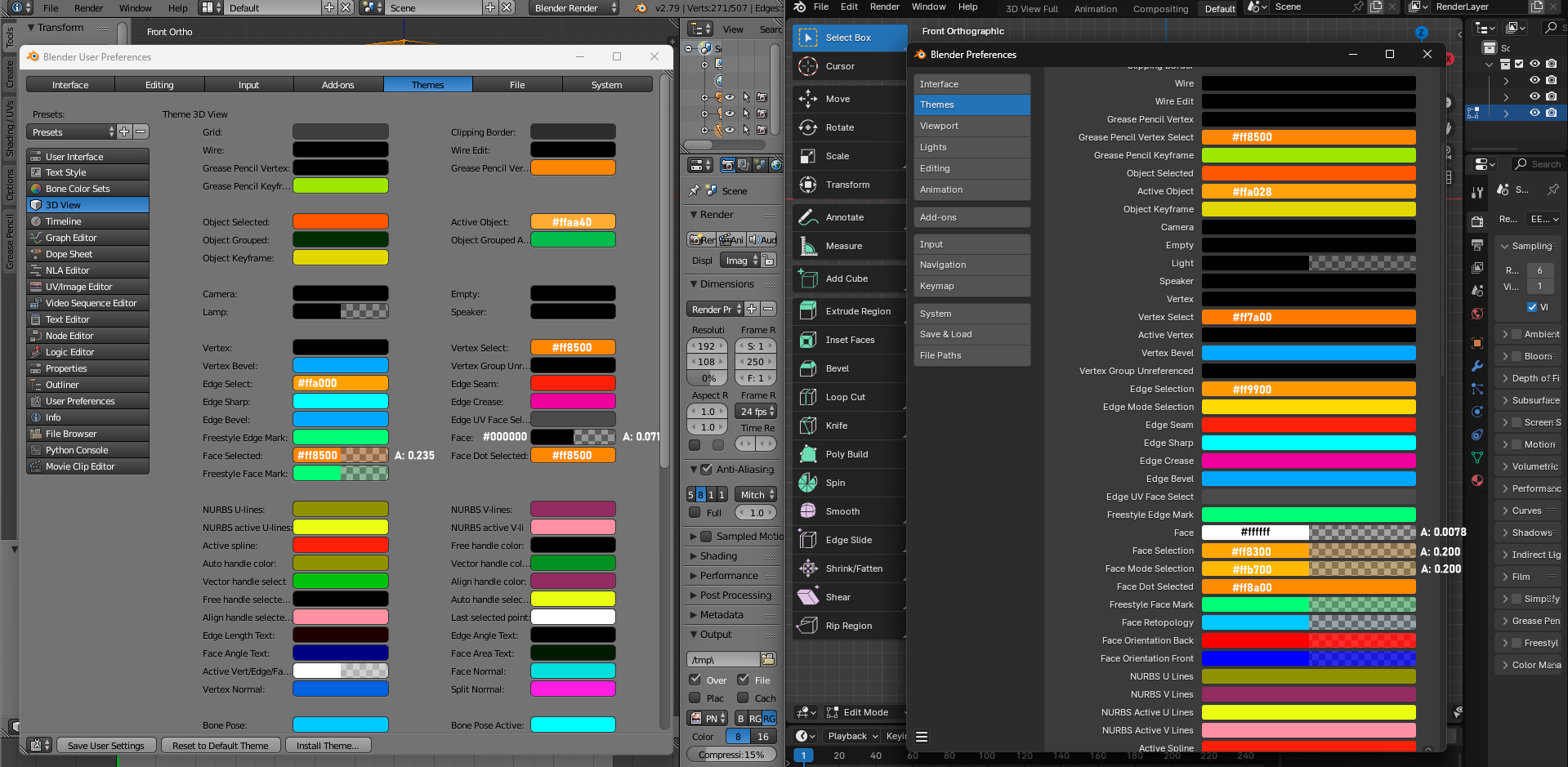
But the main drawback is the almost transparent wireframe.
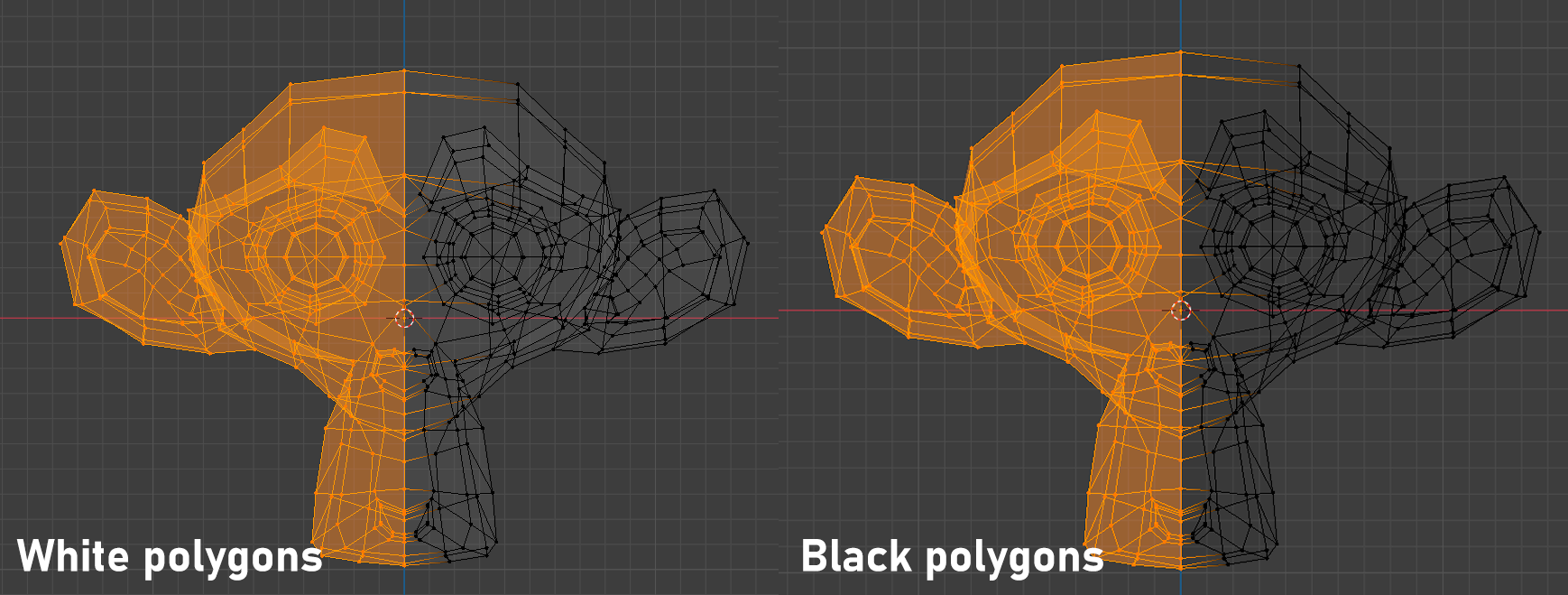
Of course the difference is not noticeable until we use a white backing.

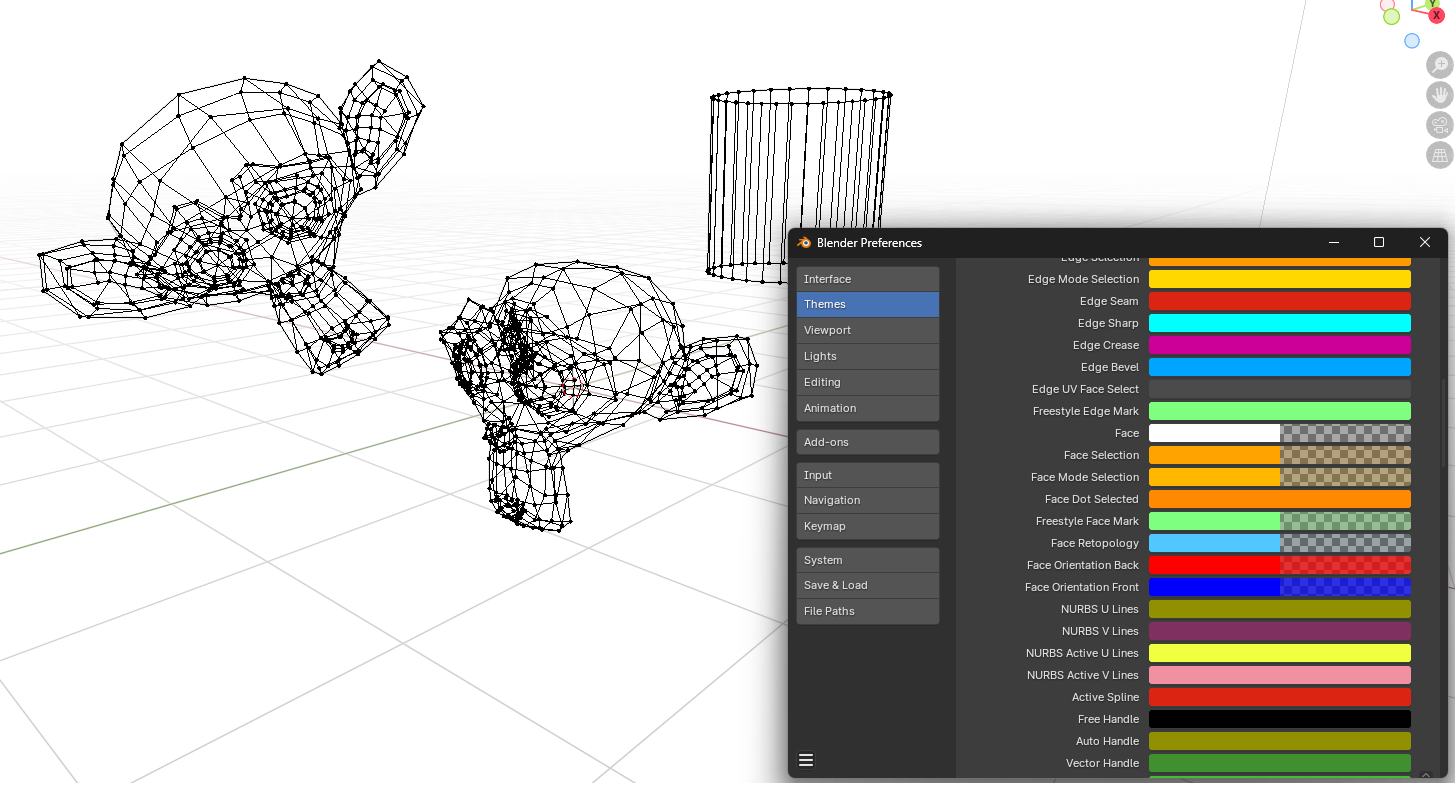
As you can see, the dark grid increases the readability of the object.
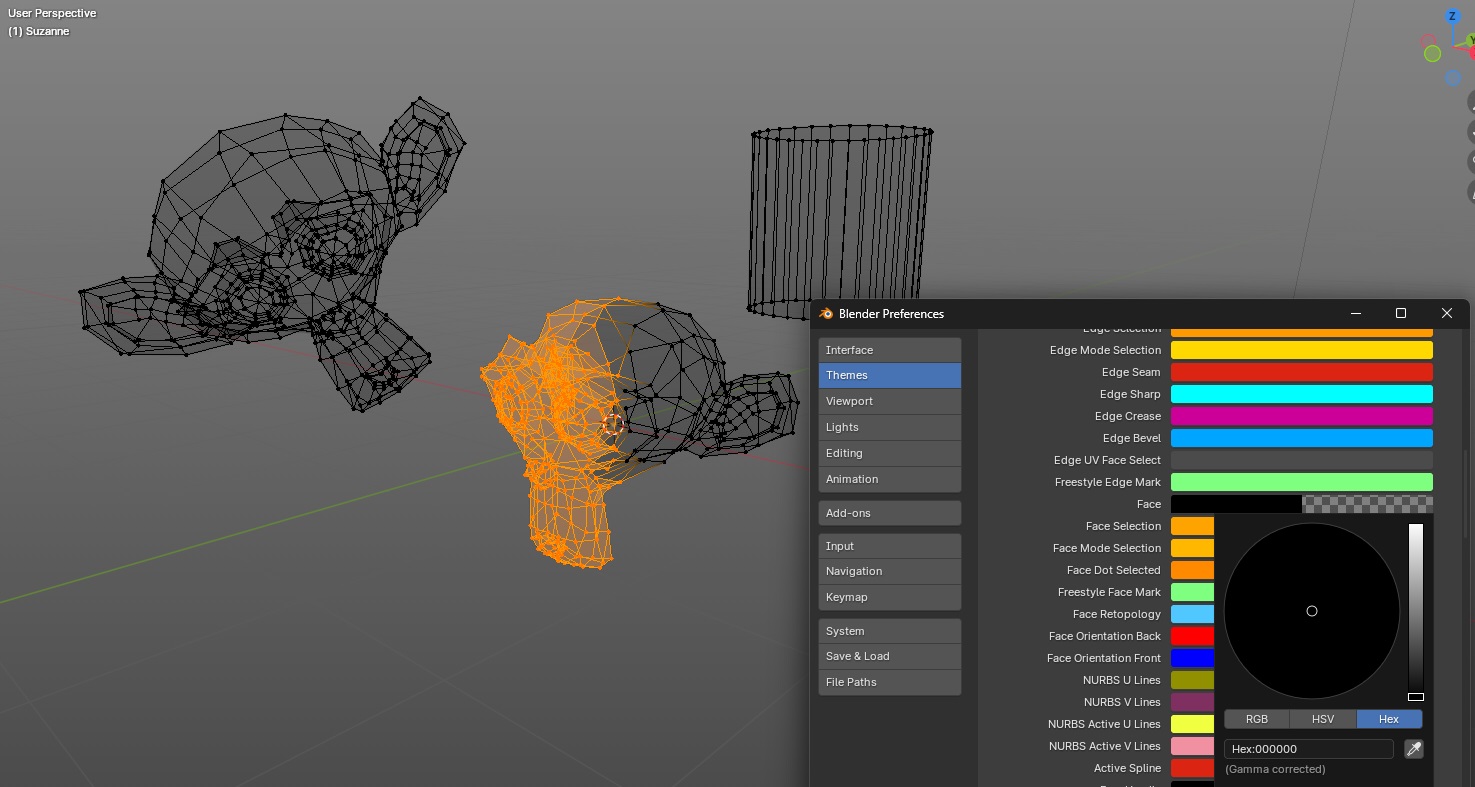
Idea: return the dark color to the polygons and use a gradient in the viewport.
It's a shame that they abandoned the gradient. This looks stylish and increases the readability of the object.
3 Comments
I sent the link related to a wrong post before, sorry. This may be related: projects.blender.org/blender/blender/pulls/111431
Big NO for gradient backgrounds in 3D viewports. Those are usually a theme specific thing, add very little benefit and as such can be optional and user customizable. However, I do like the idea of making wireframes more readable.
Readability better be fixed, but not sure about gradient background - different parts of a screen will have different readability.