
not needed dont click
so when i click on obj files in my gallery this happens
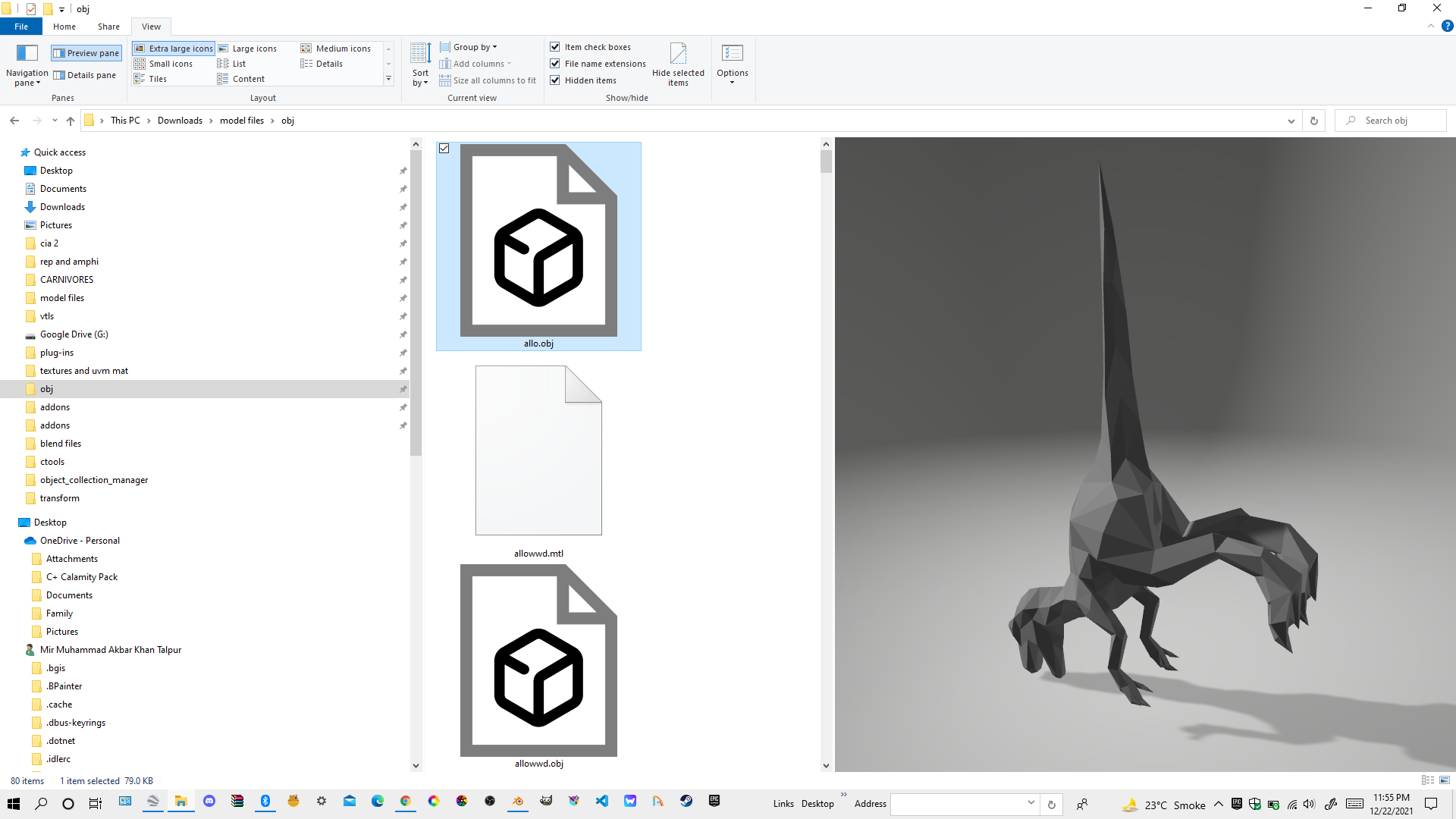 why cant that happen with blend files this should be ability to preview them in gallery and in blender without opening them to see if you have selected the right folder cuz newbies dont have organization of files and their names and people dont tend to remember everything and forget
5 Comments
"cuz newbies dont have organization of files and their names and people dont tend to remember everything and forget " that's not Blender's responsibility to solve.
OBJ files contain only polygons and reference to image textures. It is a SIMPLE file format that can be previewed easily. Blender files are very complex and can contain hundreds of different types of information. There is no way to preview them without loading all the different parts of Blender that can understand each type of information. Blender is working on a modified version of Blender that can be used for browsing all of your files (blend, obj, fbx, image, video, audio, motion capture)
ok
i want you to review these from sculpting pov and retopo pov blender.community/c/rightclickselect/57kK/ review this also this blender.community/c/rightclickselect/28P1/ from sculpting pov
FYI, notifications are sent to every person who posted on the same topic each time you send a message. So when you already posted, could you please consider editing your replies when you want to add something, instead of posting several replies in a row?
In the last 24h I received dozens of "new replies" notifications just from you, while really you could have posted just like five of them.
Also, please don't post your links everywhere asking for reviews. We all look at the post we're interested in by ourselves just fine, ne need to add clutter for that x)
Also, Blender already embeds preview thumbnails:
If you don't have them, open Blender, go to
Editmenu >Preferences...>Systemtab >Operating System Settingsand hit theMake Defaultbutton:Or, if you like command lines:
no