
GPencil: Disable/Enable layers bones
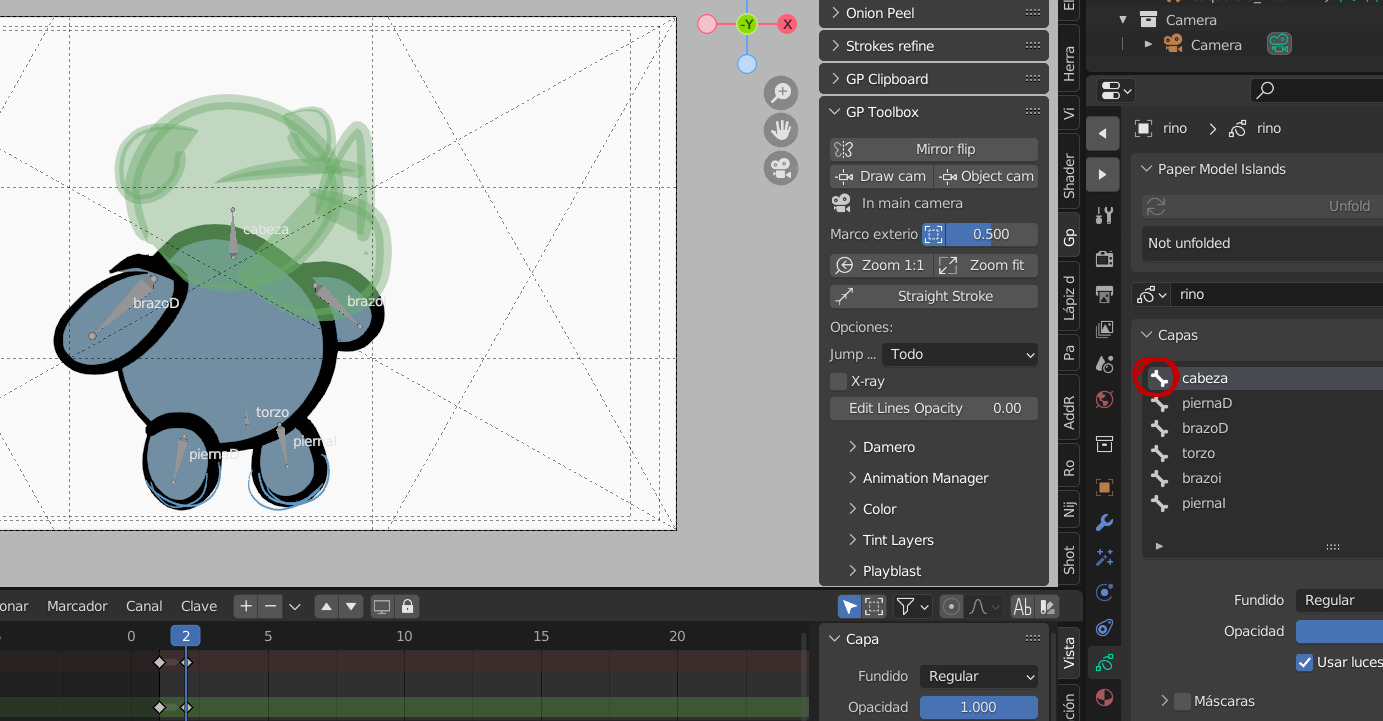
Deactivate and activate the bones of the layers to be able to continue editing the drawings in a comfortable way. With the bones activated The drawing moves.
Deactivate and activate the bones of the layers to be able to continue editing the drawings in a comfortable way. With the bones activated The drawing moves.
0 Comments