Editing attributes and using attributes in modifiers
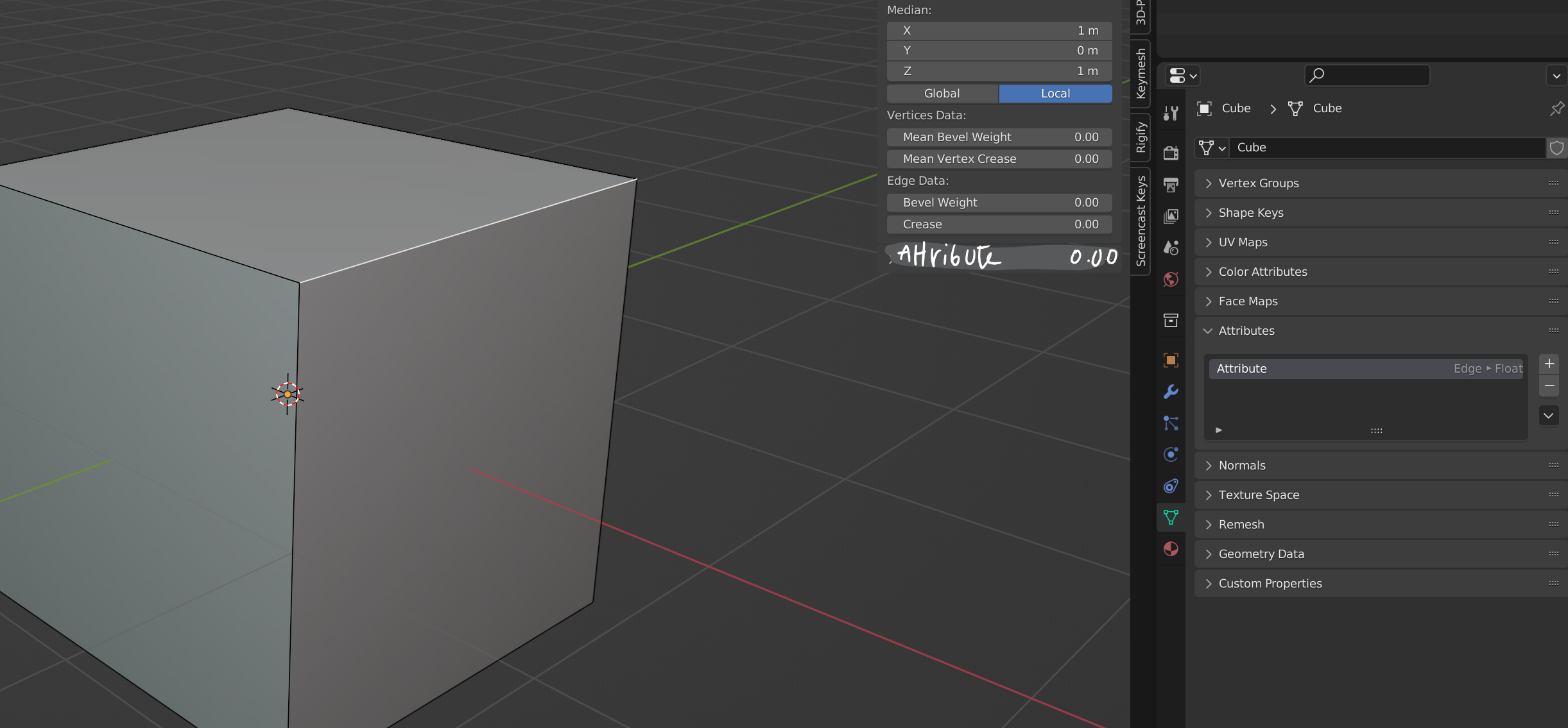
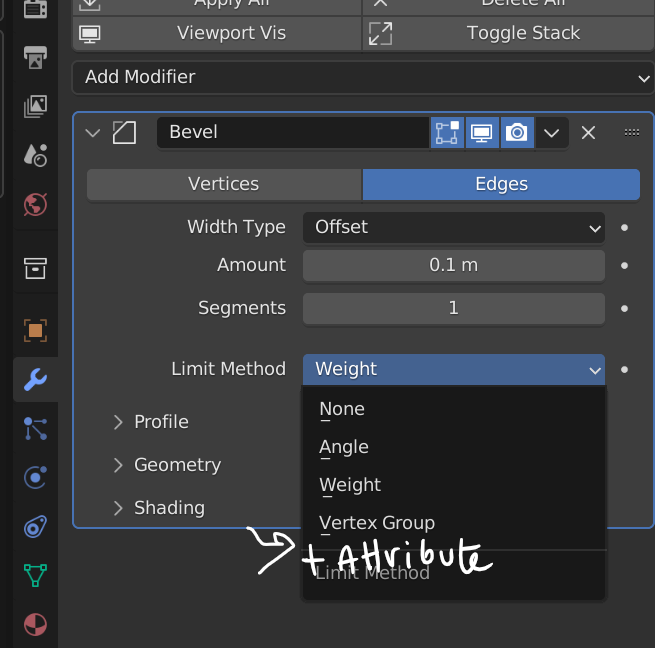
Title self explantory
100%
Development Status:
Done
Upvote7Downvote0
c
costa
21 Apr 2022
2 Comments
e
ehabcharek
you can already do that actually!
you just need to create a vertex group for your object, doesn't have to be applied to any part of the mesh, then in GN, plug whatever float value you want to the output node, and in the modifier, select the vertex group in the new available field
then in any modifier under that GN modifier, you can select that vertex group.
here I used that to create a bevel in this example
media.discordapp.net/attachments/852078034902188053/967494438089793536/GN_export_attribute.png
1
r
richmakegame
I don't think this should be marked 'Done' - vertex groups are great but you're limited to vertex floats between 0-1 and attributes can be stuff like vector per face or boolean per edge. Also I don't think there's an easy way to select a vertex and see what its current group weight value is

2 Comments
you can already do that actually! you just need to create a vertex group for your object, doesn't have to be applied to any part of the mesh, then in GN, plug whatever float value you want to the output node, and in the modifier, select the vertex group in the new available field then in any modifier under that GN modifier, you can select that vertex group. here I used that to create a bevel in this example media.discordapp.net/attachments/852078034902188053/967494438089793536/GN_export_attribute.png
I don't think this should be marked 'Done' - vertex groups are great but you're limited to vertex floats between 0-1 and attributes can be stuff like vector per face or boolean per edge. Also I don't think there's an easy way to select a vertex and see what its current group weight value is