
[Sculpt Mode] Dramatically increase the range of Plane Offset and Plane Trim tool settings
Disclaimer: Beginner of 3D modeling.
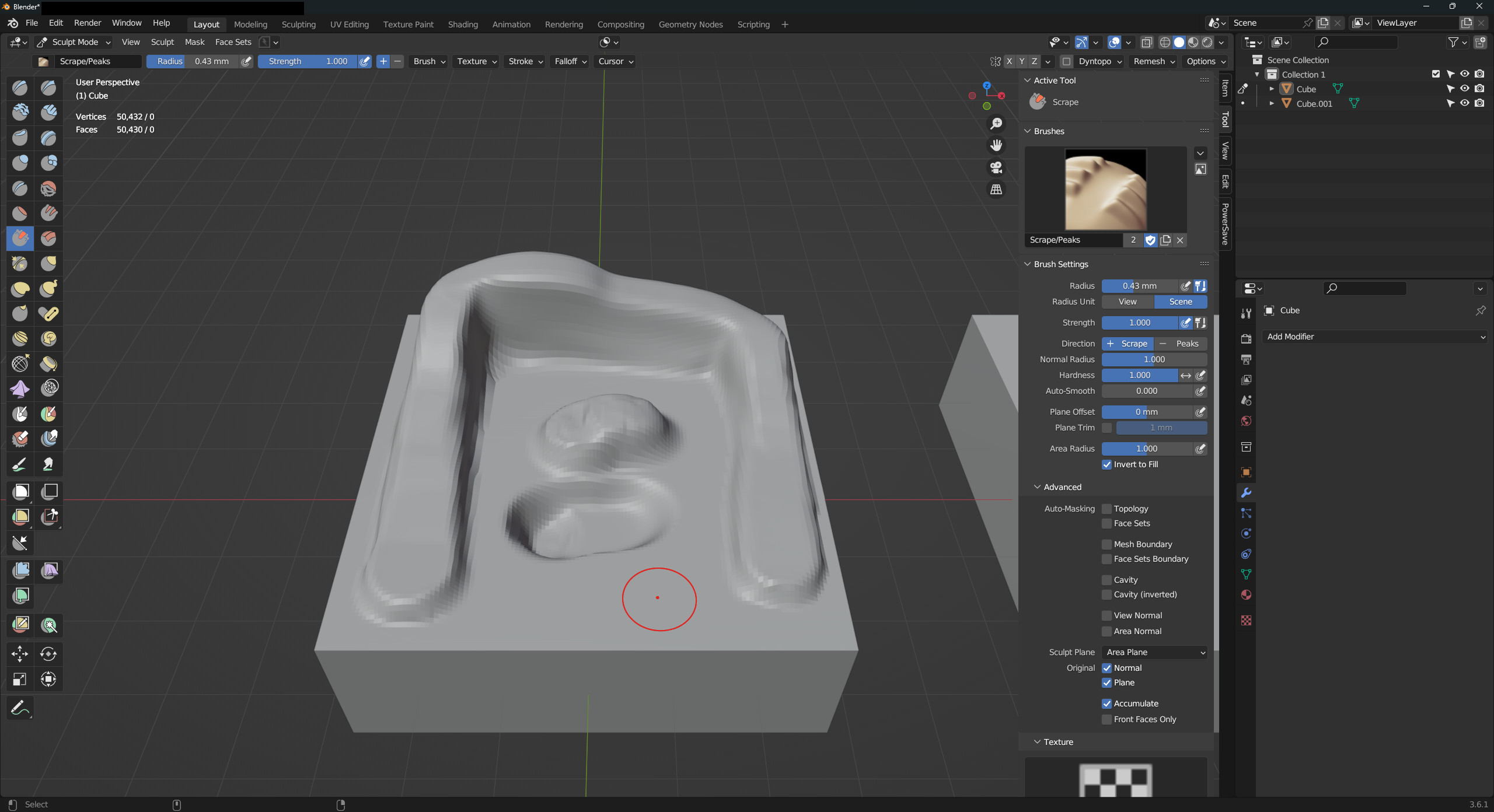
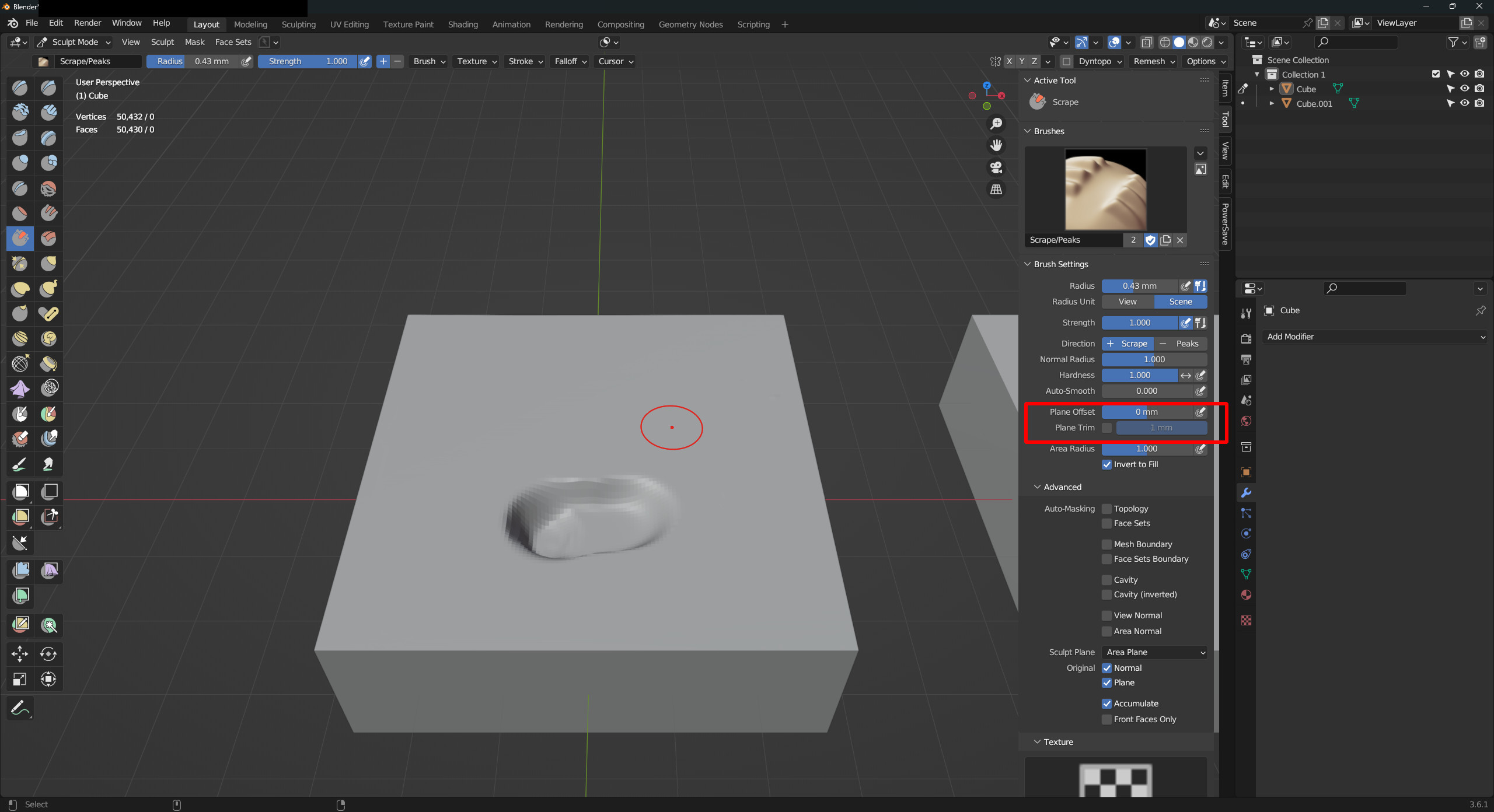
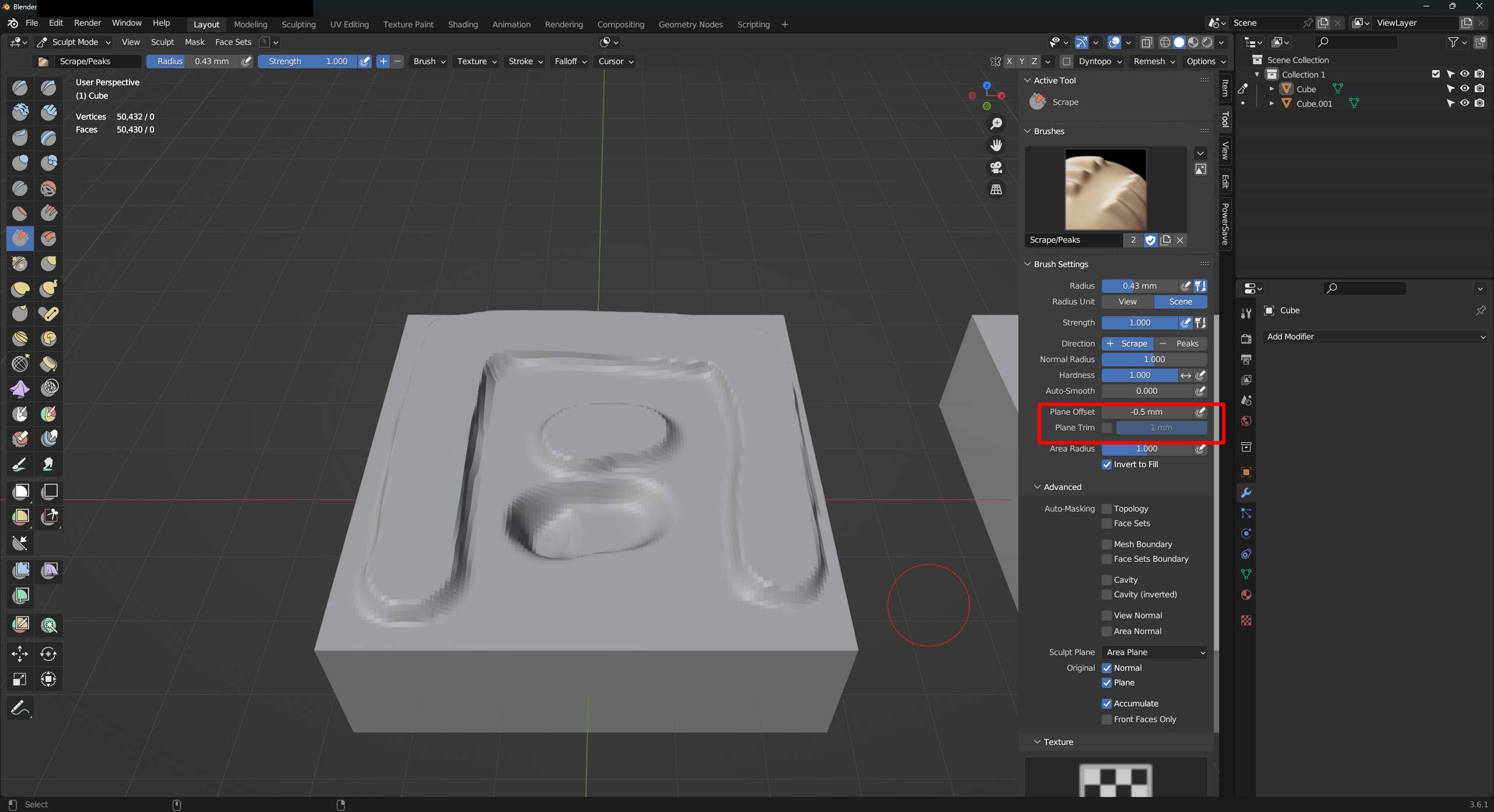
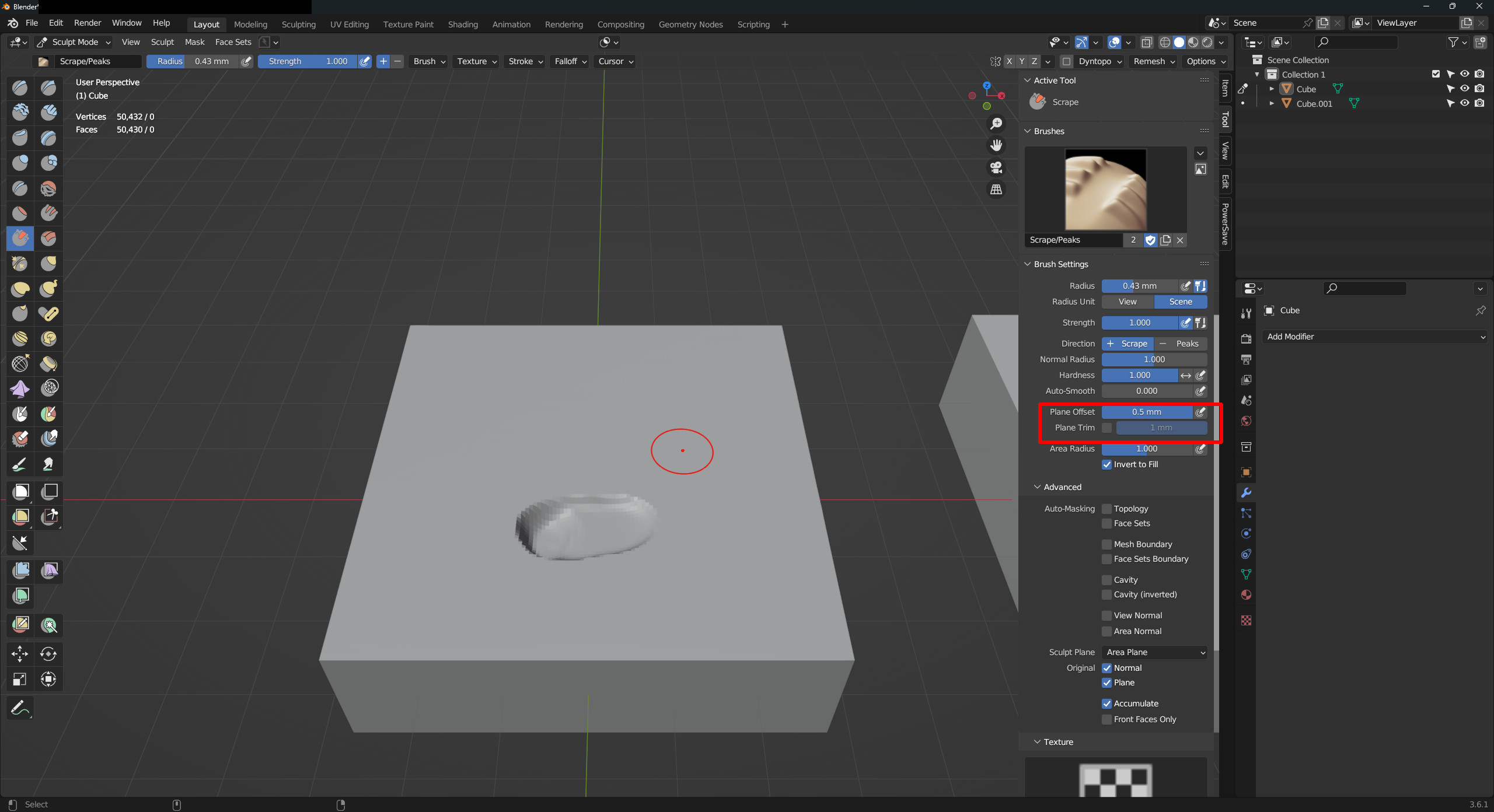
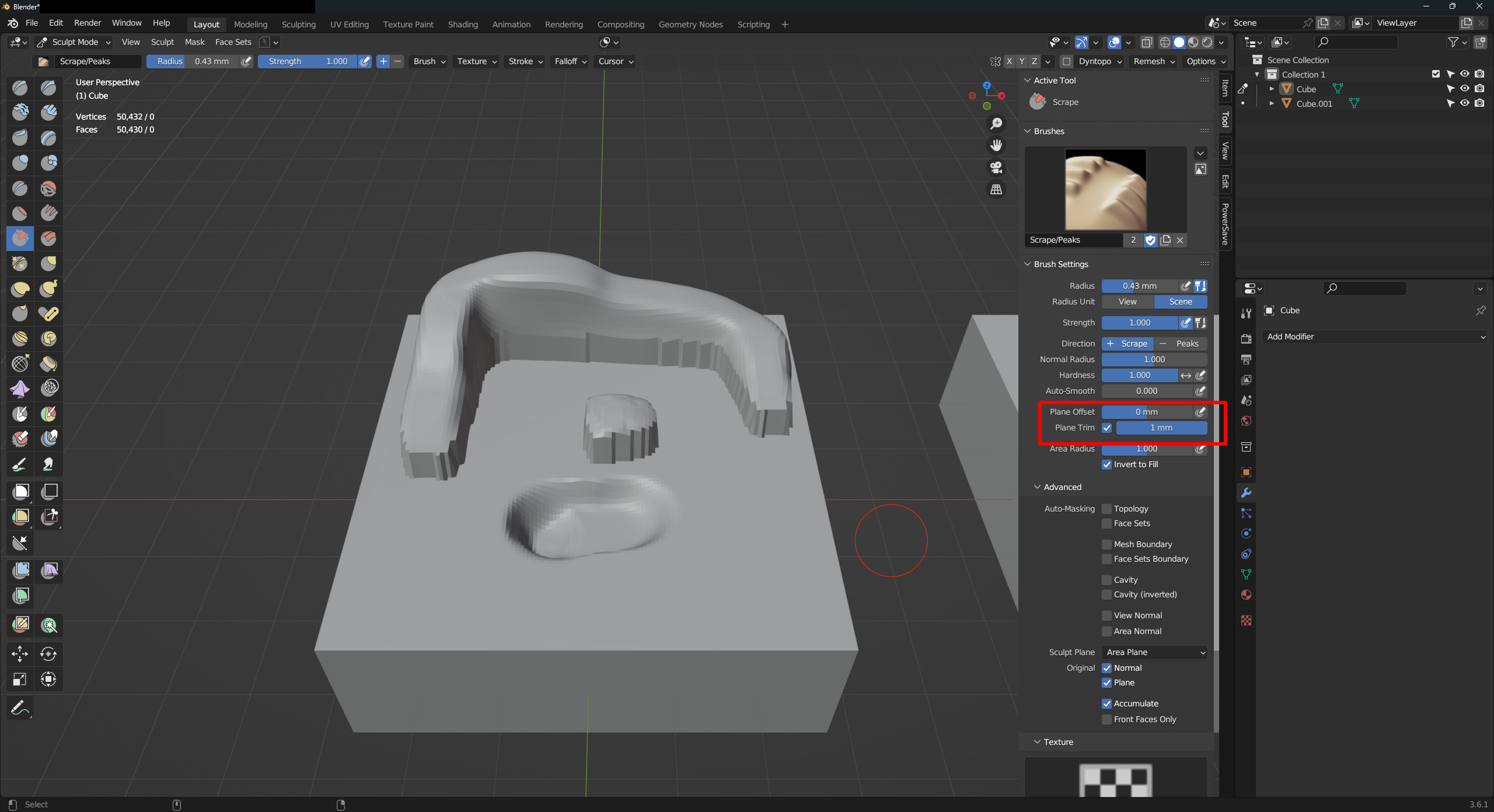
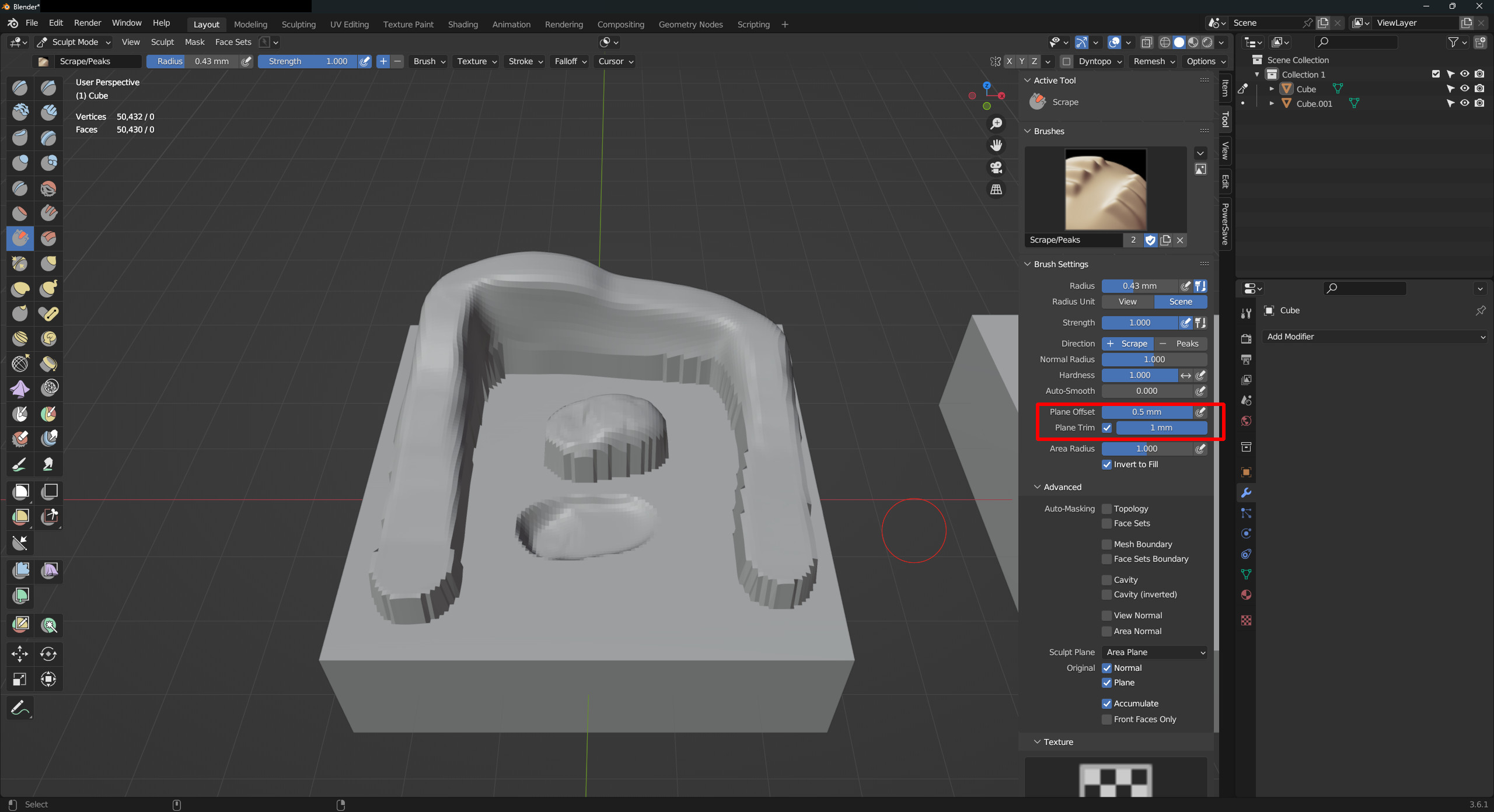
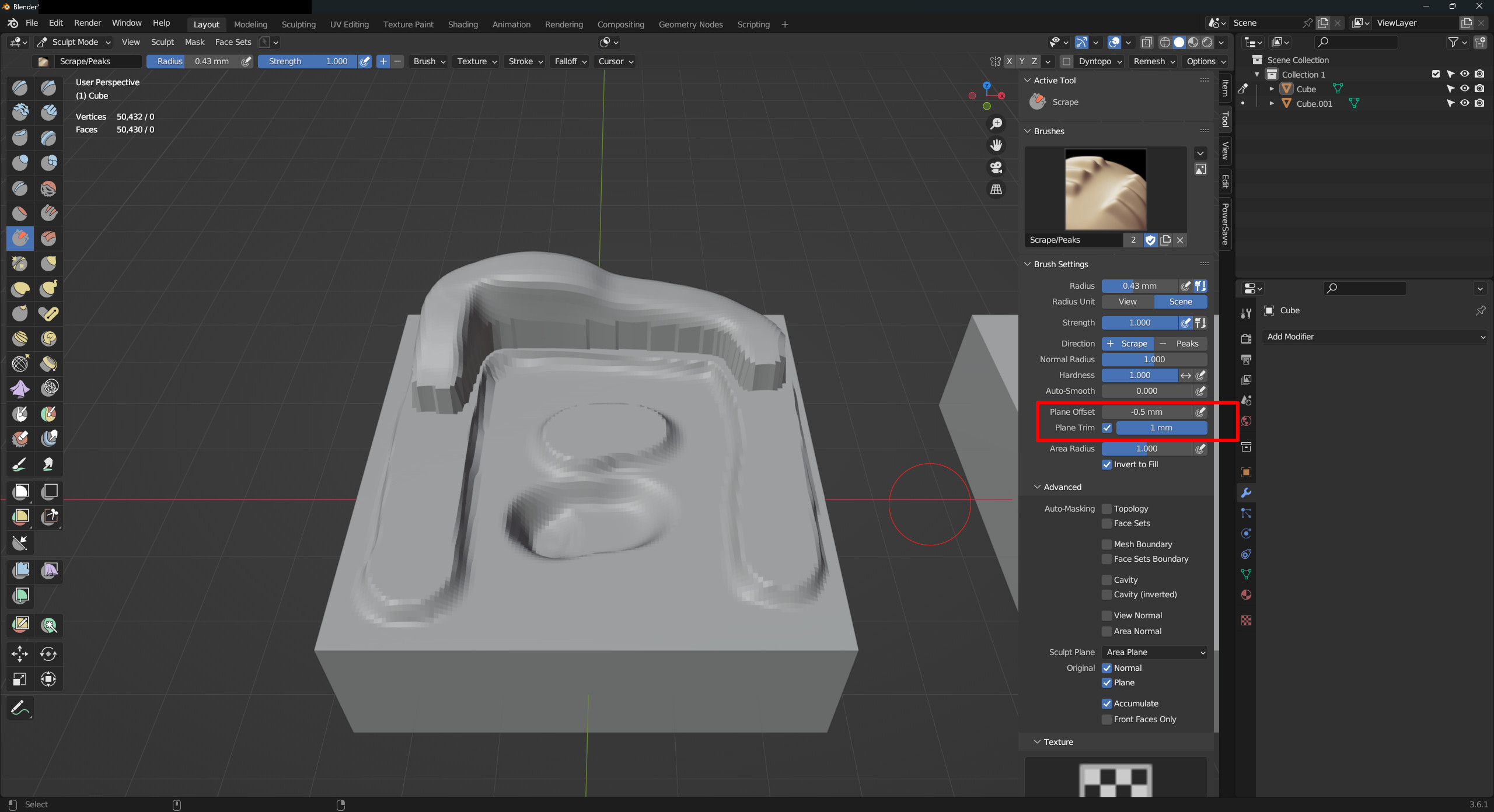
I've been messing around with sculpt brushes and been trying to get a feel for the brushes and their potential. In working on finding a more hard surface result or just a more predictable outcome I've been playing with the Scrape/Fill, and Flatten brush settings. In concert with the advanced settings of Normal and Plane Sculpt, Plane Offset and Plane Trim settings provide a lot of variability. Somewhere where they fall short, seemingly needlessly, is in their very limited range, -.5(-2) to .5(2) and 0-1 respectively.
It doesn't seem like something that would break much if the range were increased to 100 on both ends, or even higher. If very high levels are performance hungry, you can do what the Plane Offset(-0.5-0.5 slider with typing max of -2.0-2.0) and (some?)nodes do, provide a slider of -10 to 10 and allow the user to type up to 100 or 1k+, on both ends). I don't think it should be a big worry, other things in Blender require the user to self-limit the higher ranges as needed, subdivision/multires modifiers come to mind. It only adds to the versatility of options and is probably a pretty quick change-job.
I am using mm scale, but I tried using larger scales(meter) and the results are the same even if there's no change in the model. Only the ui sliders of Plane Trim and Offset change, the scale change has no effect. Seems to be a purely cosmetic change on the ui.
I've provided some pics with a test model for the Scrape brush showing my settings and some limits.
I'm on Win11 and Blender 3.6.1, if that matters. Mostly native Blender addons but a few 3rd party, but nothing related to sculpting. Lmk if there's any more info I should provide or if I just missed some ui-changable thing which solves this, or just completely missed glaring problems with doing so...
PS, is there a user-way to change the twinning or cousining of brushes, like the Scrape+Fill dynamic or the MostBrushes+Smooth dynamic?
1 Comment
I think the best thing to support a relative setting based on the brush radius size for these settings.
I could also see them expose in a way that's easier to comprehend. Like using a "Cylindrical" falloff shape instead of "Spherical". With that mental model in mind, you can adjust the height and center of the cylinder shape, which is the same as the plane offset and trim.