
Collections visibility keyboard shortcut menu
Collections menu that opens when you press alt-m or some other shortcut: wireframe.cc/6Uysu7 That is a quick ui mockup. On top you have search if have lots of collections so you can just type and find your collection. Y button is the filter from outliner. Abc button toggles the order of collections alphabetical or by date. Then you have a scrollable list of collections and their controls.
Essentially it is a popup menu which is a list of collections that you can open at any time. It offers a super quick way to quickly toggle visibility for multiple collections as by default it only shows collections. It doesn't take away any ui space as it is a popup menu that only appears when you call it. You can also change it so it does which basically makes it an outliner popup you can call with hotkey. You can also use this as outliner and not have the outliner be part of the ui at all which saves screen space.
2 Comments
This is already possible out of the box. bind alt-m or whatever hotkey you want to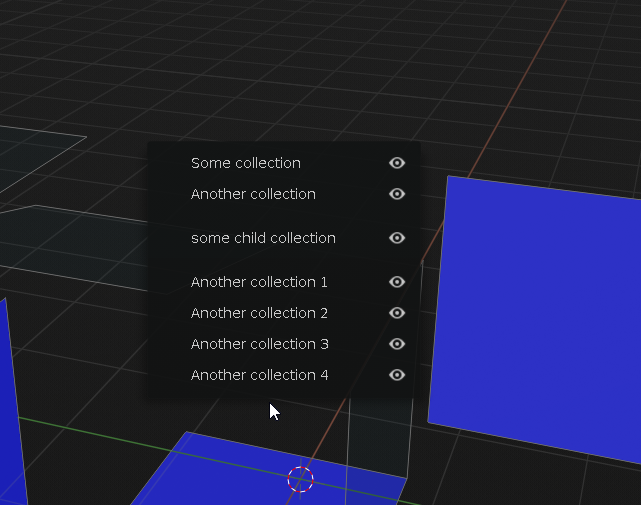
wm.call_paneland give it the nameVIEW3D_PT_collections* @testure * That's great although it doesn't show the folder structure of the collections. I did map it to alt-q which I think is free and works. Thanks!