
Improve Polygon Fill, Texture Paint
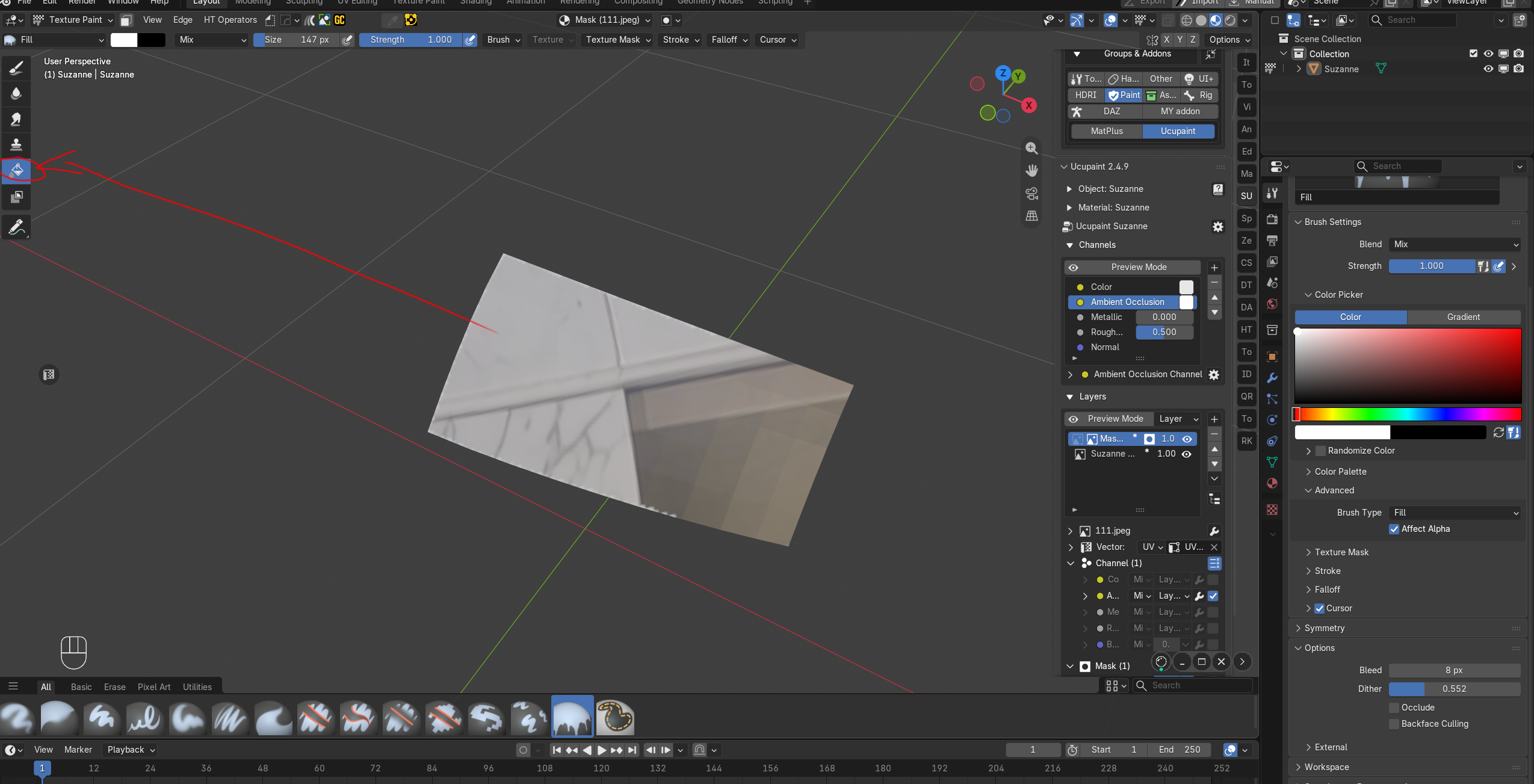
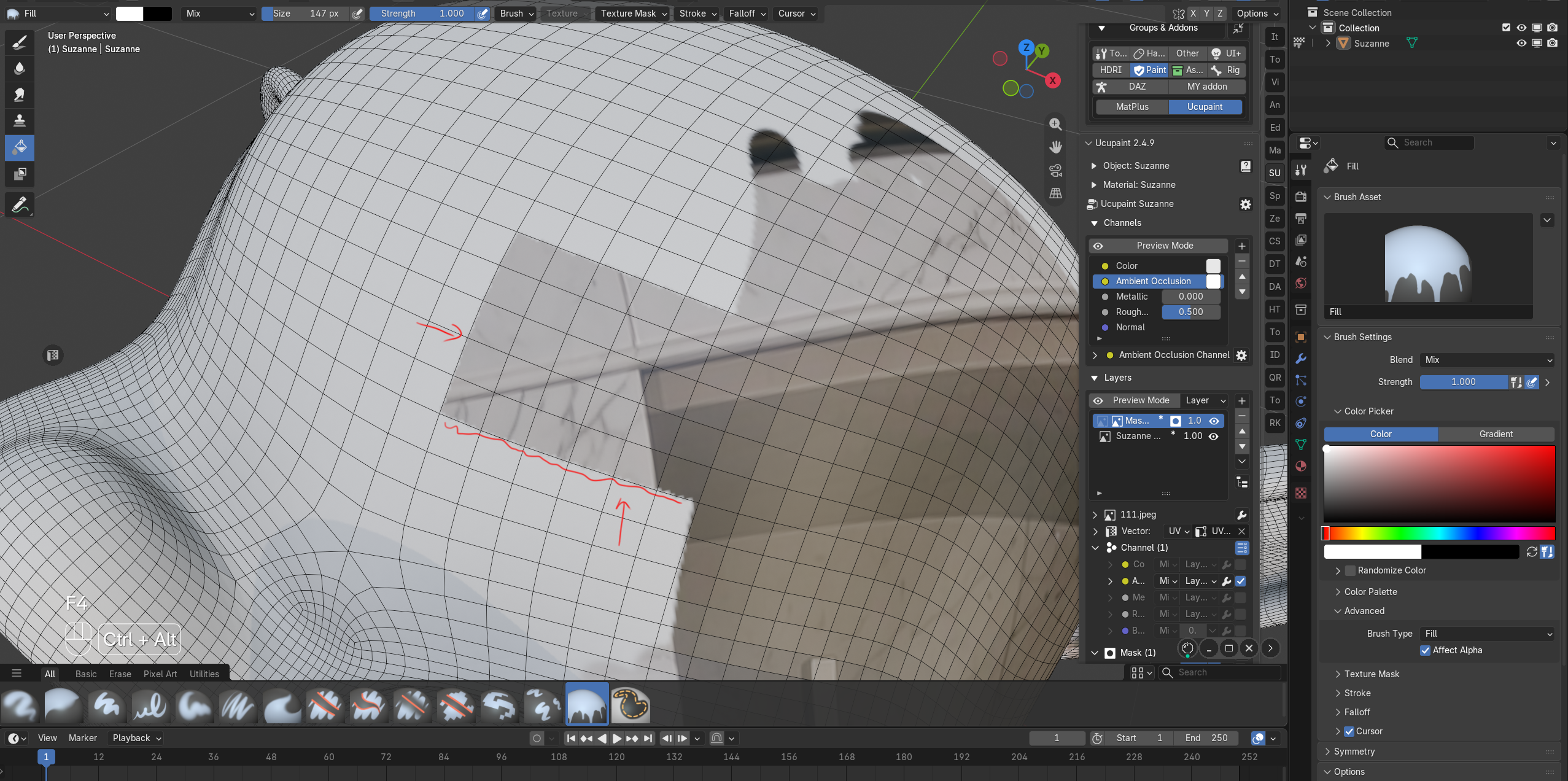 When displaying only a portion of the Polygon, using Fill will create jagged edges and fail to fully fill the area. It does not fill completely even with a large bleed value. Please fix this. Alternatively, add an extra painting mode called Polygon Fill, similar to Substance Painter, which would be more convenient.
3 Comments
Have you tried the Paint Mask button, which is in Texture Paint mode and which is located to the left of the menu with the word "Texture Paint"? to use it, select the polygons that need to be filled in the "Edit Mode", then, leaving the selection unchecked, switch to the "Texture Paint" mode, make sure that the "Paint Mask" button is turned on and then use the fill tool to fill in the desired areas of the polygons.
I found this feature. I'll try it out.
Well, when you try this opportunity and evaluate it for yourself, let me know.