
A way to evaluate attributes of neighbouring faces in GM
Hello,
I am fairly new at this, so maybe I am missing something obvious.
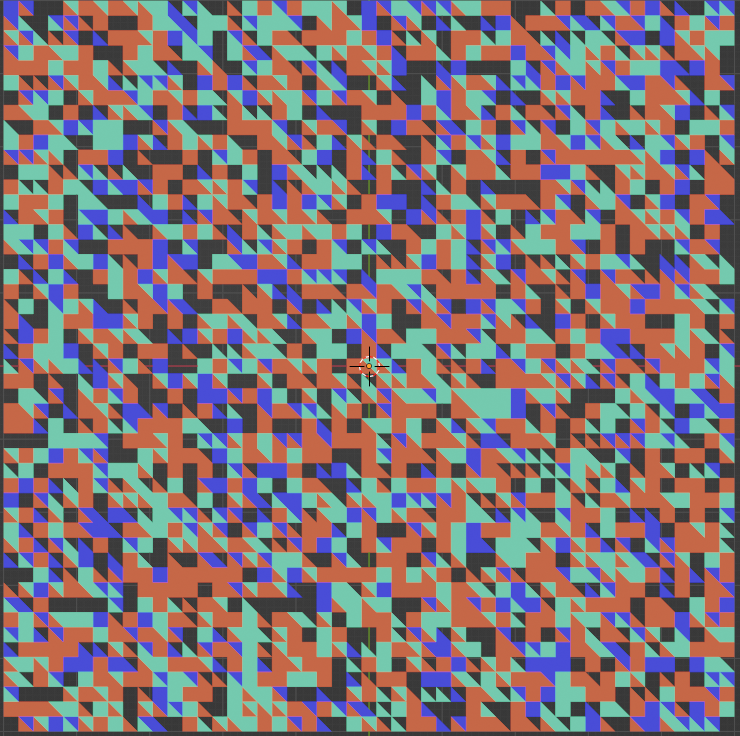
Today, I found myself trying to create a pattern generation animation in Geometry Nodes and I couldn't find a way of evaluating each individual face of my recursively subdivided grid mesh as to its colour (material, that is) in order to join faces of the same material into a block (something like a mesh island). I had been meaning to displace these blocks of different colour to create the animation.
Now, the Mesh Island input doesn't help in this case, because the faces are actually touching each other, so I can't get the individual faces to get randomized individually, nor in blocks. It rather displaces all the faces with the same material.
Face Neighbours, Edge Neighbours, Vertex Neighbours only evaluate the geometry and, as far as I can see, can't help me get the Material Index to merge faces into a larger face or displace them together.
I don't know what node or functionality would solve something like this, in fact, as a beginner, I suspect there is already a way of doing this available. If so, I am sorry to have wasted your time and a quick tip would be greatly appreciated.
If not, I would like to suggest something along the line of Displace Elements node in reference to Scale Elements.
Have a good one.
2 Comments
Hey, thx for the answer, but that is not the point. I can select individual colors, but I cannot create islands of them to set their positions as islands nor extrude them for that matter. I want to be able to check for neighbouring colours of each tile (face) to move or extrude same color blocks.
Cheers A
Since you got to this result, meaning randomly assigned materials, you can use Material Selection node that you can feed into a Set Position or Extrude mesh nodes