
per-Scene Animation
ways to include different animations in different Scenes, other than some workarounds with NLA and Scene timeline tricks.
For example, I’d like my “Walkthrough Camera” scene to have a door swing open as the camera approaches, but stay closed in another scene, that will instead vary the Sun and lights as the day unfolds. Another example would be a character that has a scene.walks and a scene.runs.
I should be able to assign different Actions, different Keying Sets and different animation keys to Scenes.

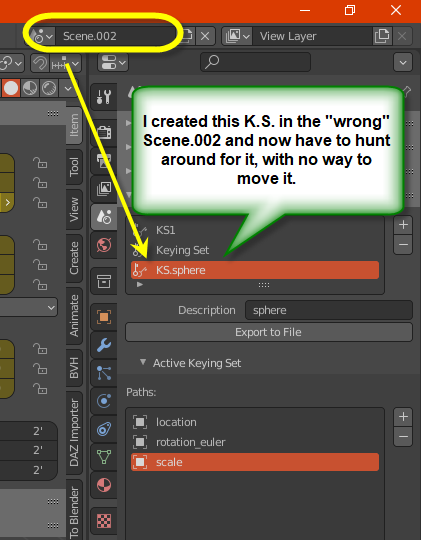
That Keying Sets are part of the Scene tab, yet do not relate to a Scene, is in itself confusing. blender.stackexchange.com/questions/241149/why-is-keying-set-on-a-scene-tab-but-i-cannot-have-a-keying-set-per-scene
Such over-rides are provided by 3ds Max, for example.
For any animation channel, I would have a "Basic" animation that can apply to all Scenes. I could then add any per-scene sub-channel
Cube
    X-Location
       Base                   (keyframes)
       Scene.walkthrough      (keyframes, override)
       Scene.timesOfTheDay    (keyframes, addition)
There should also be a way to assign Object Actions on a per-scene basis. Currently I use NLA where scenes start/end frames are set to where the particular Action is required, as a clunky workaound (needs frequent adjustment if any frames are added to a Scene). Something like:
Cube
    Base                   (Cube.Action)
    Scene.walkthrough      (Cube.Act.wt, override)
    Scene.timesOfTheDay    (Cube.Act.ToD, addition)
1 Comment
You could just have 1 instances of the door mesh data inside 2 different door objects. One linked to scene A with animation, the other linked to scene B without animation.
You can have 2 instances of the same character with different animation too I believe. I think there's some kind of ID on the character rig that you have to change in the 2nd instance to be able to have different animation data on it.