
Change object color using printed color names
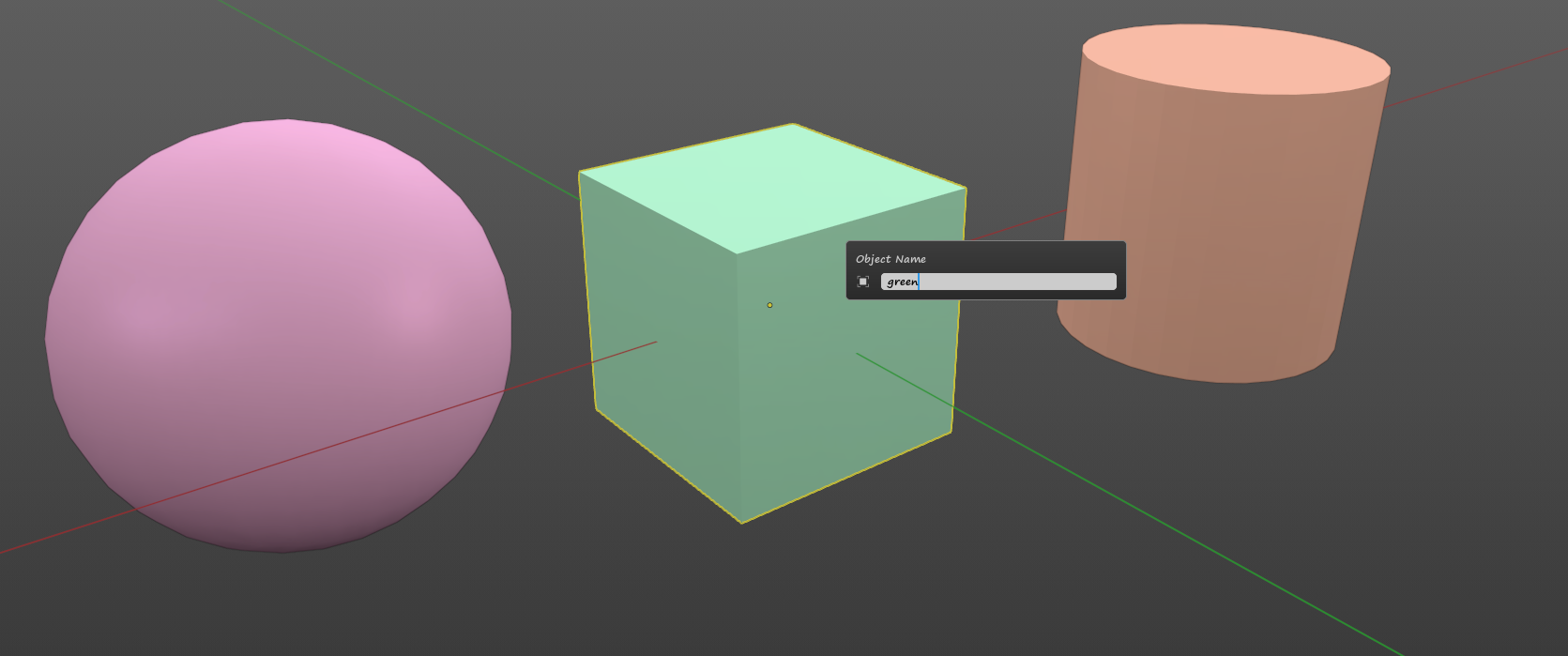
Change object color using printed color names when random color enabled for matcap. If object name have colors name in name, object get this color tint.
For example, objects have names "green" and "green1111" and "sm_green_someletters". All these objects will have green color with various green tints
5 Comments
If you wanna pick color by hand for objects You can just.. change their colors (/material) and have right now result You want.
Or have script that does that, or use already existing addon "color rules" .
I know it, but if i have lots of objects in scene with random color for matcap, how to change to specific color for one object?
Do you have scenes with lots of objects that can be named after a simple color?
I often use random colors with matcap and some objects get a similar color, I change the name of the object and the color changes randomly. When small objects are the same color as large objects, they are more difficult to detect. Would like it to be possible to set color for single mesh while keeping random colors for other
I would rather see it in an opposite way, namely: take a ball from the asset library, named 'ball[material,white]'. Placing it in a scene will make it white, but assigning a material X to it will rename it to ballX.