
Interactive tutorial of use in blender (for new users)
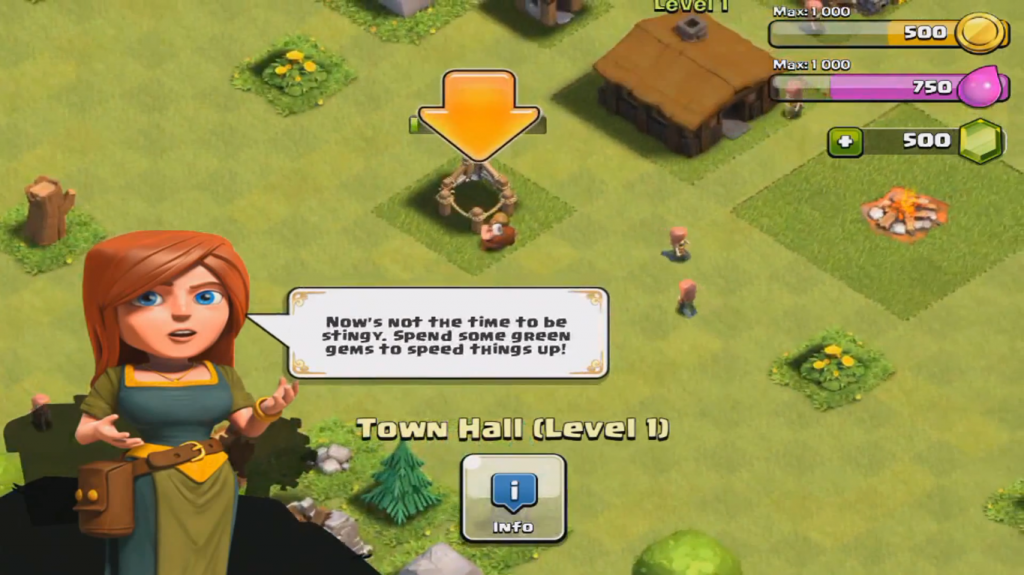
like a game they show u the basics at least when u open blender for first time, and dont say/check u are experimented. (every time with and option of skip steps and skip the tutorial)
-
Step 1: Hello! We going to create a basic chair.
- it look u how to add a cube
- select the "edit mode" it shows u the edit mode
- select a face
- extrude it (look the button and learn the hotkey "e")
some advantajes:
- All people learn the same concepts with the view of developers.
- New user could stay in blender, its more easy than other ones, smooth the learning curve, and if is a experienced user in other similar softwares it could adapt better.
- people know use of shortcouts (it reduce a lot of time)
- if u want a radical change like 2.79 > 2.8 the old user could adapt much better
- retain new users
- people that played games already know this form of learning
some disadvantages:
- Learn the same concepts (could be different ways to do the same work, and anothers much better in some cases)
- courses of blender teachers could be moved to second place (i think it could be complementary, objects cant be verified at all, and its only for learn the basics/shortcouts, it could send too to videos for learn better)
its a unreallistic objective?
is it difficult to implement and it doesn´t have many benefits?
can excessively increase the space that blender occupies?
could it be done as a downloadable addon from blender so as not to take up more space?
1 Comment
Everyone hated Clippy.
You also forgot a few cons: