
Collapsible Sidebar Tabs.
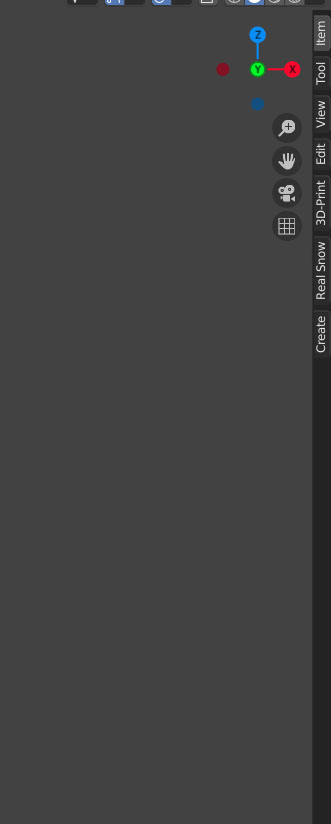
Here is an example how it might work, you click a second time on the tab then it collapses only the Panels not the whole sidebar.

- The benefit of this, is the tabs don't take much space so they can always be visible instead of forcing the user to use the "N" key,
- This can be set as the default for easy discoverability of the Sidebar( for most Editors with a sidebar/tabs).
Before

After
6 Comments
other example in maya :
Great suggestion, this is an example of the type of frustrating hurdle that gives Blender the reputation for being exclusively for old school barnacles. No hate to them btw.
As a noob, I found the fact that opening the sidebar was obvious with a little arrow, but closing it is impossible unless you do research on the matter, only to find closing it can only be done with a key command. Wow.
Please, please my pen is already hovering over it, let me close it with the same hand I used to open it with, without having to look at the keyboard, what a waste of time it is, and so unintuitive.
But then you'd have 2 vertical menu's next to eachother in the default layout, that would look very unorganized..
I do agree that the n-panel is a bit annoying to use, and that something like this would be great, but it would have to be a bit more well tought out then this post suggests.
* @Johan Aantjes * do you mean the properties tabs? i don't think it's an issue because in the end you'll always have both no matter what( one with icons and the other with labels).
* @Cobra * I don't know how I'd do it, but I don't think the way you show in this post would be the best option. The idea itself is great however.
Agreed. A hover-option would make this even quicker (and cooler).