
Edit mode bone head and tail display system needs improvement.
When bones share same location you can't see them all like right picture.
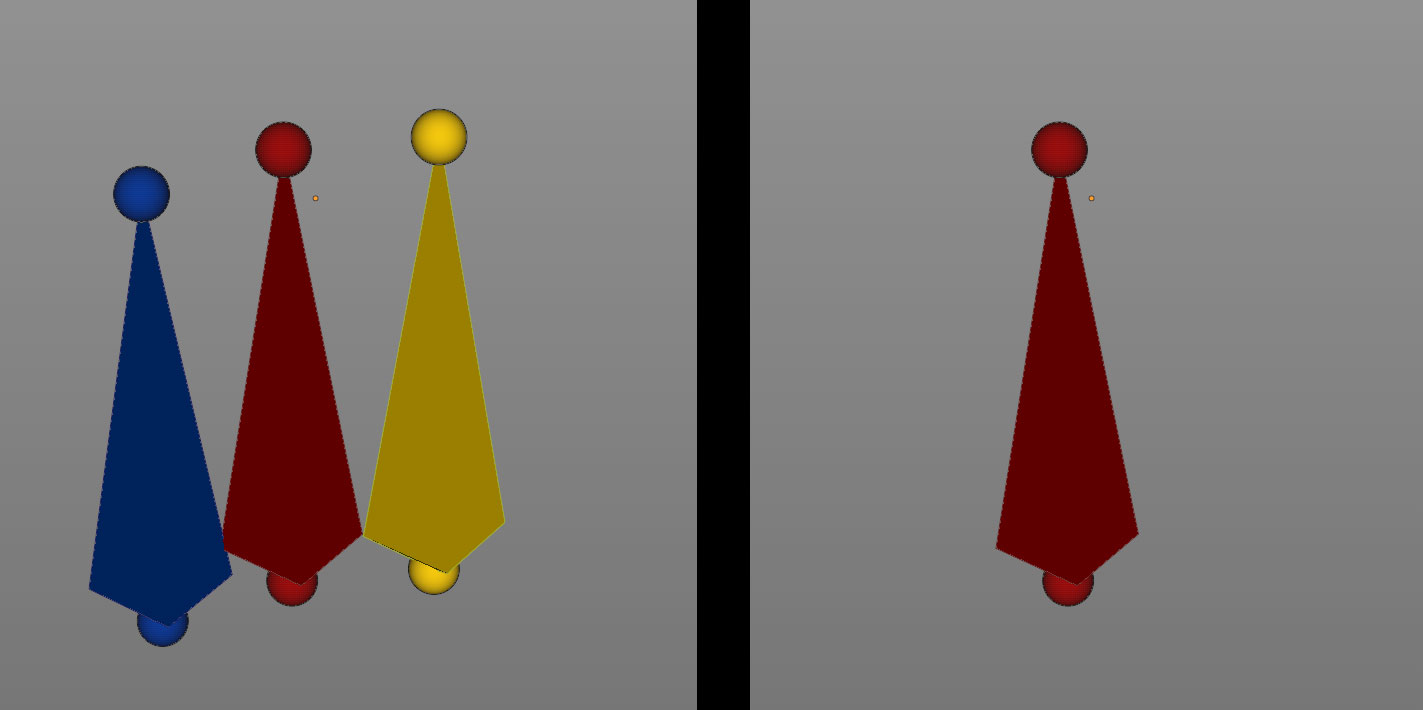
we can manage this situation if you use B-Bone display mode because it can change bone's display xyz scale separately.
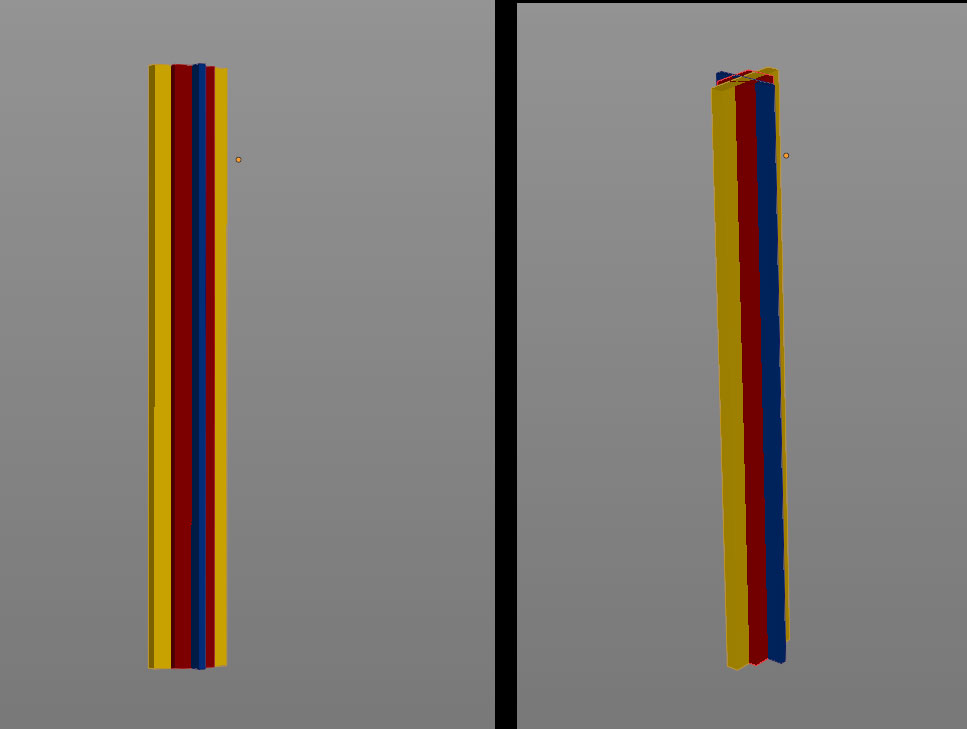
but still we can't click their bone head and tail directly because those have no option to change its size and they easily overlap, so it needs to be changed like right picture.
If bone head and tail size can be changed like B-Bone we can easily click them.
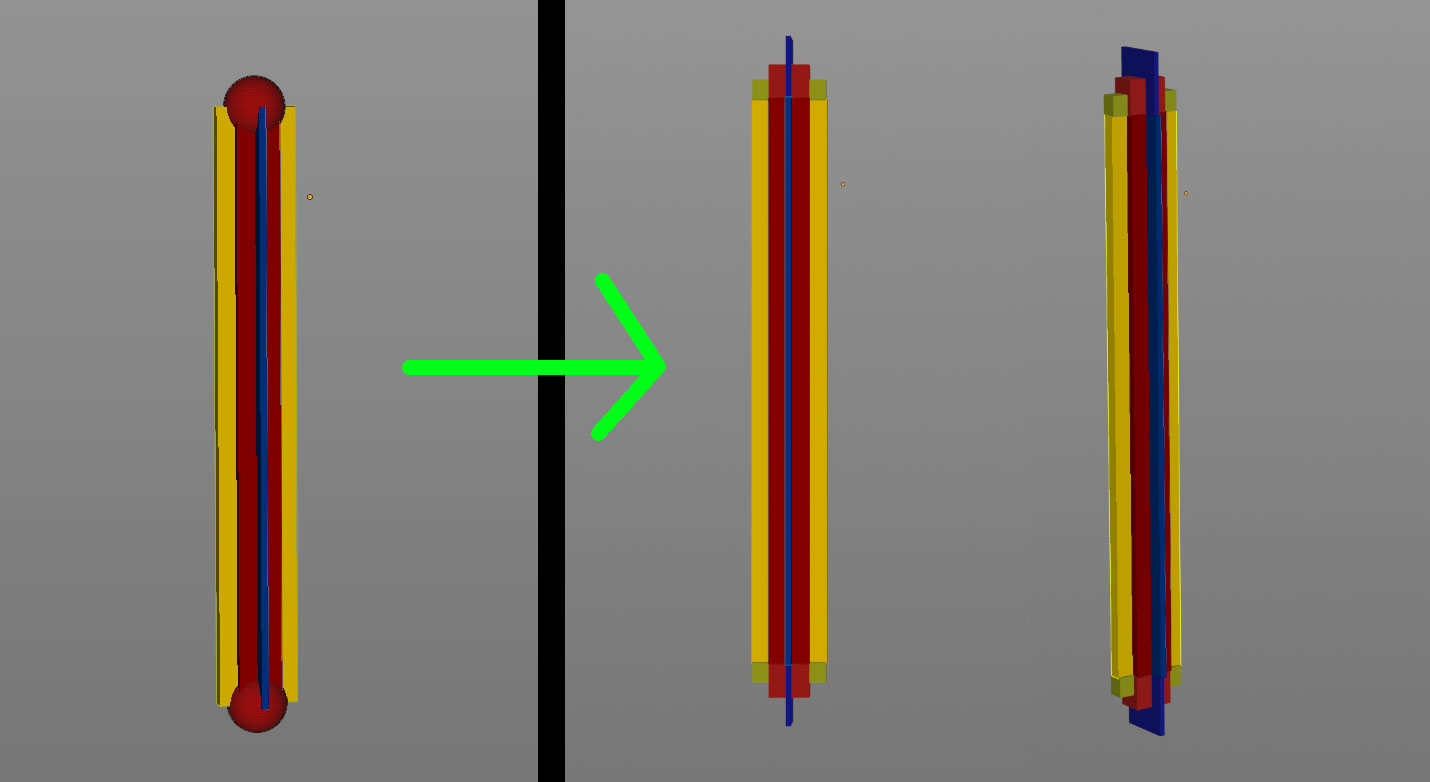
if we can change bone head and tail size we can manage situations like this too. If root bone is way longer than tip bones, its head(or tail) hides all tip bones in edit mode. X-lay can relieve our pain but it's not a fundamental solution.
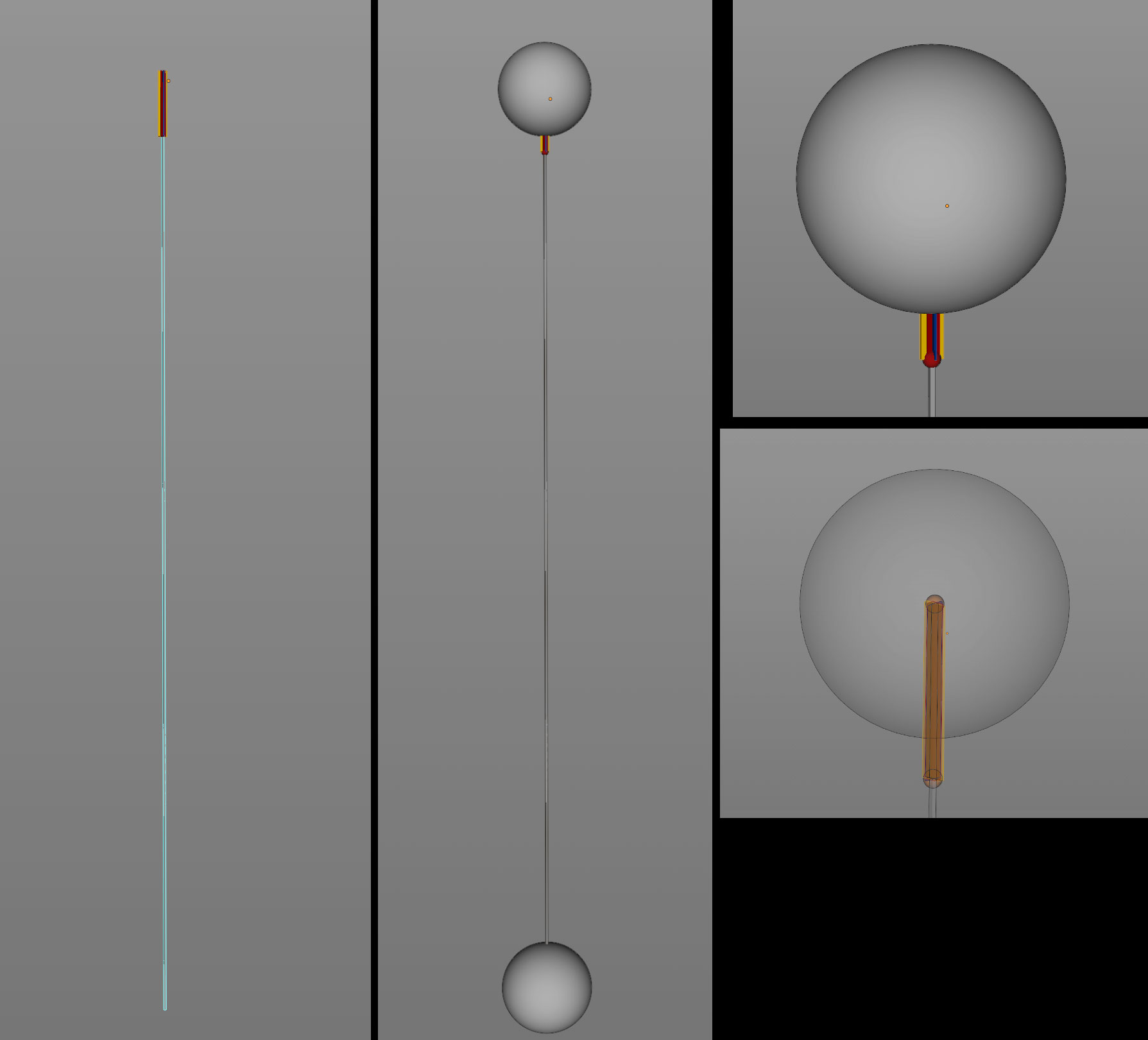
Blender 4.0 lets us change edit mode bone colors. This is huge because now we can identify bones in edit mode more easily. And thanx to Bone collection we can hide bones easily. No need to worry about 32 Bone Layers limit. Still bone head and tail display system causes problems. It needs to be changed too.
1 Comment
I'd simply rather have a scaling value for diamond shaped octahedral bone shapes. Scaling would display bones always by given x and z values, while length is always the bone length. Same goes for ends. That way overlapping bones wouldn't be an issue either. automatic scaling of bones by bone length is really strange and unconventional way of doing things.